.svg)
Design Systems are the new way to keep consistent styles, colors, typography, and components across your team's designs.
Previously, we had a concept of "Presets" and "Libraries" that allowed you to manage consistent styles. Design Systems unify these concepts into a single source of truth.
Define your brand once, and Magic Patterns applies it automatically to every design you create.
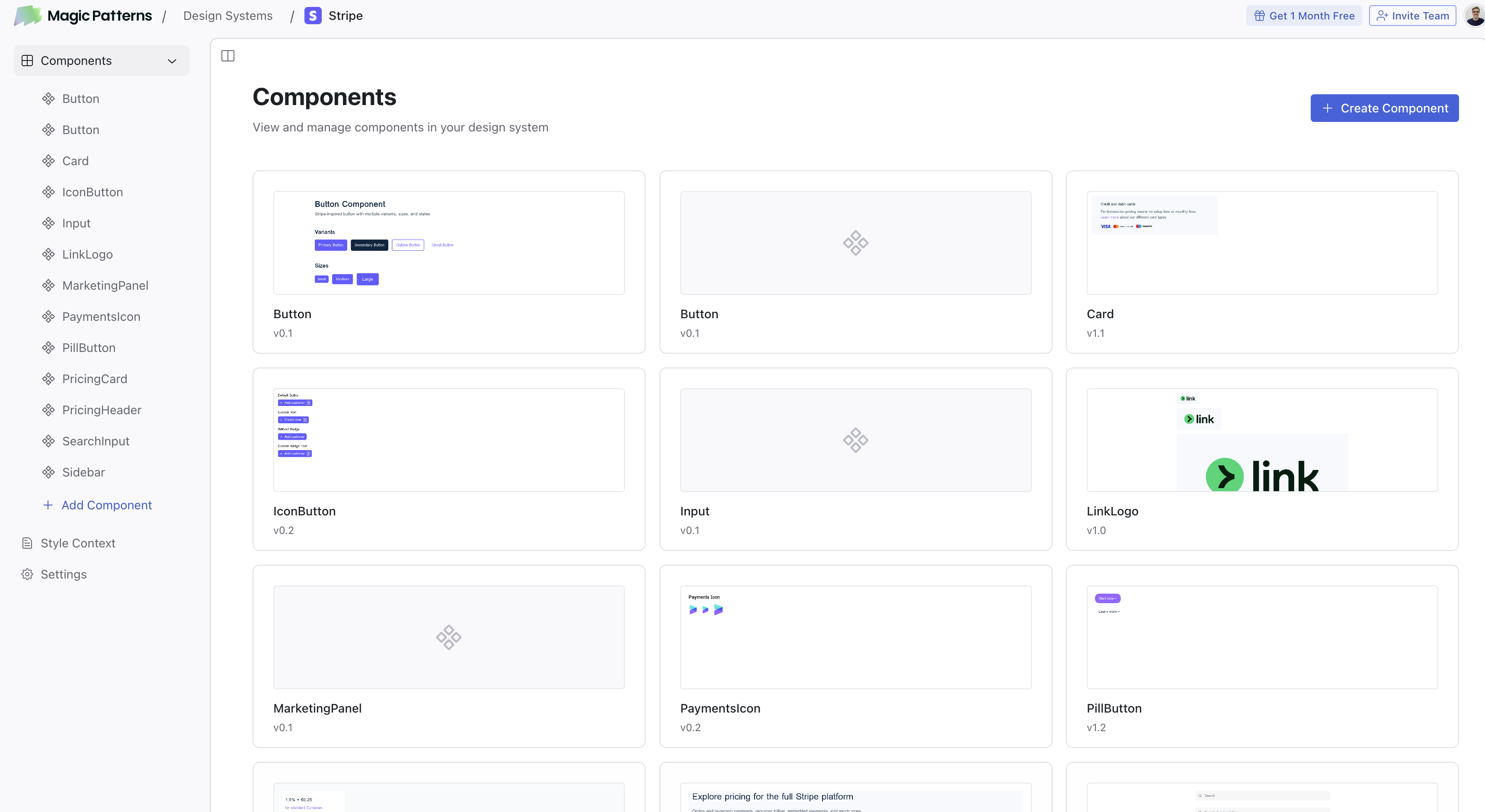
Manage your brand's styling, components, and team access in one place.
Your Brand, Your Rules
Design systems include Style Context Files to define your brand colors, typography, spacing guidelines, and design principles.
Everything you add to your style context files is automatically applied to every design generated with that design system. No more repeating the same instructions in every prompt. Your team stays aligned, and your outputs stay consistent.
You can also include information about your company's brand voice, target audience, and product context to help the AI generate designs that feel native to your product.
For example, Lendi Group uses Magic Patterns Design systems to create designs in the style of their product.
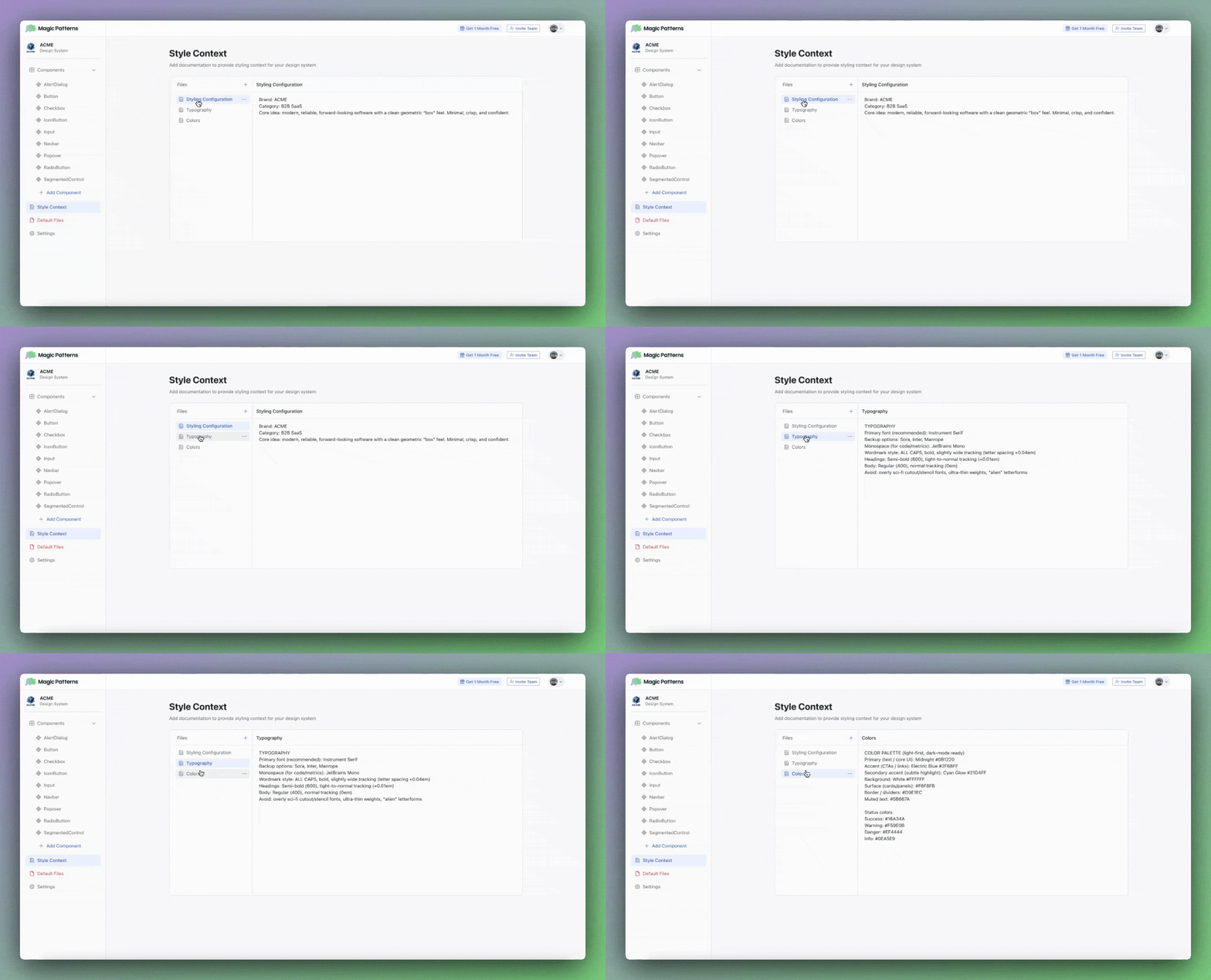
Define your brand colors, typography, and design rules in the Style Context.
A New, Unified Component Editor
Now you can manage all your components in one place.
When you update a component, every design using that Design System gets access to the latest version.
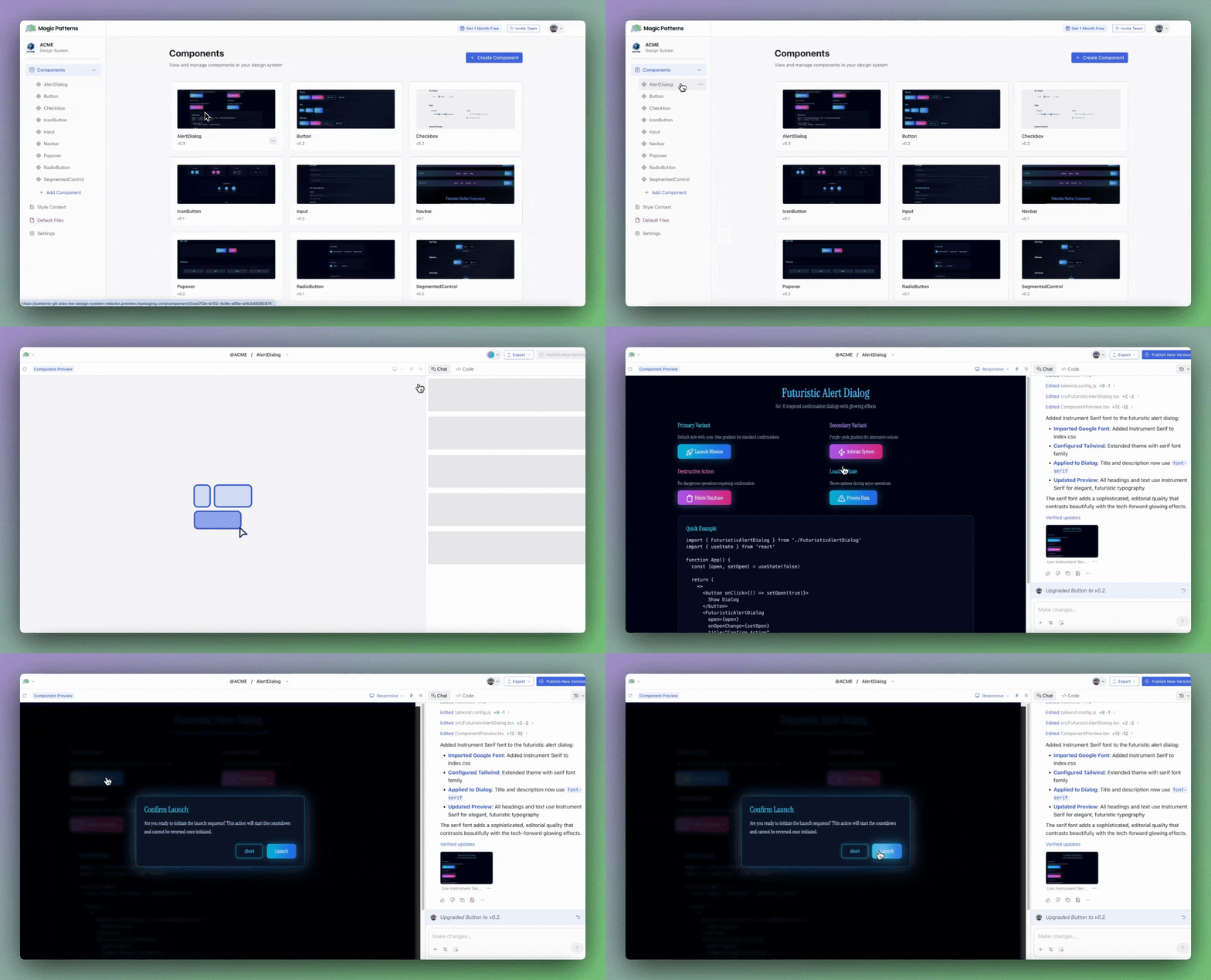
Manage and preview all your components from a single, unified editor.
Importing my Existing Design System
Already have a design system in Figma, Storybook, or somewhere else? We've built multiple ways to bring your existing components and designs into Magic Patterns.
Use a Screenshot
The fastest way to import? Just take a screenshot. Upload any image of a design—whether it's from Figma, your production app, a PDF, or even a whiteboard sketch—and Magic Patterns will analyze the visual and generate matching code.
Import from Figma
Connect your Figma account and paste a frame URL to import designs directly. Magic Patterns uses the Figma MCP Server to extract detailed design information—colors, typography, spacing, and component structure—giving you precise imports that respect your original design intent.
You can import Figma frames as full designs or as individual components within your Design System. This is perfect for migrating your component library into Magic Patterns piece by piece.
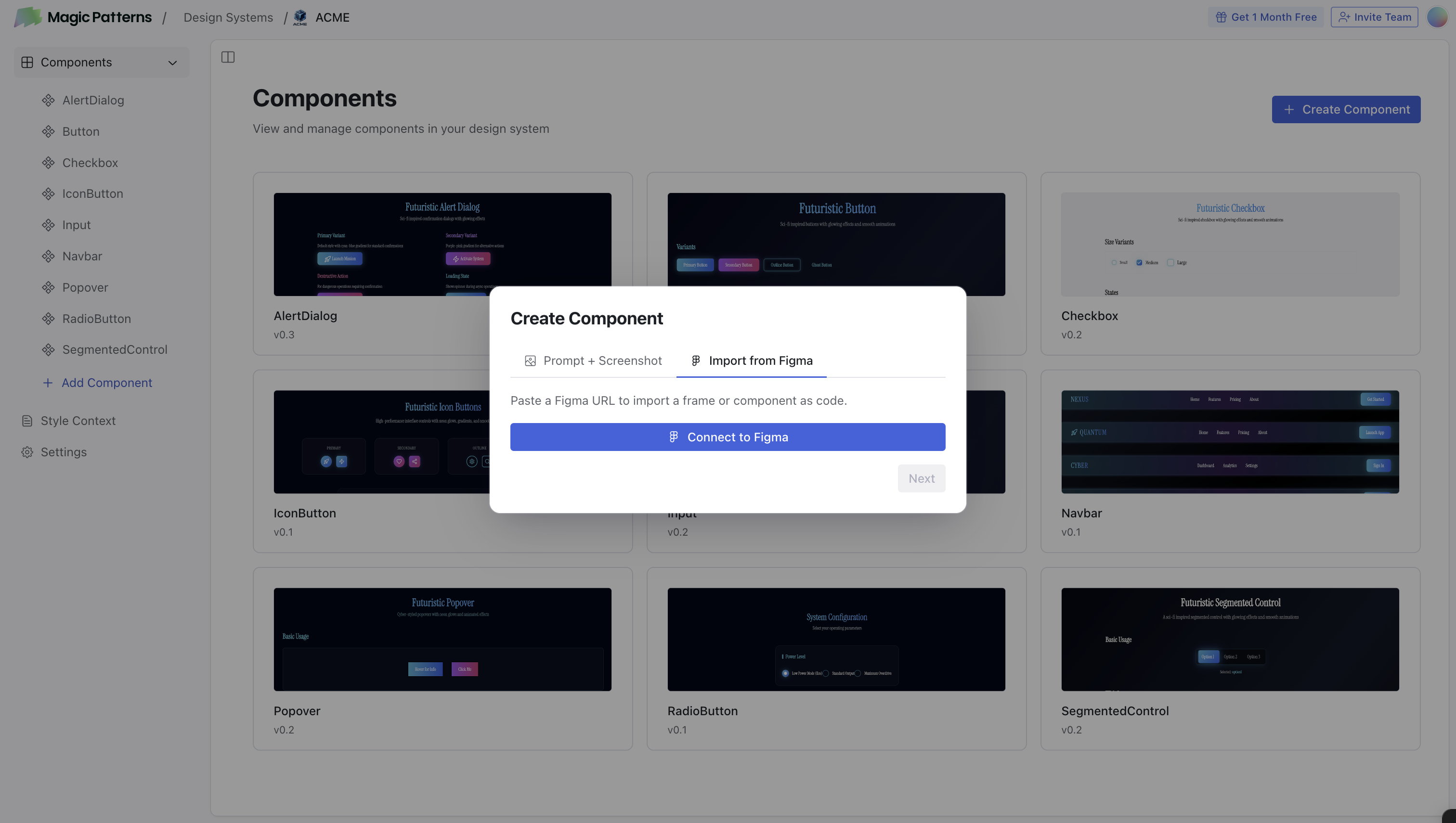
Import your Figma components directly into a Magic Patterns Design System.
Import from Storybook or Any Website
Our Figma import and GitHub connector let you import from Figma, Storybook, and your existing codebase.
Simply browse to any component in your Storybook, select the preview, and import it into Magic Patterns. This works especially well if your team already maintains a Storybook with documented components.
The extension also captures designs from any website, making it easy to reference existing production UI or competitive designs as starting points.
I am an existing customer. What if I have an existing preset or component library?
We've automatically migrated your existing presets and libraries to Design Systems. Here's how it works:
Preset connected to a library? Both have been merged into a single Design System. Your preset's styling context and your library's components now live together.
Separate preset or library? Each has been converted into its own Design System. You can continue using them independently, or merge them manually.
Backstory
Design Systems have always been central to Magic Patterns. Even in our first launch 3 years ago, we used the language "generate UI using your design system."
We're proudly one of the first AI vibe coding tools to experiment with using your design system. And since that first launch, 1,500+ product teams have used Magic Patterns to generate UI in the style of their product.
Today's release of Design Systems is the culmination of 3 years of experimentation and learning, helping you build faster.
Get Started Today
Design Systems is now available for all users. Create your first Design System from the dashboard. Read more in our documentation.
Build the best version of your product.