

Introducing MagicOS
Introducing MagicOS
We’ve completely reimagined how you work in Magic Patterns.Meet MagicOS, a new infinite canvas where your ideas, inspiration, designs, and decisions live together. Explore multiple directions, collaborate with AI, and bring your best ideas to life without losing context along the way.- Everything you love about Magic Patterns: The classic Magic Patterns design is now a building block of the MagicOS canvas. Keep using your design systems, MCP integrations, and existing workflows.
- Move multiple ideas forward at once: Work with MagicOS in one persistent conversation as it coordinates multiple design tasks in parallel.
- Everything in one canvas: Pan around an infinite canvas where inspiration, variants, artifacts, and previous decisions live side by side. MagicOS understands the context of your canvas, so you don’t have to keep explaining yourself.
- Talk to your canvas with real-time voice: Brainstorm, give feedback, and explore ideas out loud as MagicOS navigates your canvas and makes changes across your project.
- Bring your existing work with you: Import, edit, and export designs from your codebase, Claude Design, and Figma.
Auto Mode uses 33% fewer credits
Reduced credit spend on Auto Mode
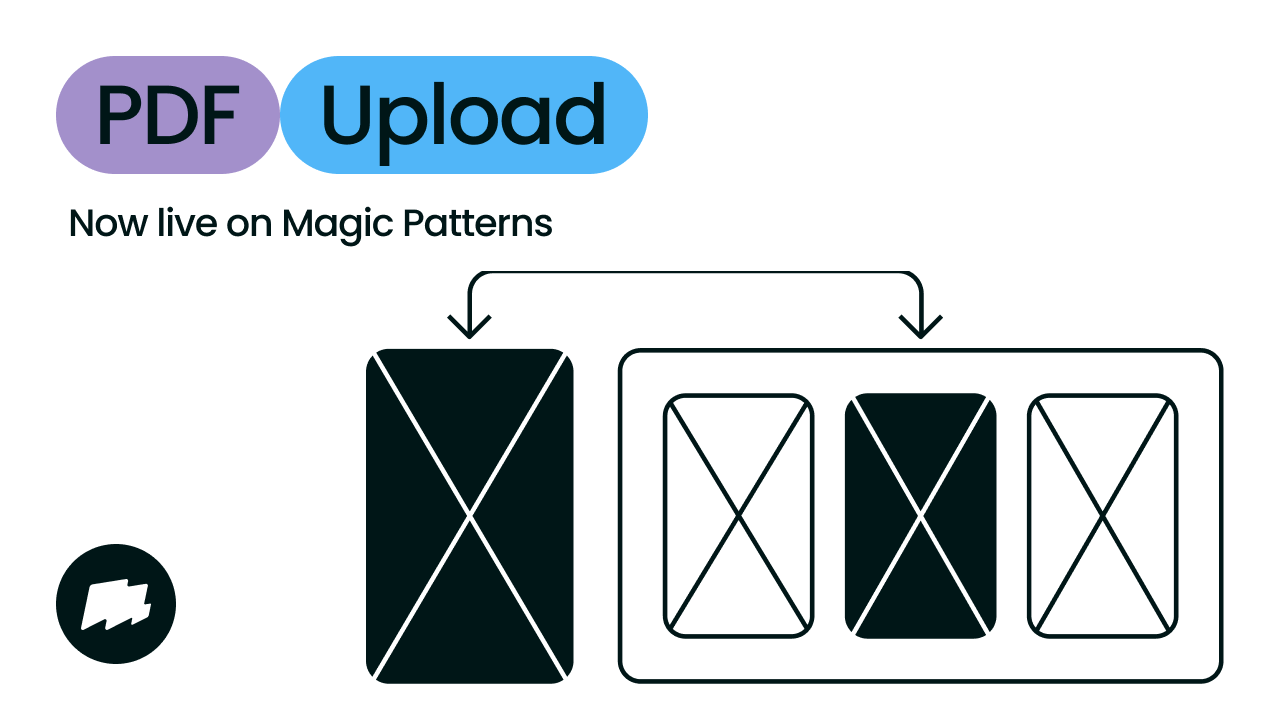
PDF Upload
Update your designs from a PDF
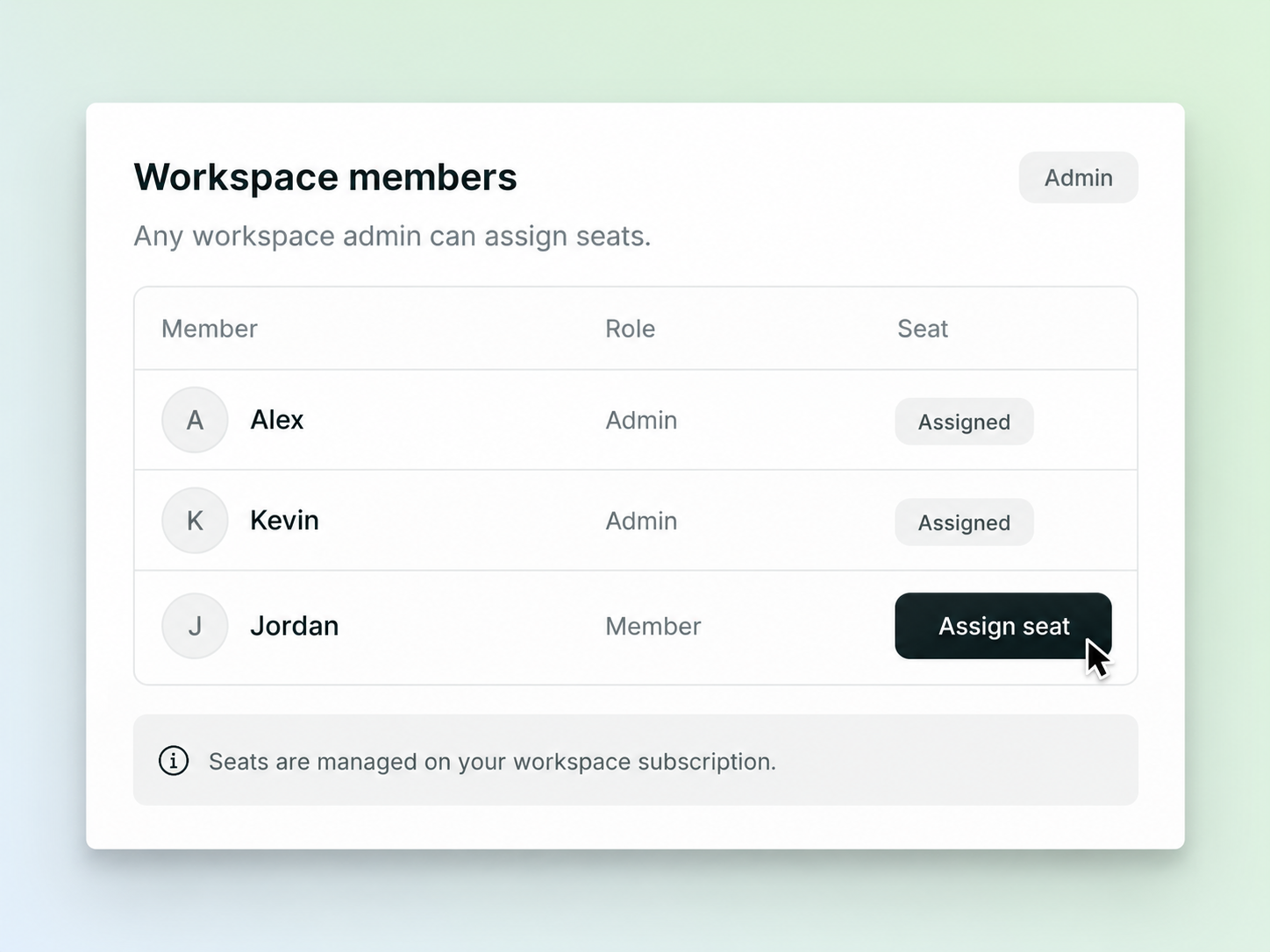
Admin seat grants
Any workspace admin can grant seats
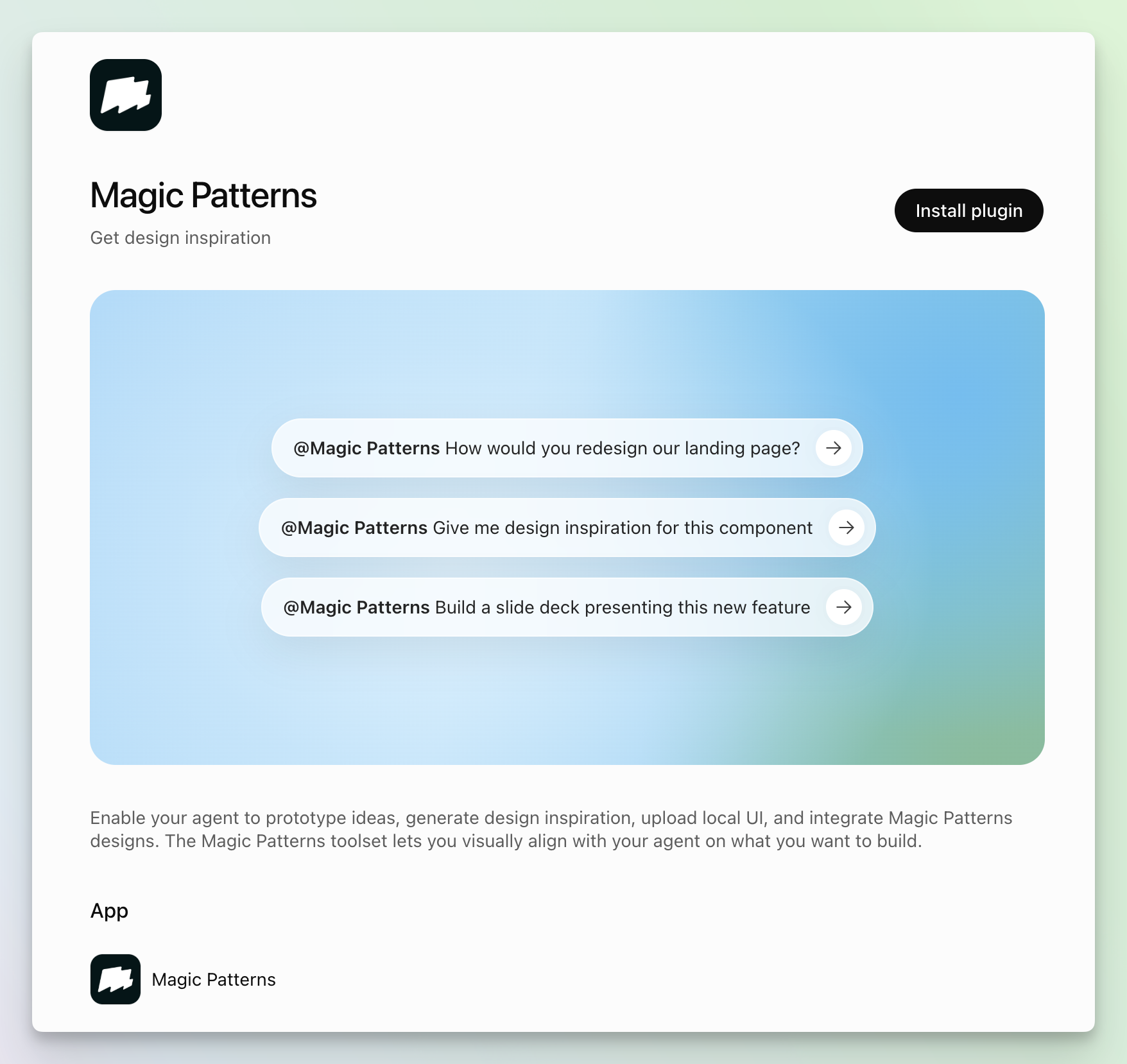
Codex plugin
Install Magic Patterns in Codex with one click
Controls Panel
Compare design variants with Controls
Prompt input keyboard shortcut
Hitting ”/” jumps to the prompt input
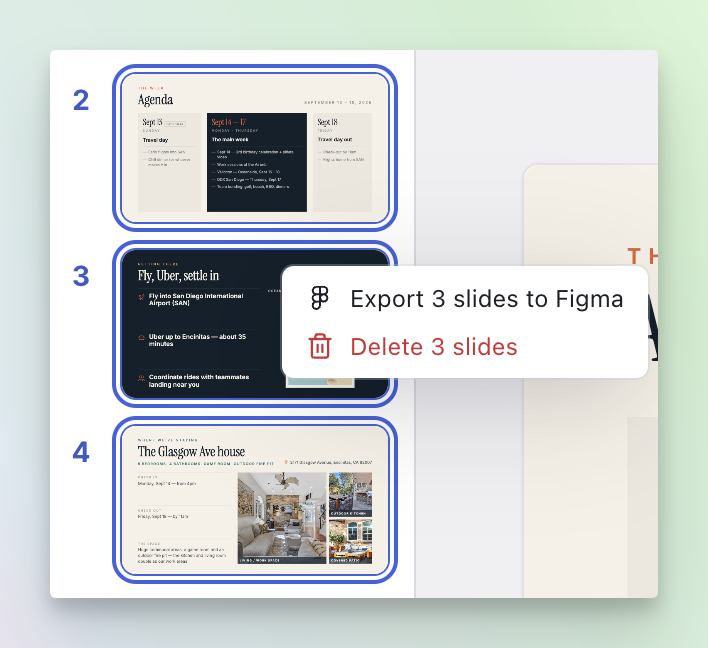
/ anywhere in the editor to automatically jump to the prompt input and start typing.Export to Figma for slide decks
Export your slide decks to Figma
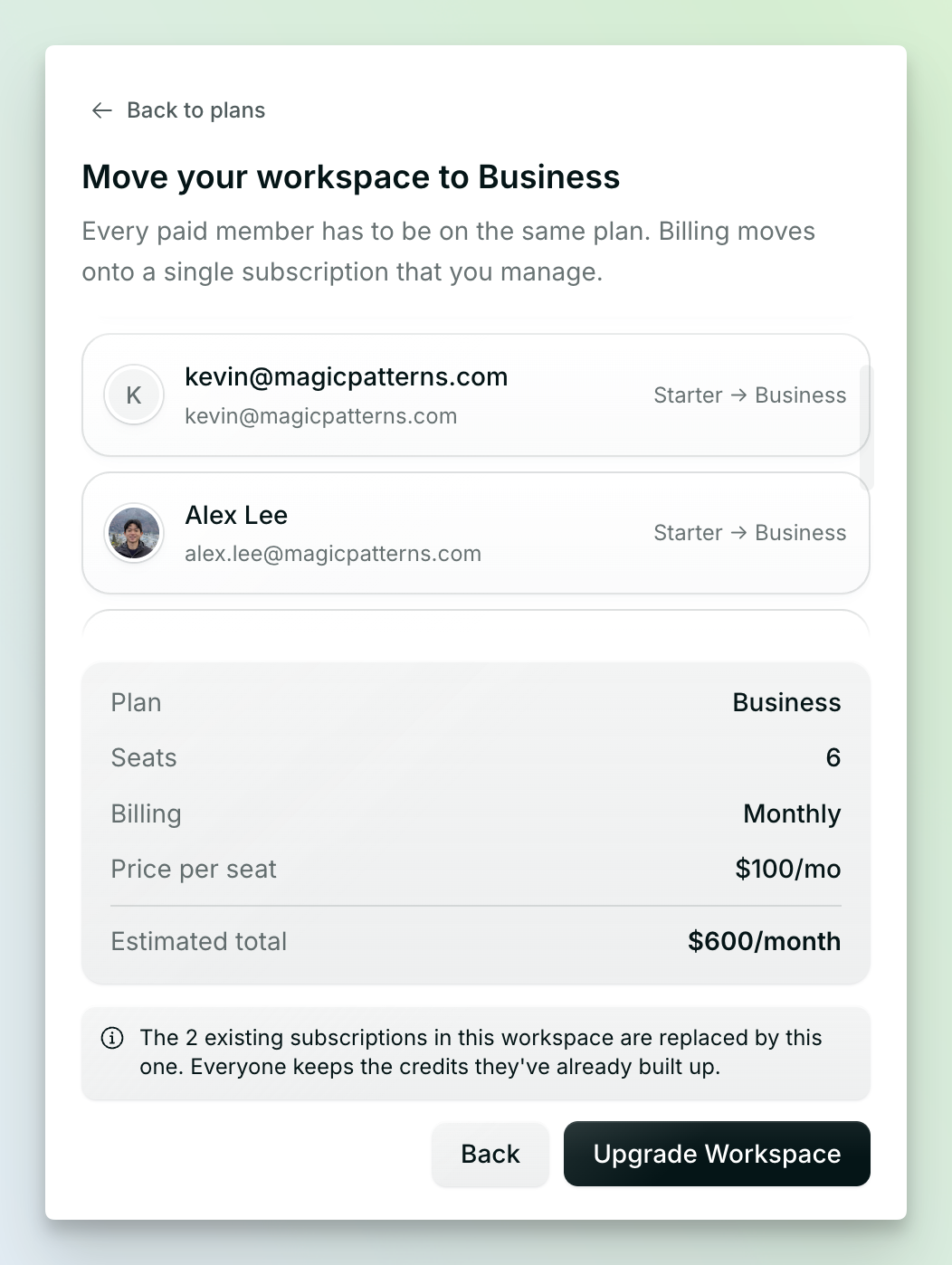
Self-serve centralized billing
Consolidate your workspace onto one subscription
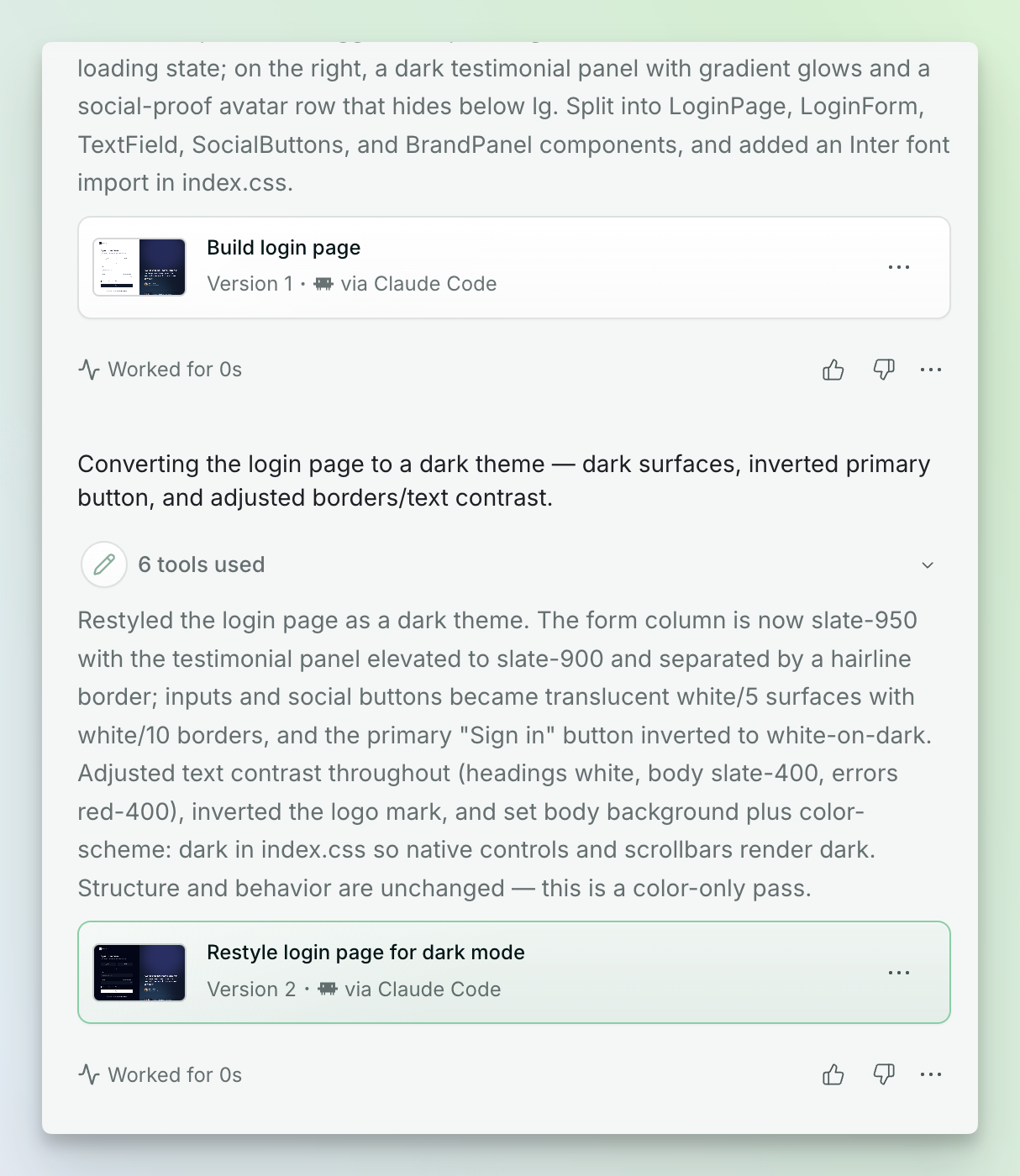
More detail in the editor
See more of what the AI agent did in the chat thread
Official Cursor plugin
Announcing our official plugin with Cursor
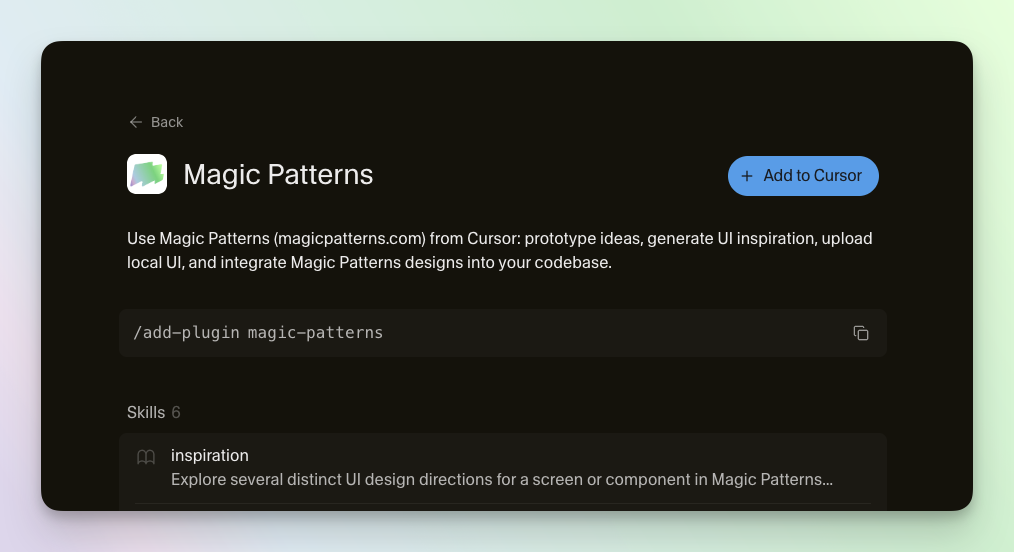
/add-plugin magic-patterns and you’re all set.You can then use Magic Patterns to prototype ideas, generate UI inspiration, upload local UI, and integrate designs into your codebase directly from Cursor’s platform.Install it today.Private by default
New designs are now private by default
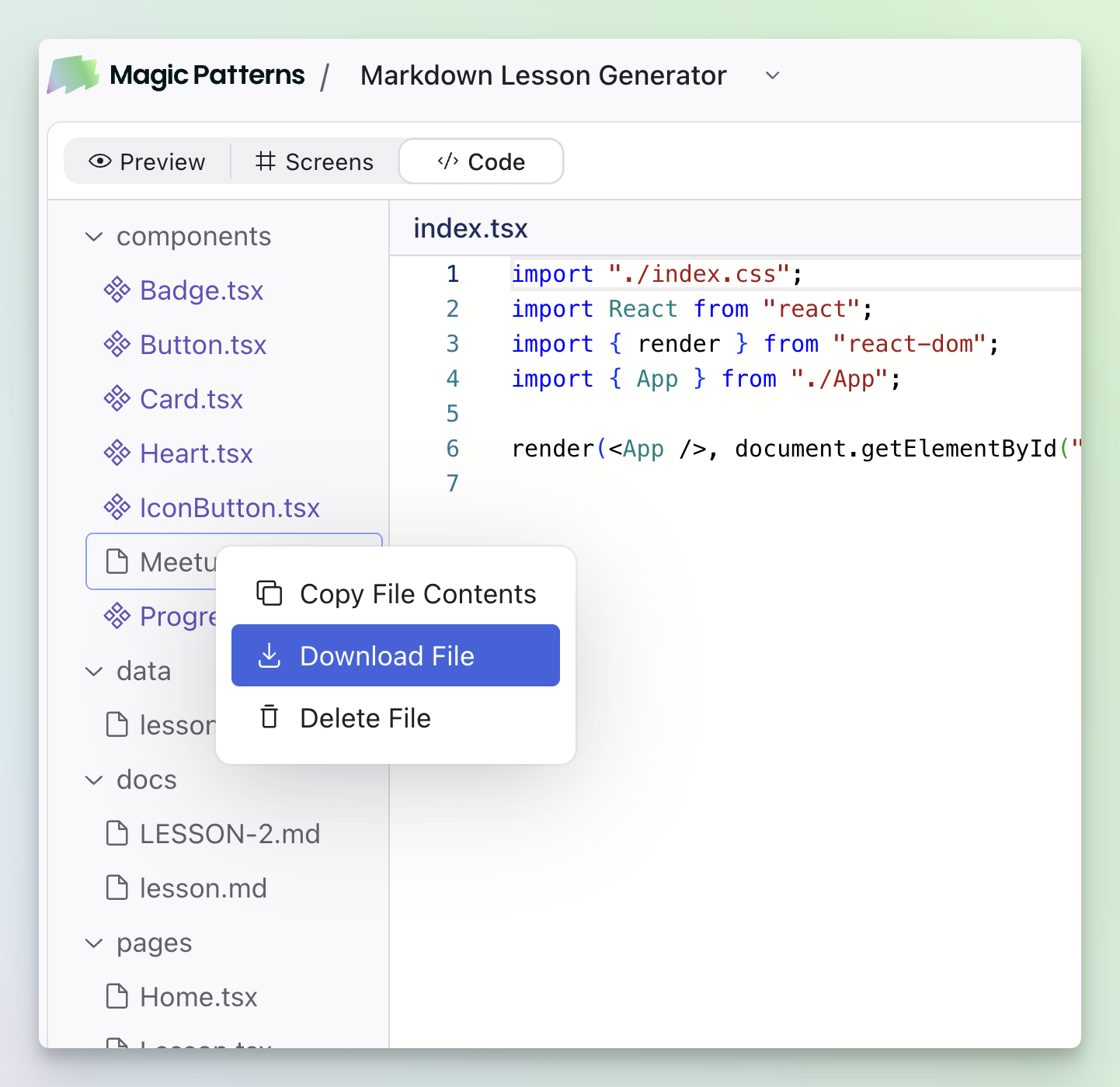
View markdown file contents
Click to view uploaded markdown file contents
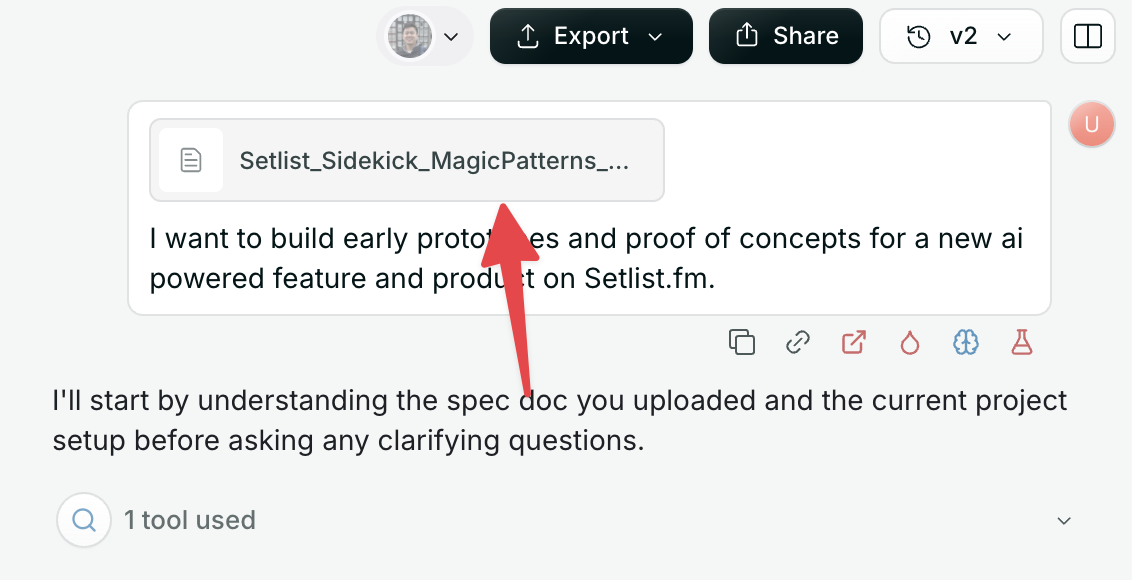
Onboarding tips
New onboarding tips
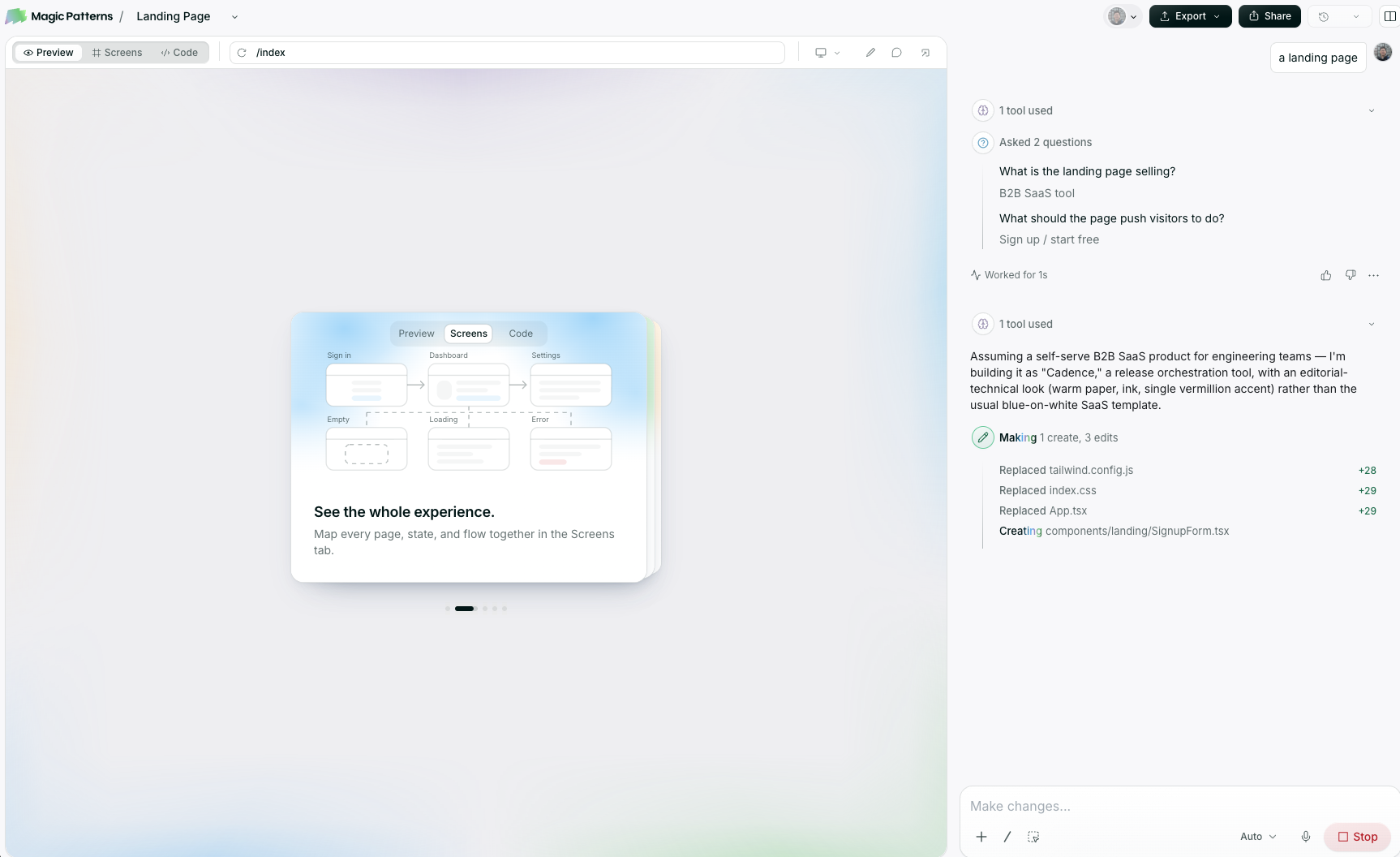
Edit Design Systems from designs
Edit Design Systems from your designs
Claude Opus 5
Announcing Claude Opus 5
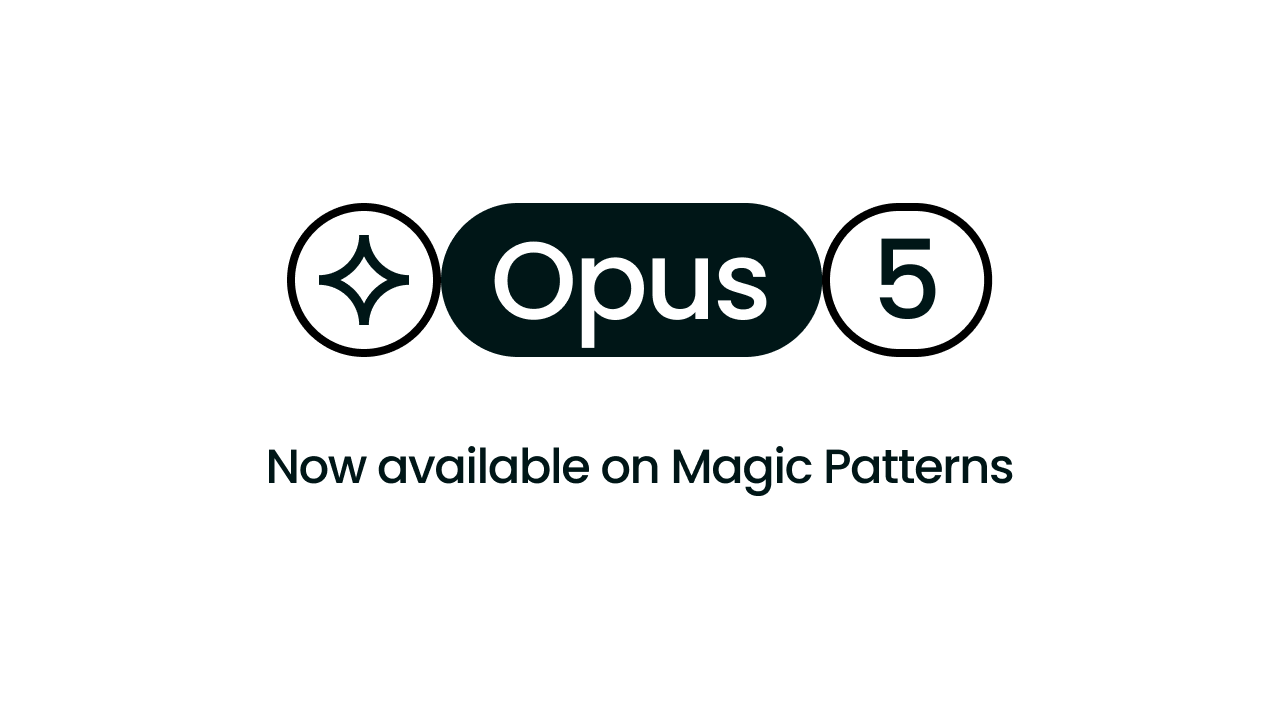
Import .fig files
Import .fig files from your Design System
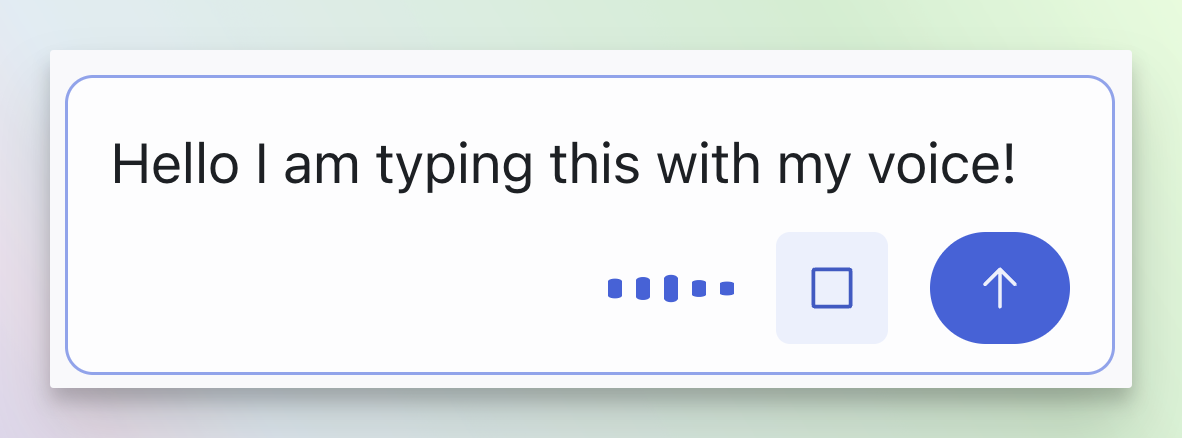
.fig files directly from Import from Design System. Pair it with copy and paste of Figma frames to bring your existing Figma work into Magic Patterns.Voice to text
Prompt at the speed of thought
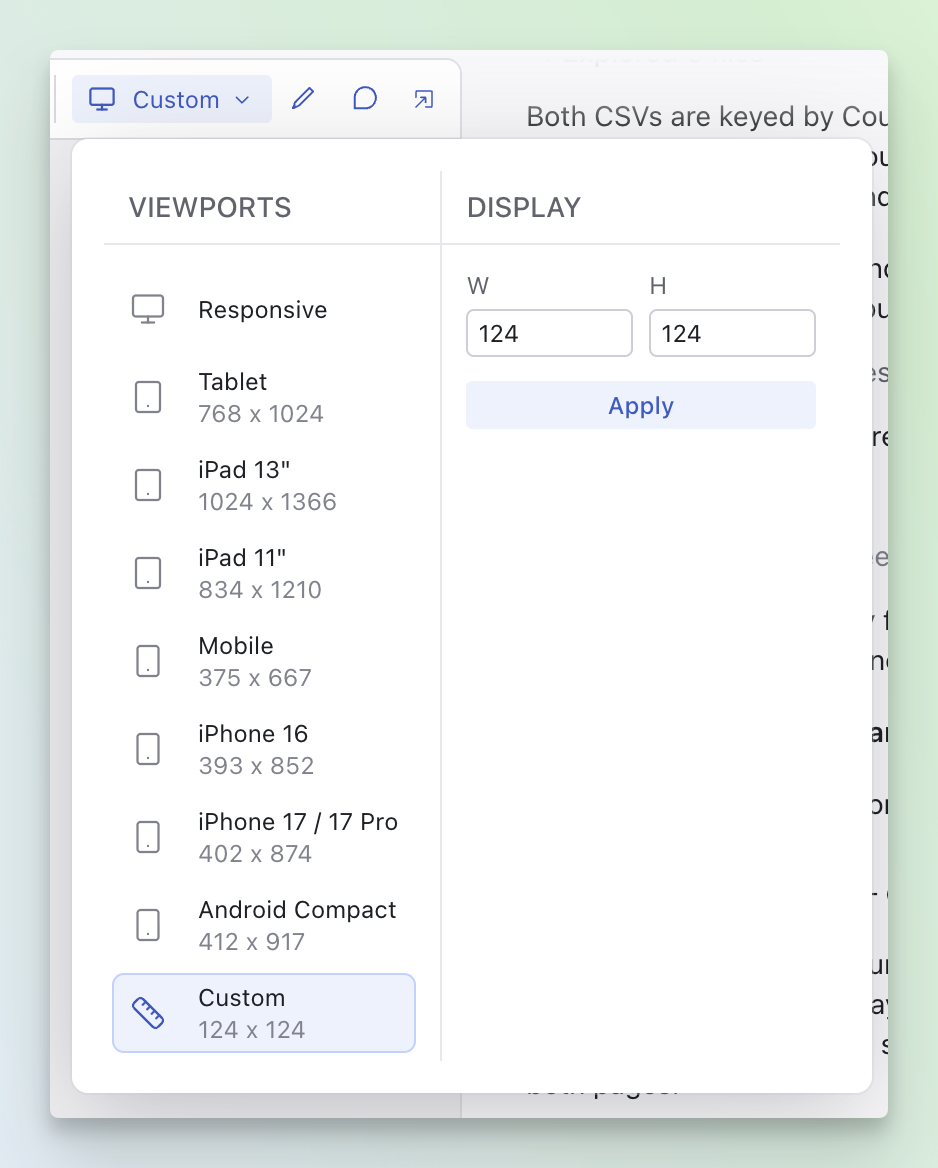
Custom viewports
Preview your designs at any custom viewport
Transfer ownership
Transfer ownership of a design
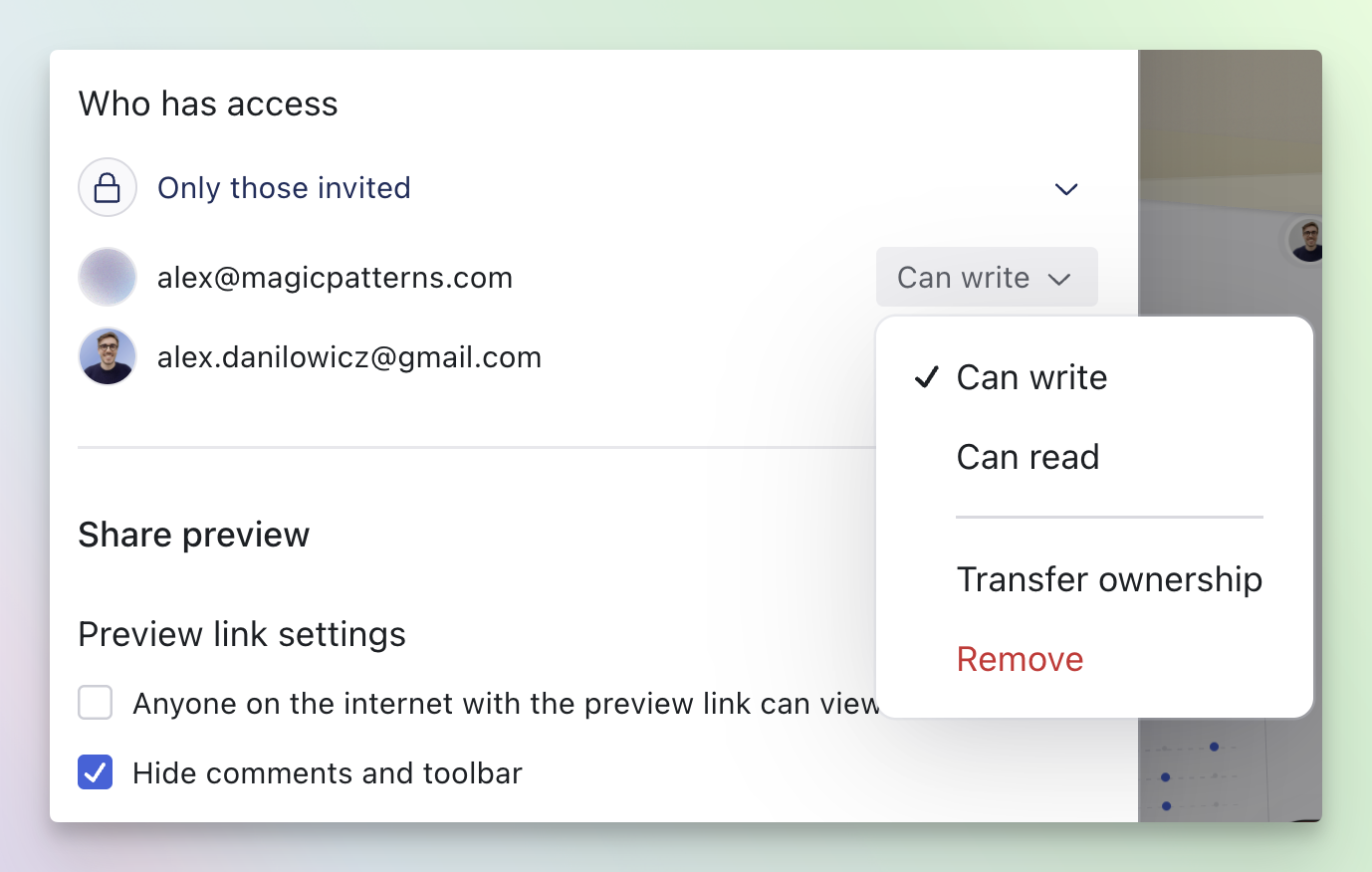
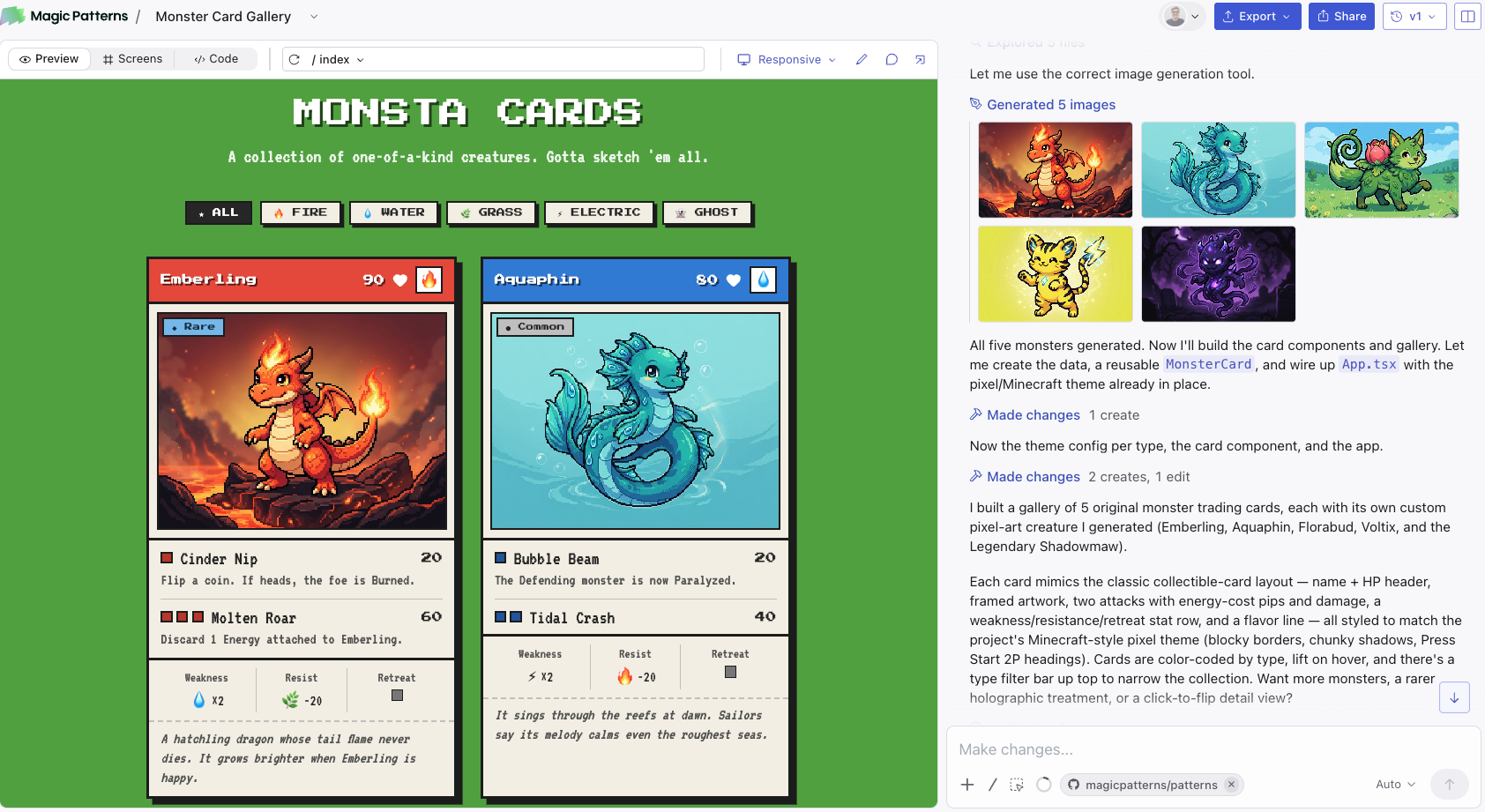
Image generation
Generate images right inside your designs
GPT-5.6 models
GPT-5.6 Sol and Terra are now available
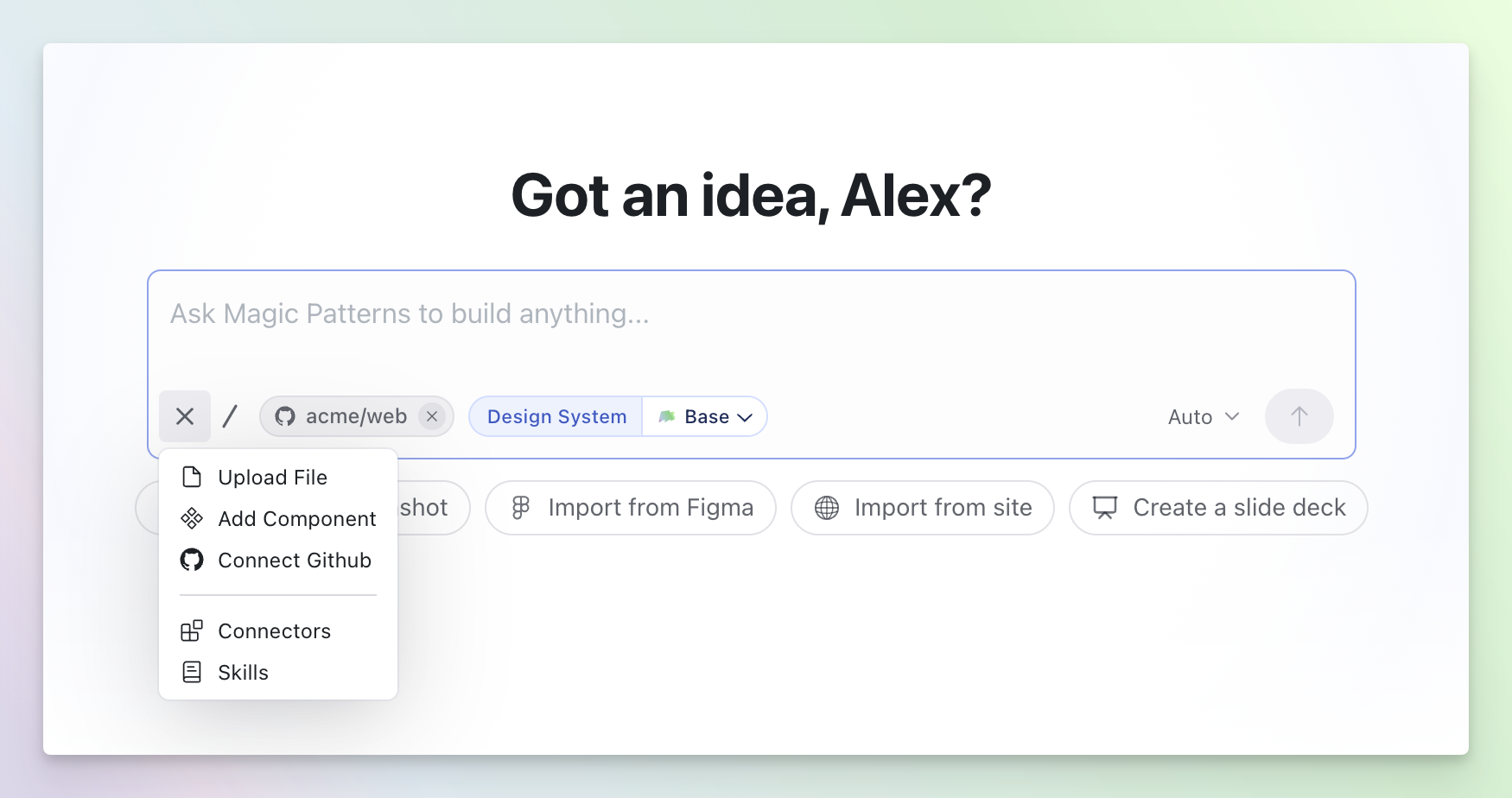
Magic Patterns now supports OpenAI’s GPT-5.6 Sol and GPT-5.6 Terra in the model picker. Use Sol for flagship capability on complex workflows, or Terra for strong GPT-5.6 performance at a lower cost.Connect to GitHub
Connect your GitHub repo for on-brand designs
Sonnet 5
Announcing Claude Sonnet 5
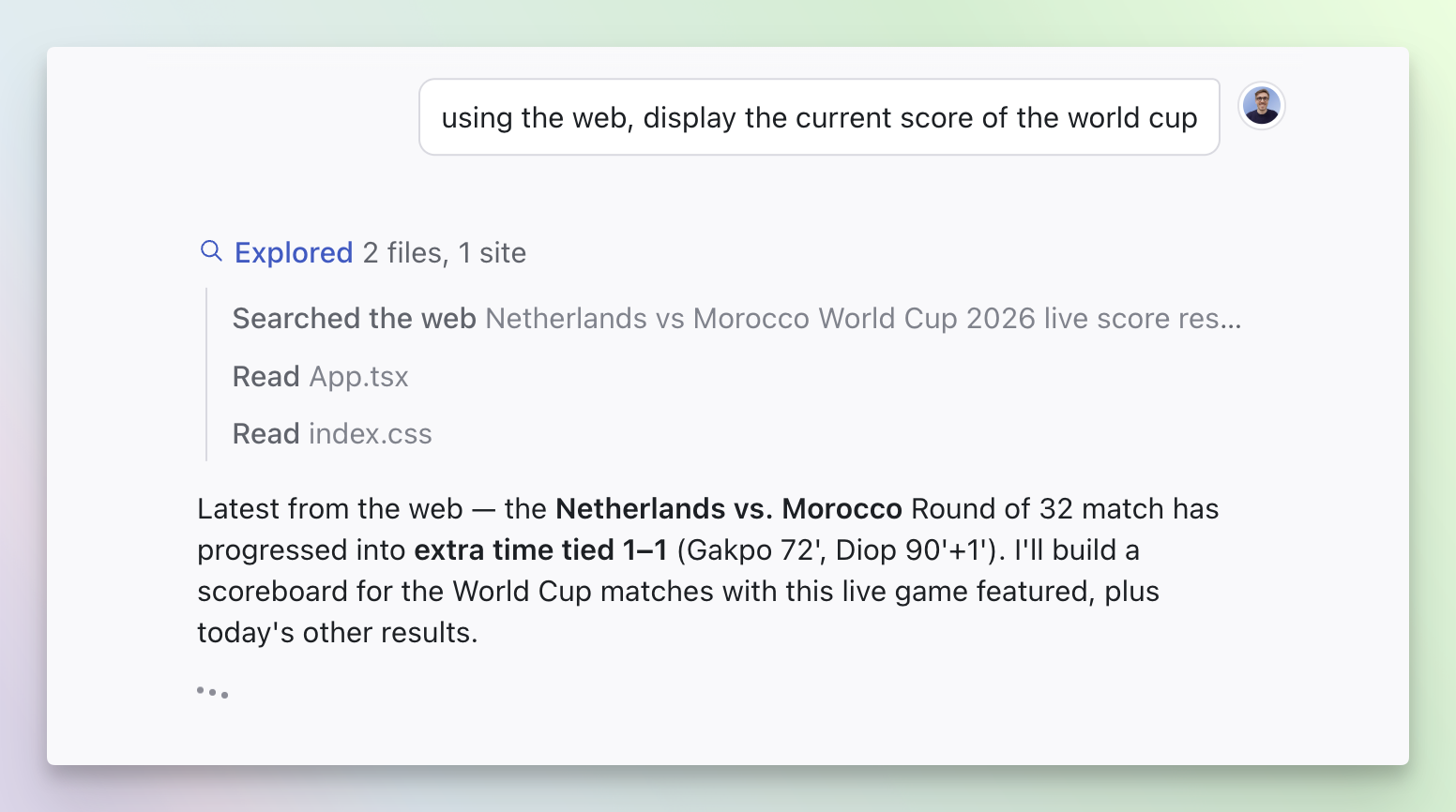
Web Access
Your agent can now browse and search the web
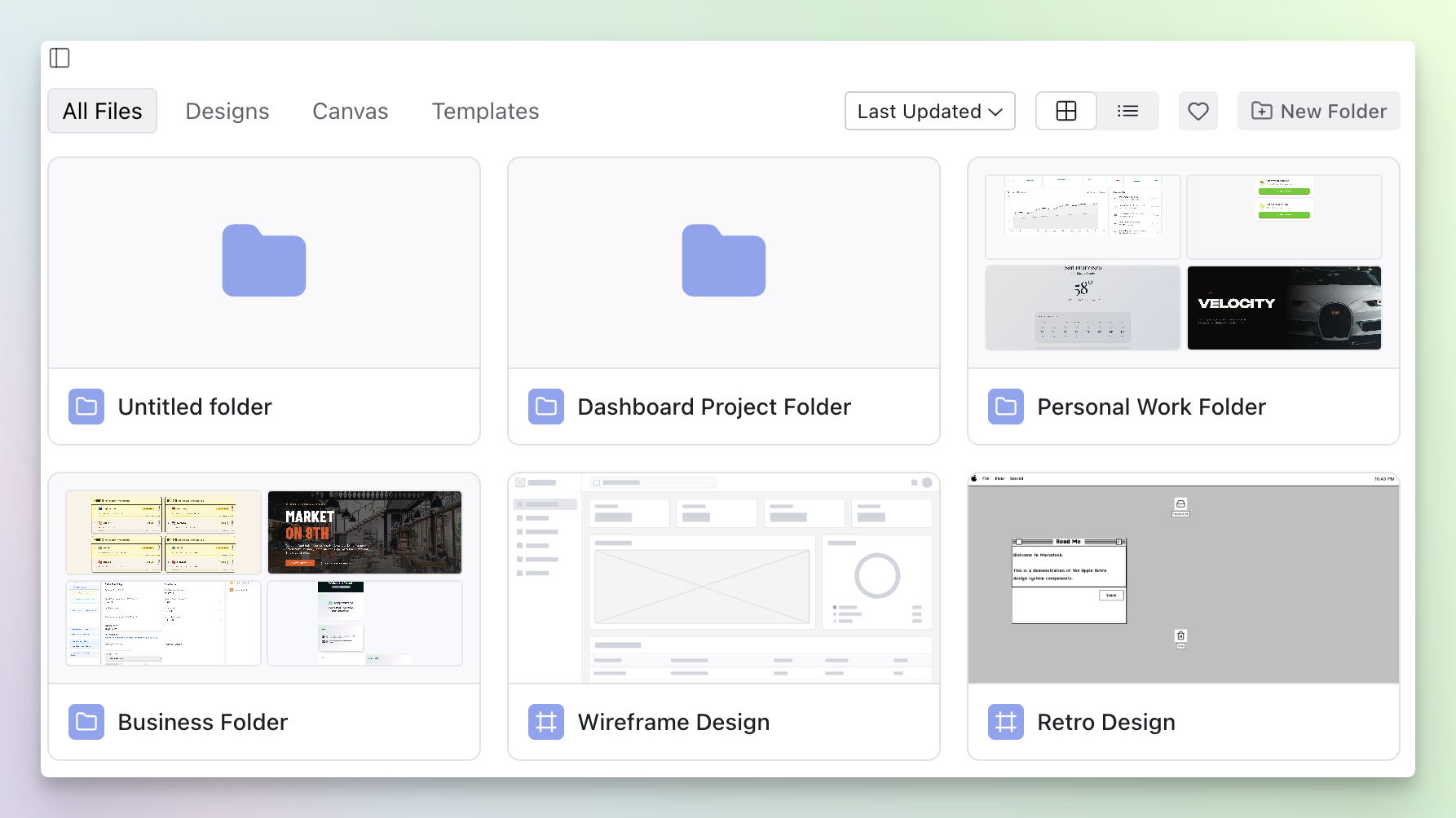
Folders
Organize your dashboard with Folders
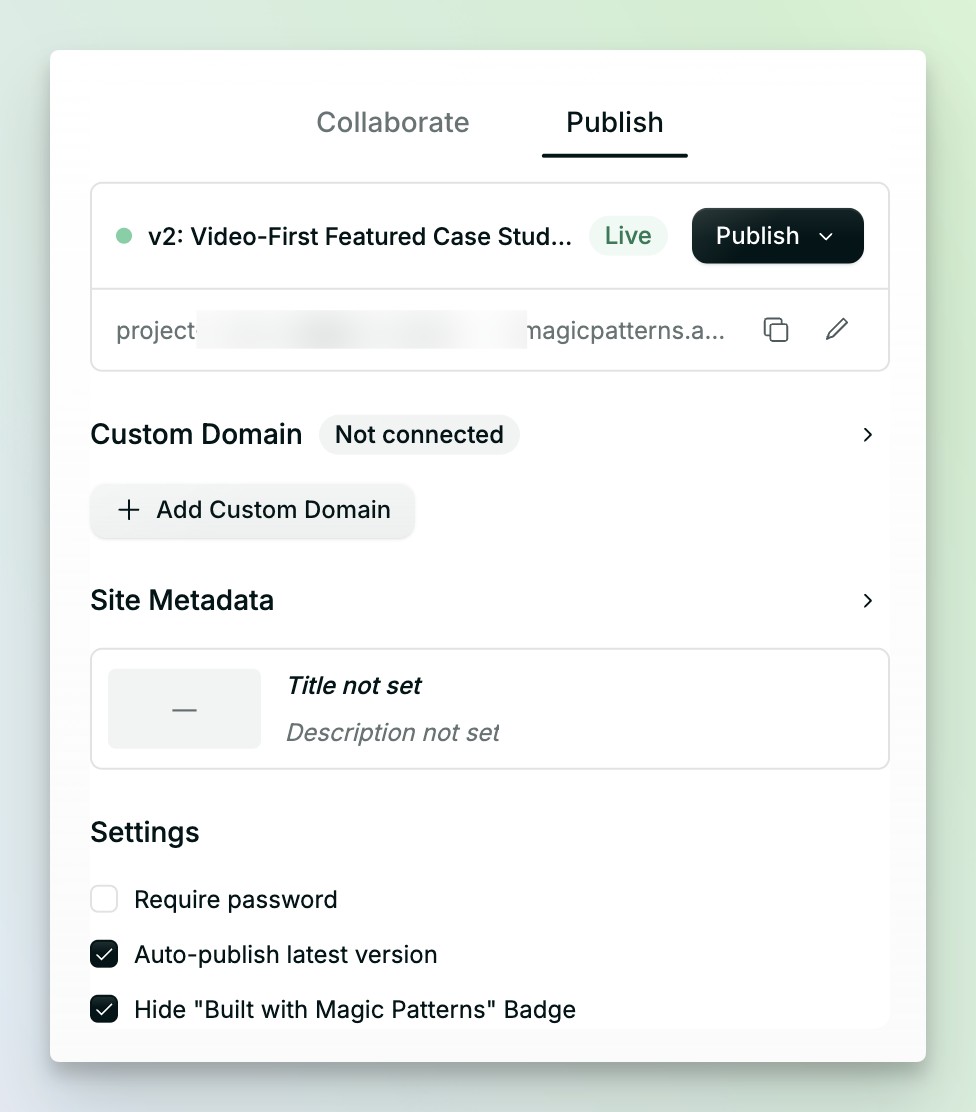
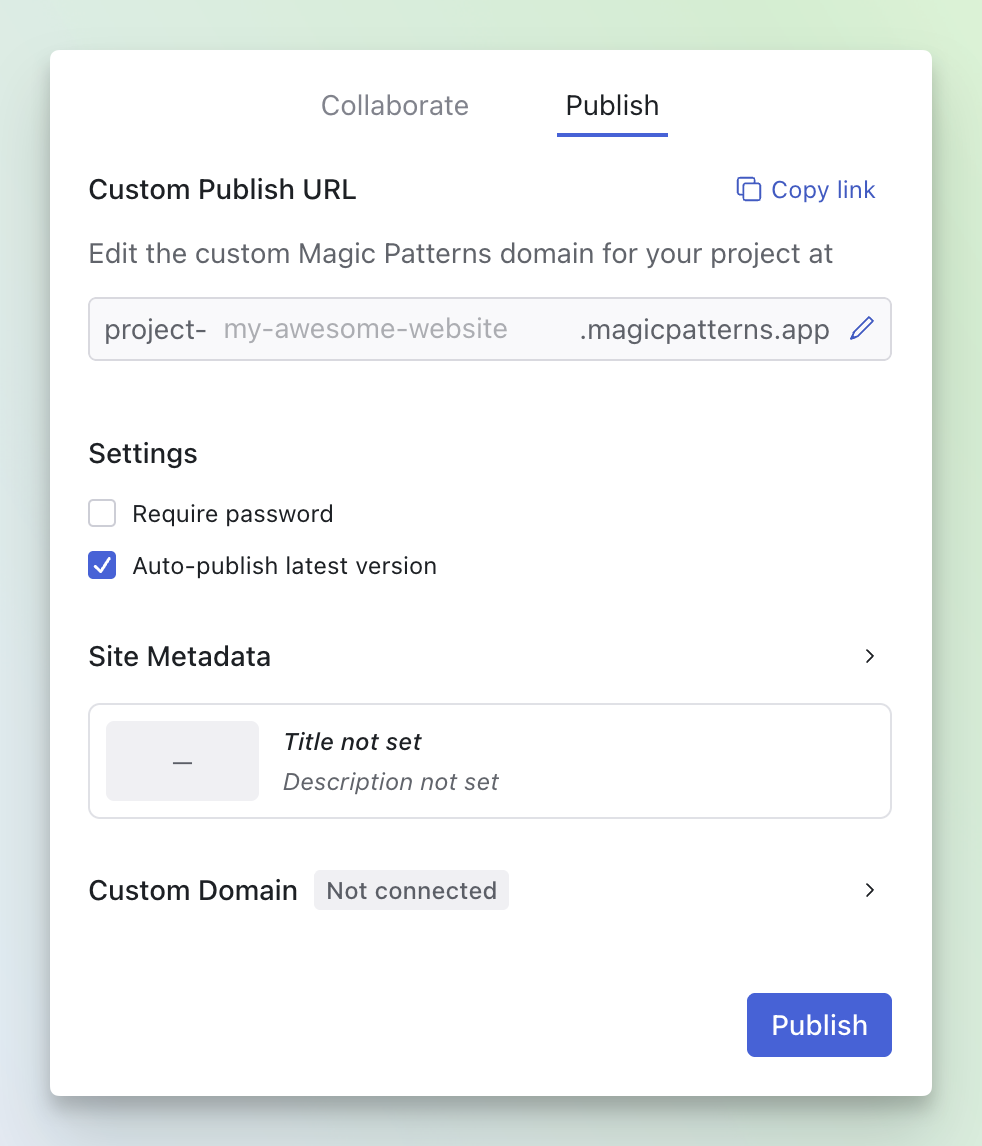
Unified Share panel
Sharing and publishing, now in one place
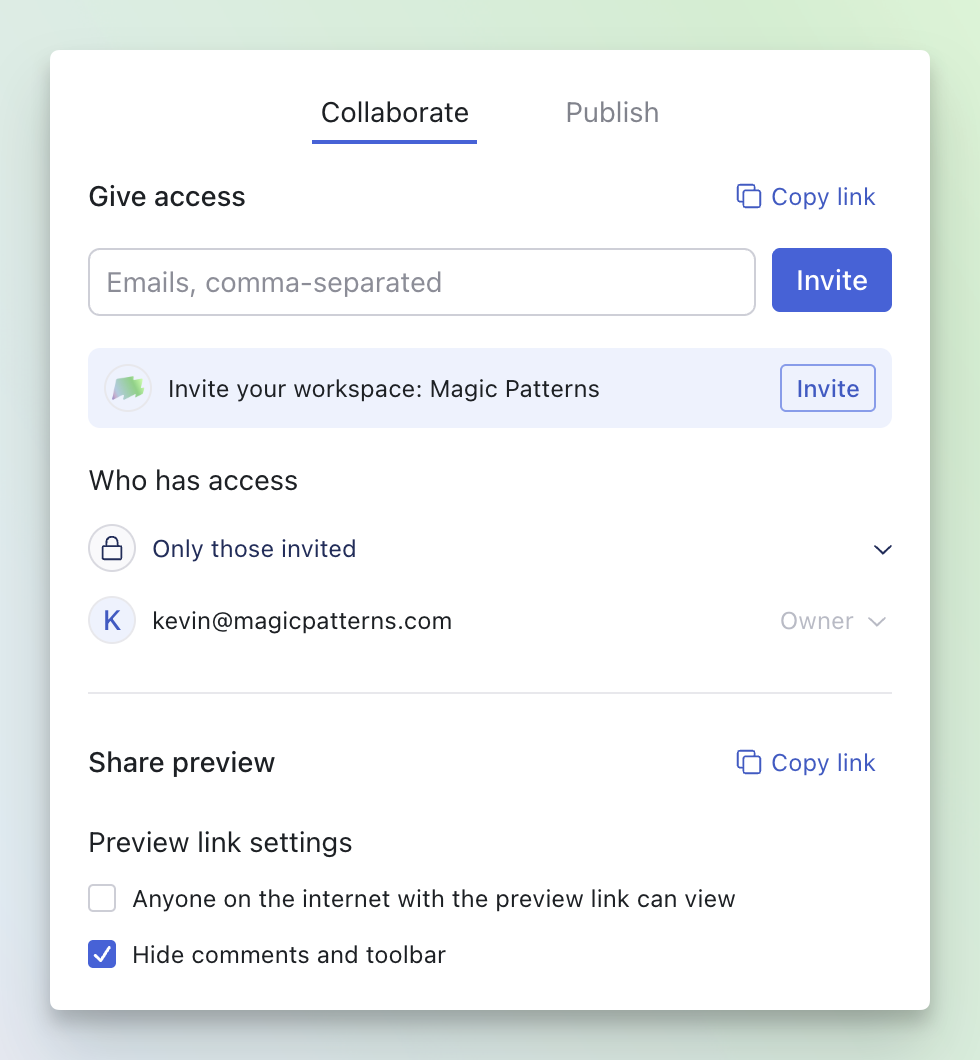
- Copy the editor link or invite teammates by email with write / read permissions
- Manage access requests and share a clean preview link
- Set a custom URL, add password protection, and auto-publish your latest version
- Edit site metadata (title, description, OG image) and connect a custom domain
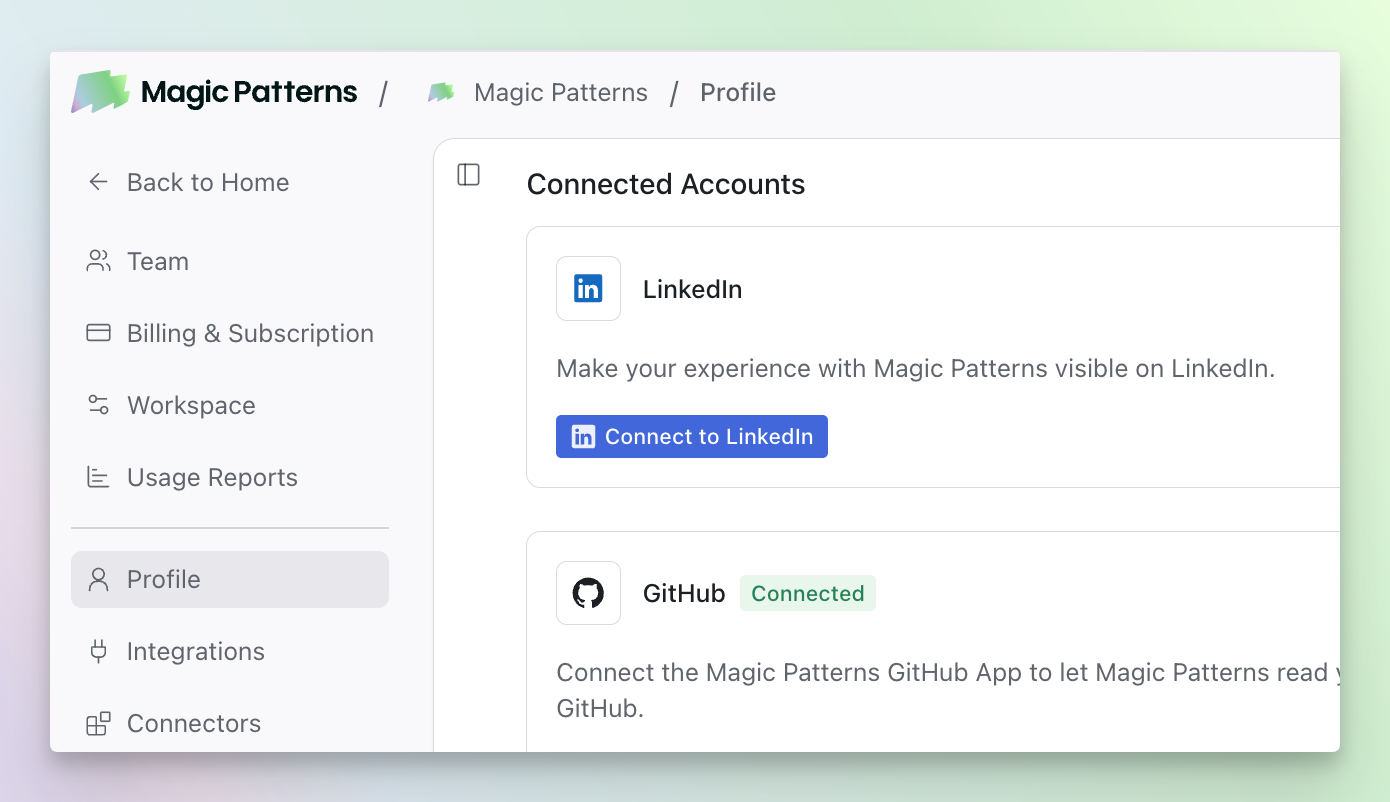
Connect to LinkedIn
Share your AI experience on LinkedIn
CSV File Support
CSV File Support
.csv files to a prompt. Drop in a dataset and the agent uses it as first-class context for tables, charts, and data-driven UI.Improved Inspiration Mode
Improved Inspiration Mode
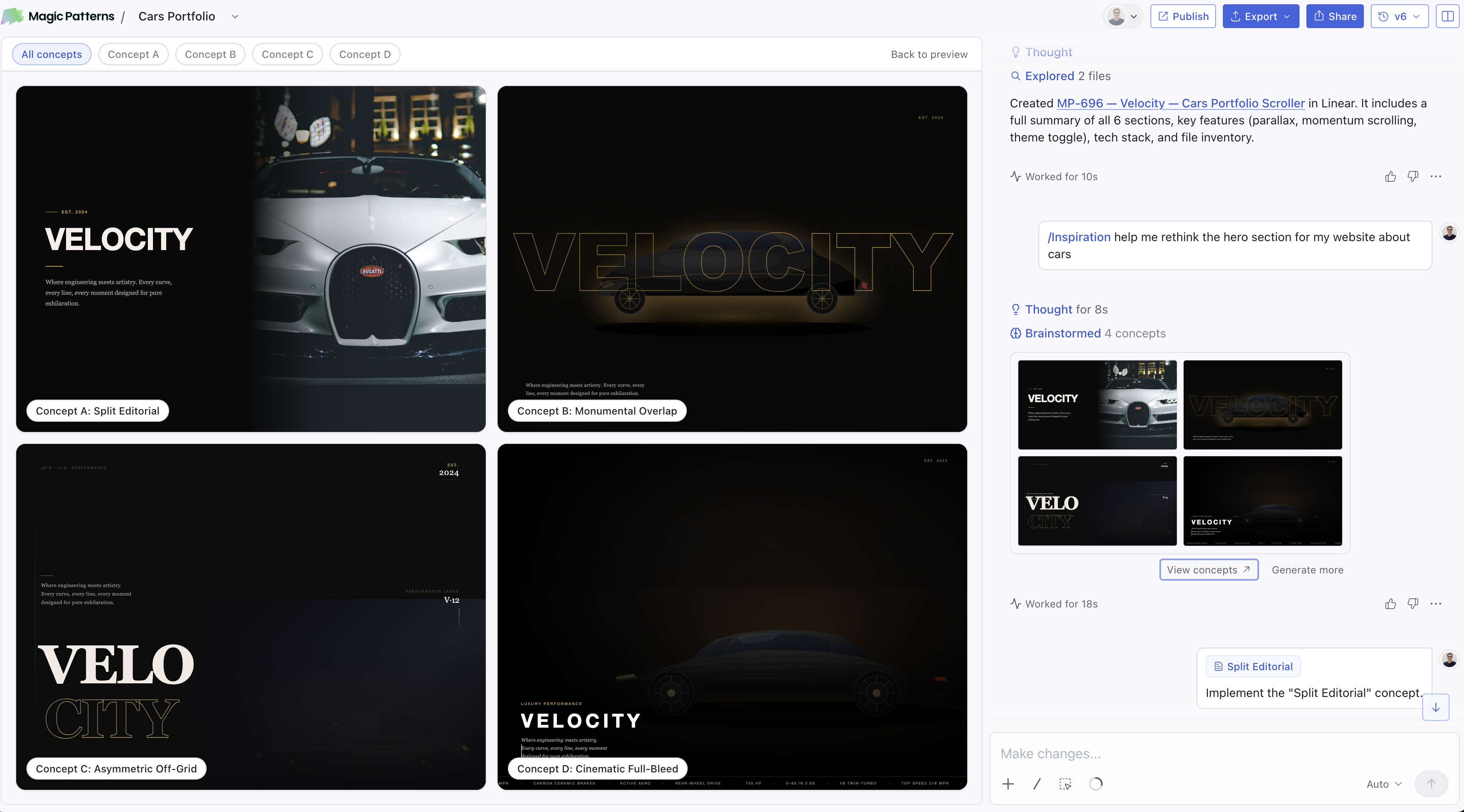
- Variants now displayed fullscreen in the preview
- Concepts stream in live
- 3x faster, you pick which one you want implemented
Badges
Badges on public profiles
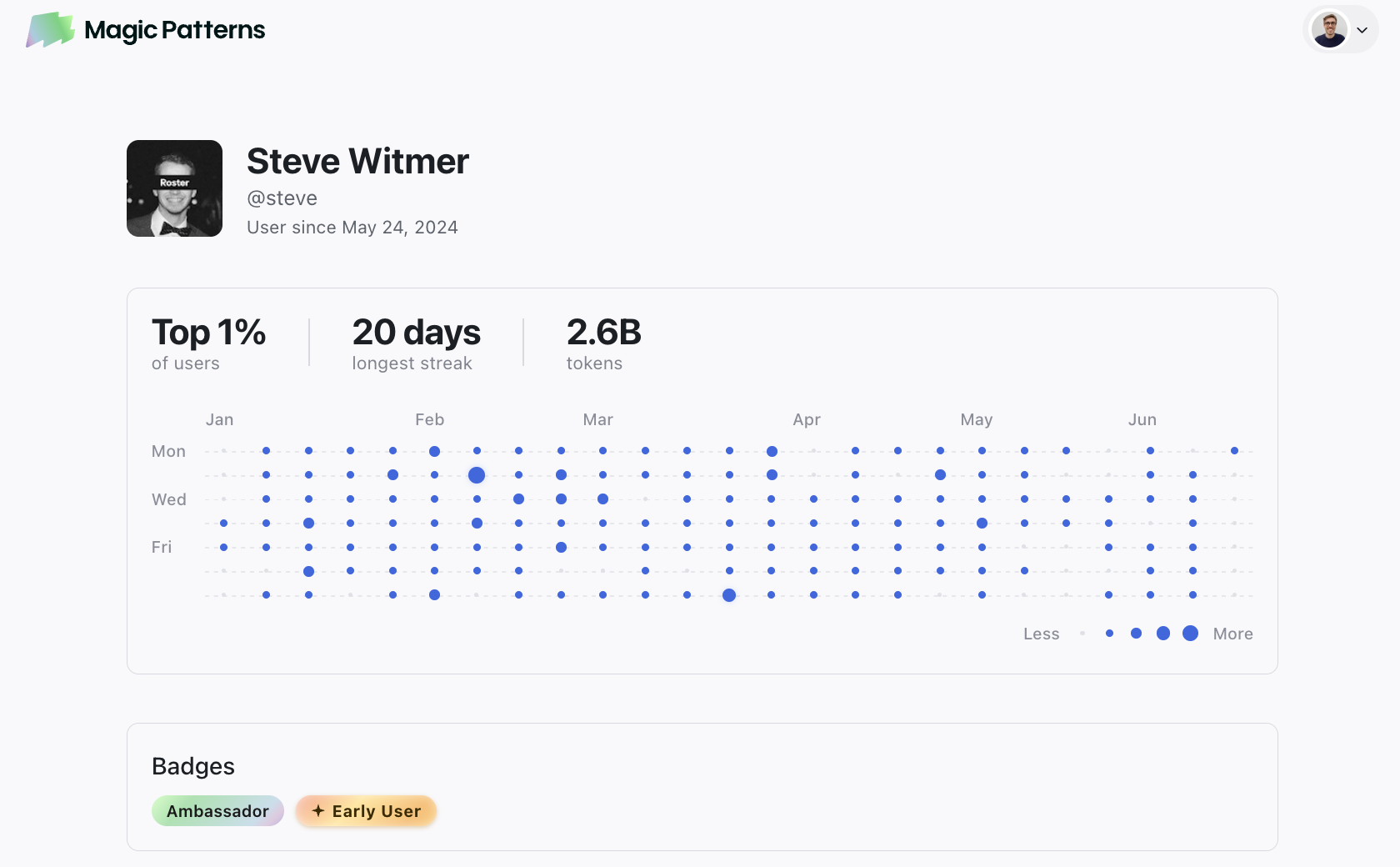
- Early User Badge
- Ambassador Badge (learn more about the Ambassador Program)
- Prompting milestones
magicpatterns.com/profile/<handle>.Context management
Context Ring, 1M Context Window, /Clear, and /Summarize
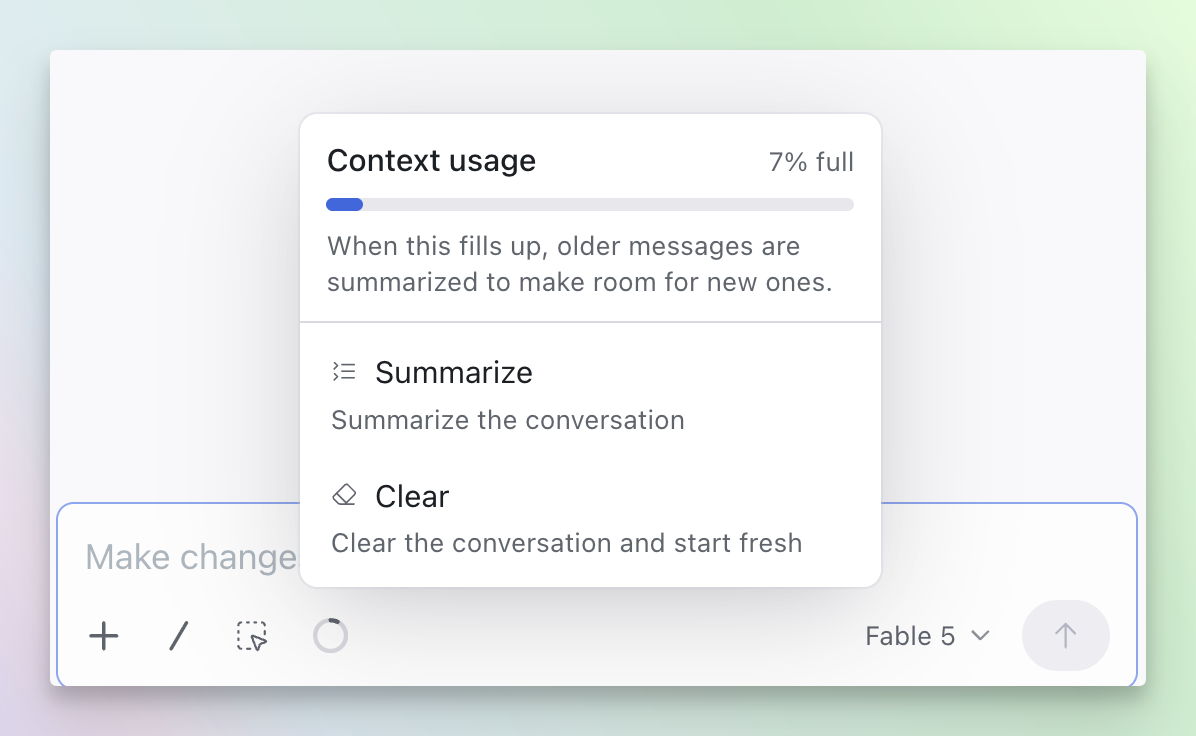
/Summarize and /Clear if you want more control.1M Context Window — a bigger context window to keep more of the conversation in memory, now available in the model picker. Will use more credits in longer conversations.New Commands/Summarize— preserves important details while freeing up context/Clear— resets the current conversation context without needing to fork the design
Plan Mode improvements
Plan Mode improvements
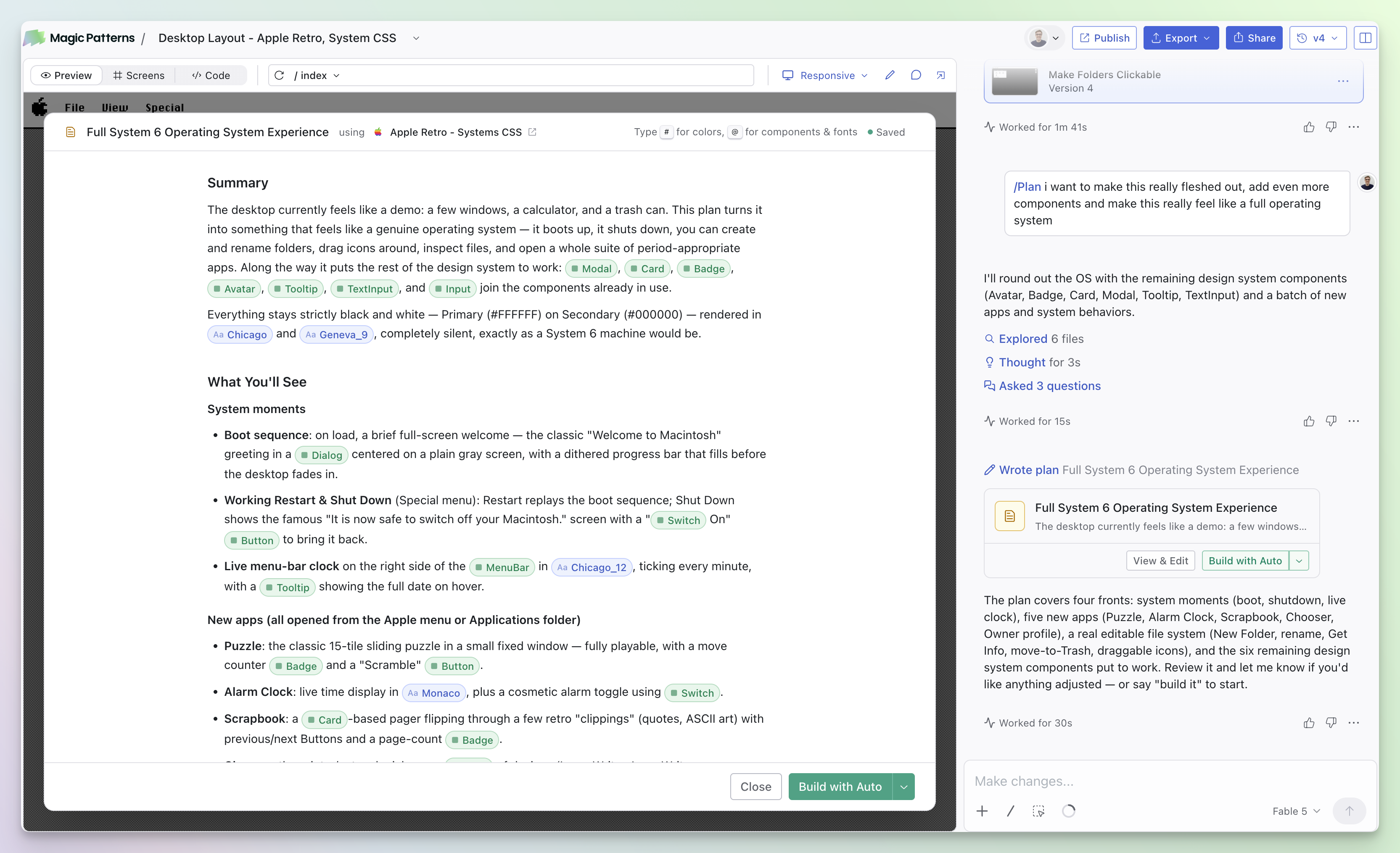
/Plan mode. Use /Plan when you have a larger change or want to align on the approach before any code is written. The agent asks a few clarifying questions, drafts a plan you can edit in the preview, and only starts building once you approve it.Read more about Plan Mode.Fable 5
Introducing Fable 5
Handles
Introducing Handles
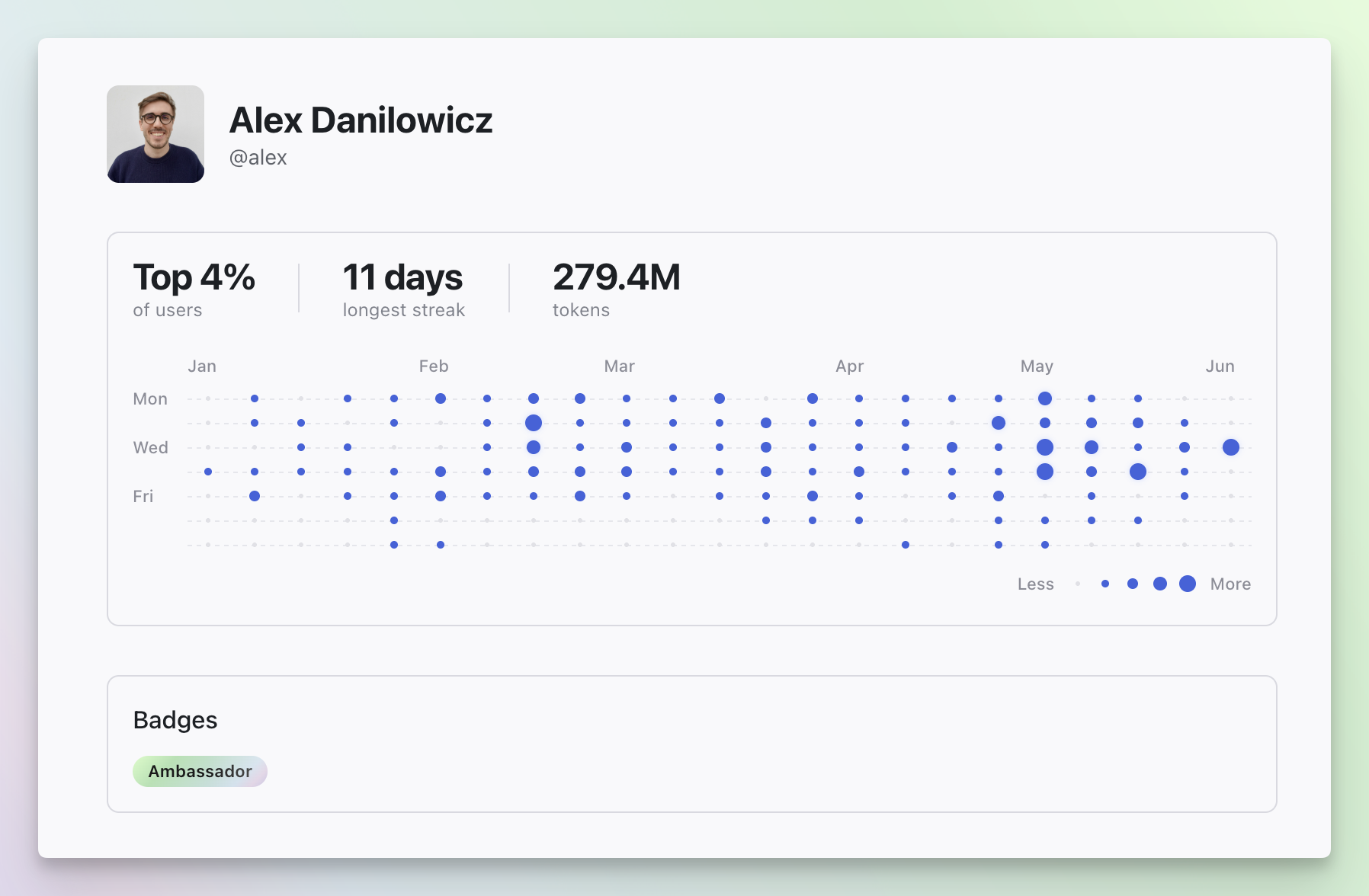
magicpatterns.com/profile/<handle>.Can you beat the top 4%? Check out our CEO’s profile.Per-screen viewports
Per-screen viewports
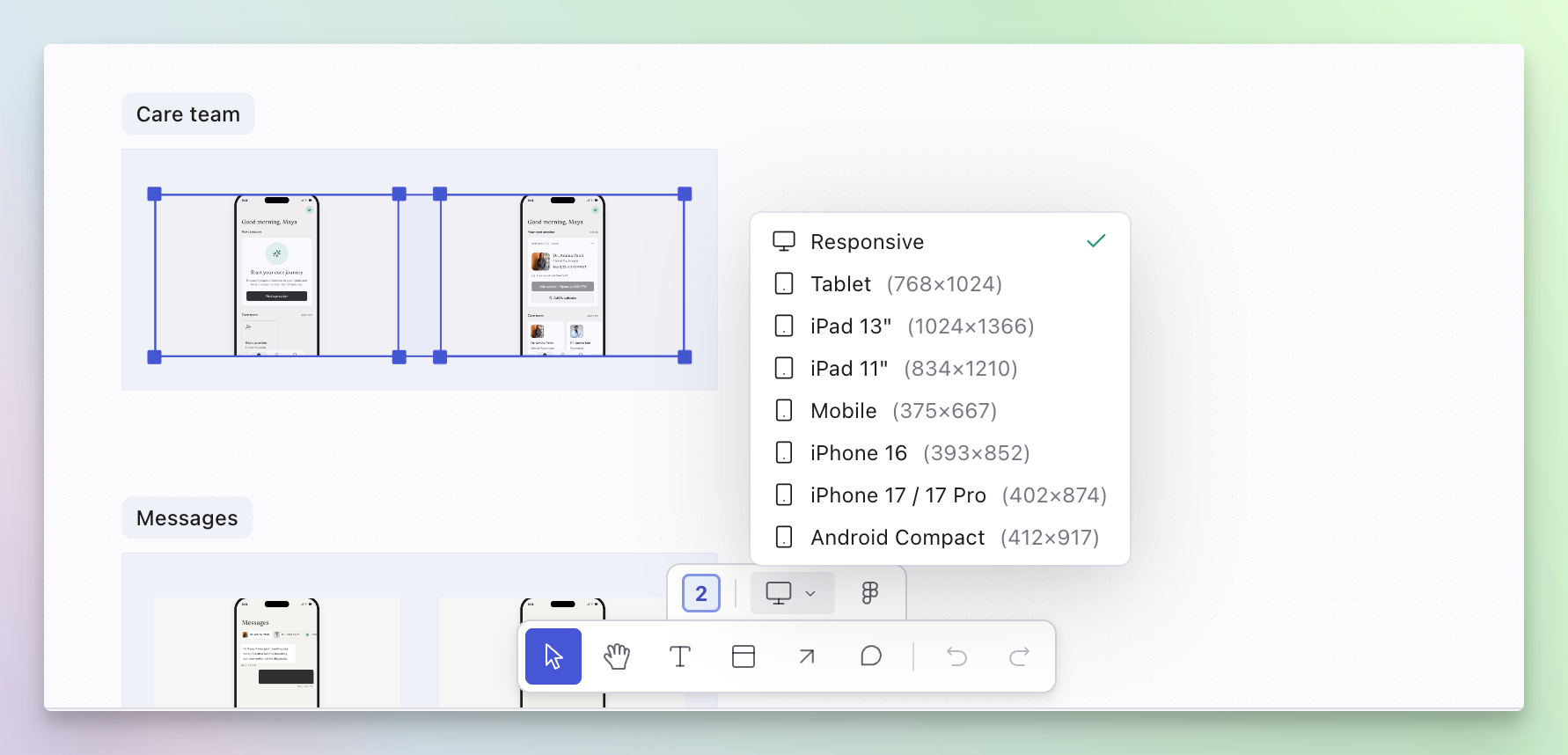
- Viewport per screen — set each screen to a different size right from the canvas.
- Cmd+A selects all — quickly grab everything on the canvas.
- Export to Figma from the selection bar — no need to open a menu.
- Smarter auto-layout — layout now respects each screen’s dimensions.
Opus 4.8
Opus 4.8
Screens
New “Screens” tab on every design
Ambassador Program
Ambassador Program
- Share what you make — get recognized for tutorials, demos, and content you create about Magic Patterns.
- Perks and early access — ambassadors get credits, swag, and a first look at upcoming features.
API v3
API v3
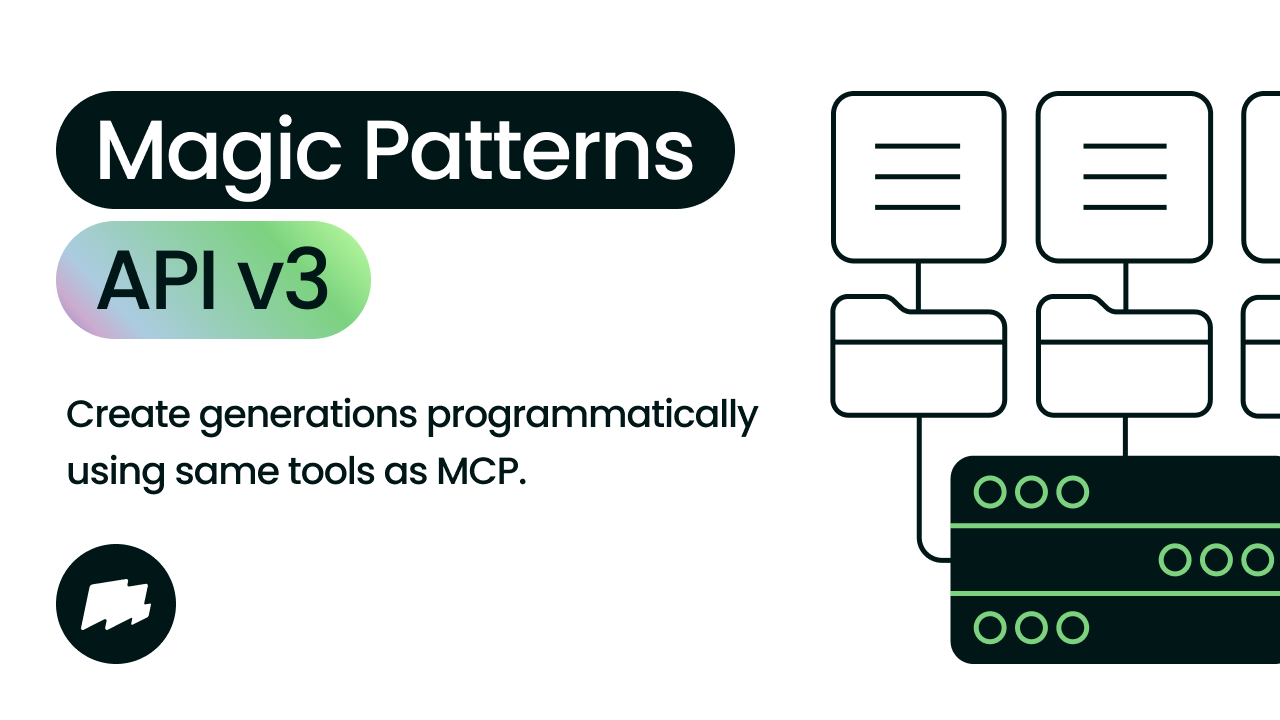
- Create and iterate on designs — kick off generations, poll status, read and write artifact files, and publish changes from your own systems.
- Same credits, no separate subscription — v3 usage draws from your normal Magic Patterns credit balance.
Resize designs on the canvas
Resize Designs on the Canvas
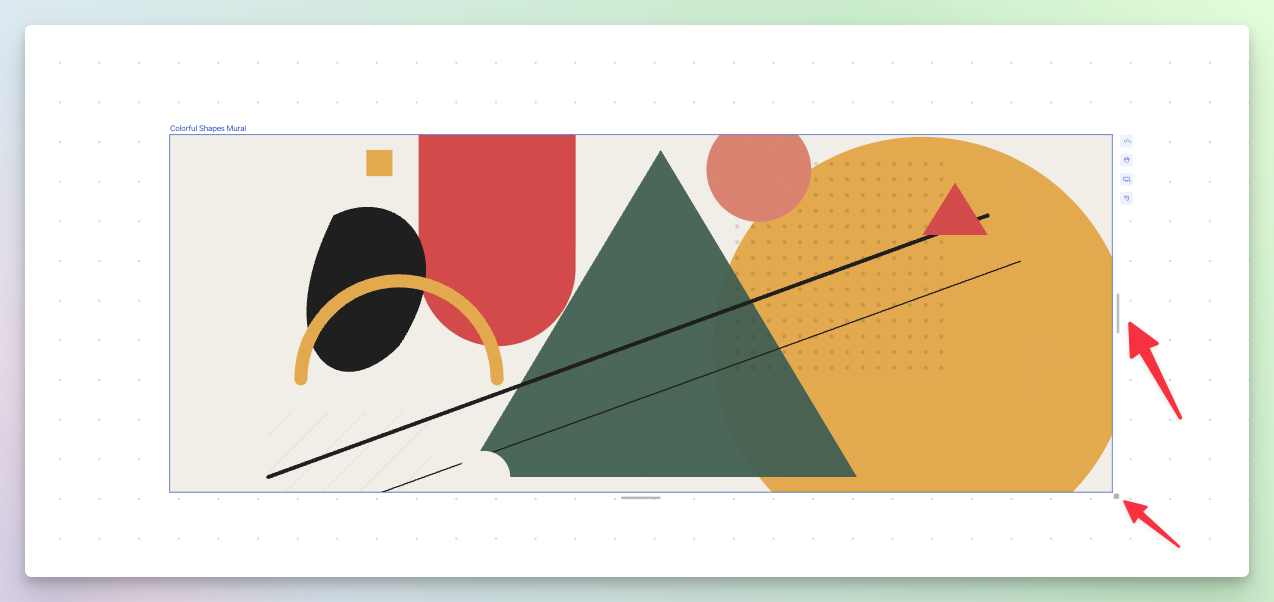
- Drag the right, bottom, or corner handle on a design to change its width and height.
- Compare multiple sizes side by side on the same canvas.
Reference other designs
Reference Other Designs
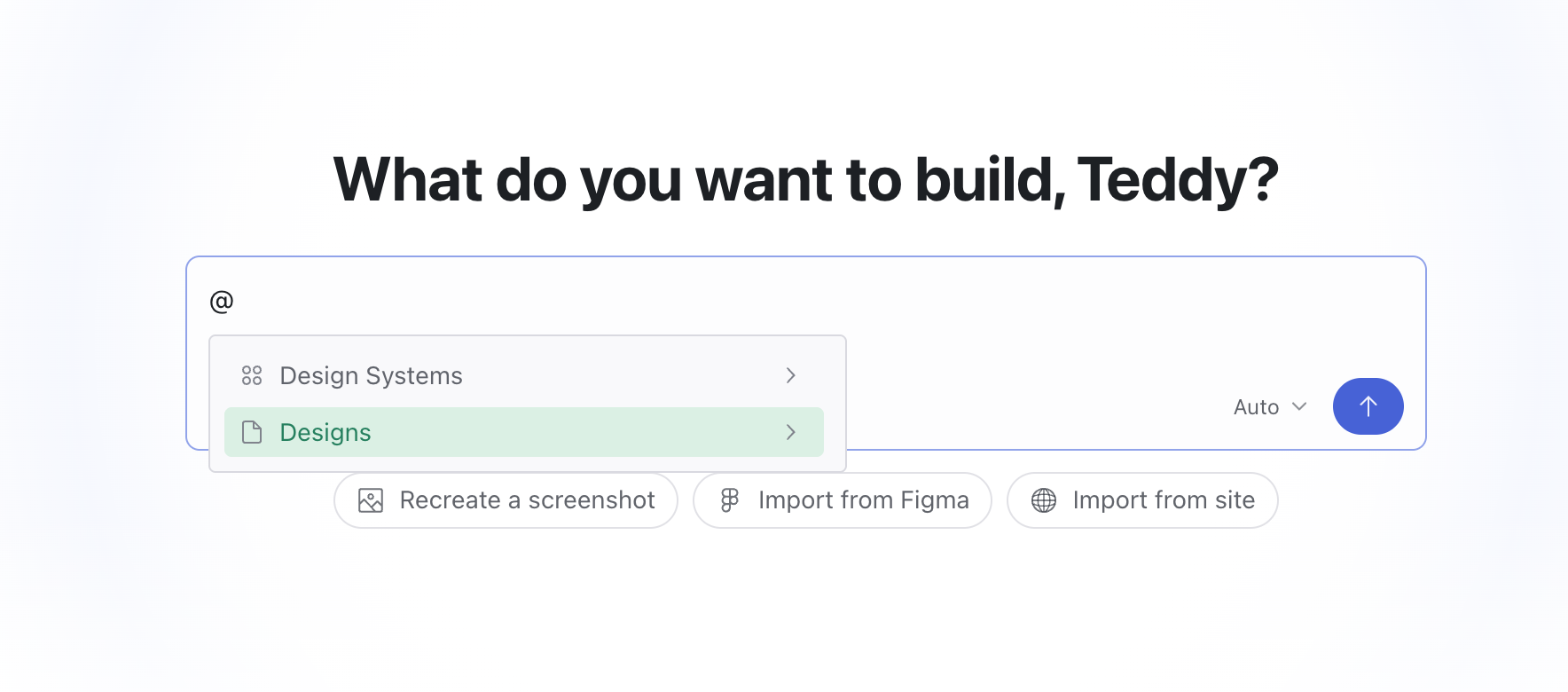
- Type
@to pick a Design or Design System. - You can also paste a design link directly into the prompt.
- You can only reference designs you have access to.
Rate Agent Responses
Rate Agent Responses
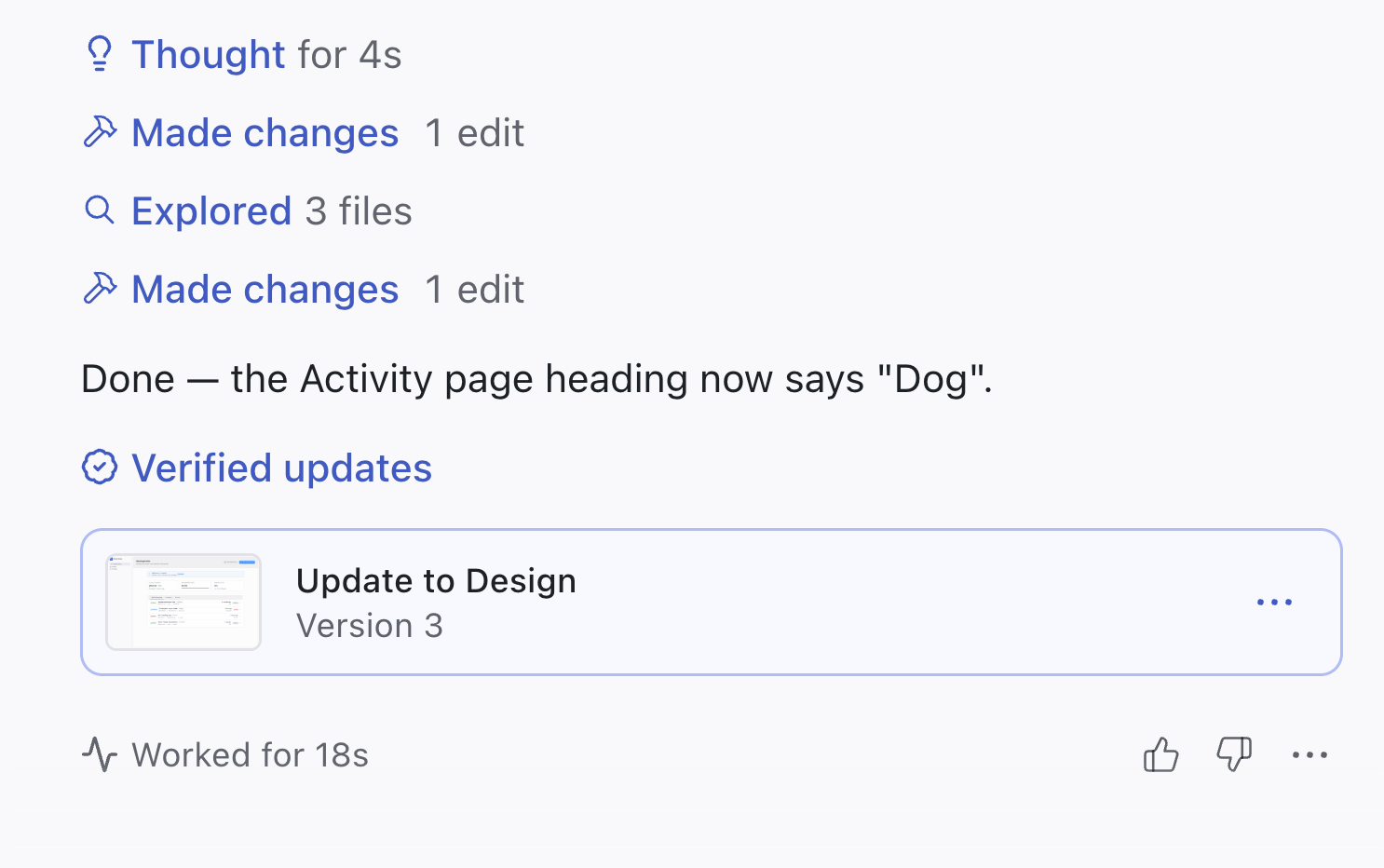
- Thumbs down opens an optional comment box so you can tell us exactly what went wrong.
- Every rating is logged with the full conversation context so we can reproduce and fix the issue.
Markdown File Support
Markdown File Support
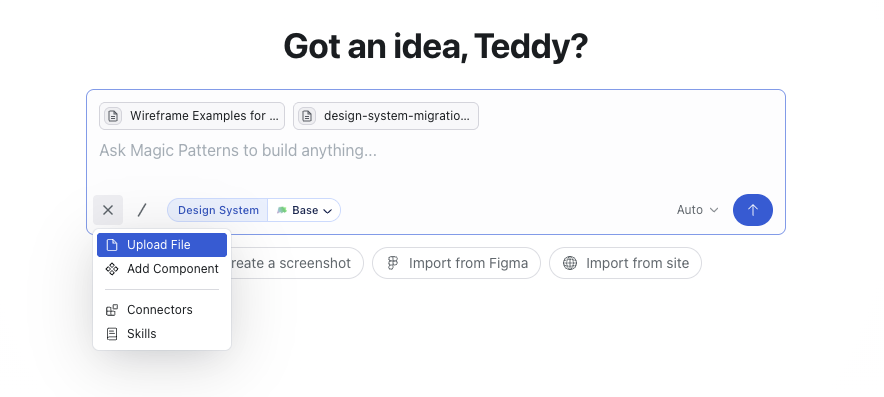
.md files to a prompt — both when starting a new design and from the editor chat bar. Drop in a PRD, spec, or notes doc and the agent reads it as first-class context.- Uploaded files are saved alongside your design as
docs/*.md, so they stay attached to the artifact and are available on every follow-up prompt. - Up to 2MB per file. Multiple docs per prompt are supported.
Plan Mode
Plan Mode
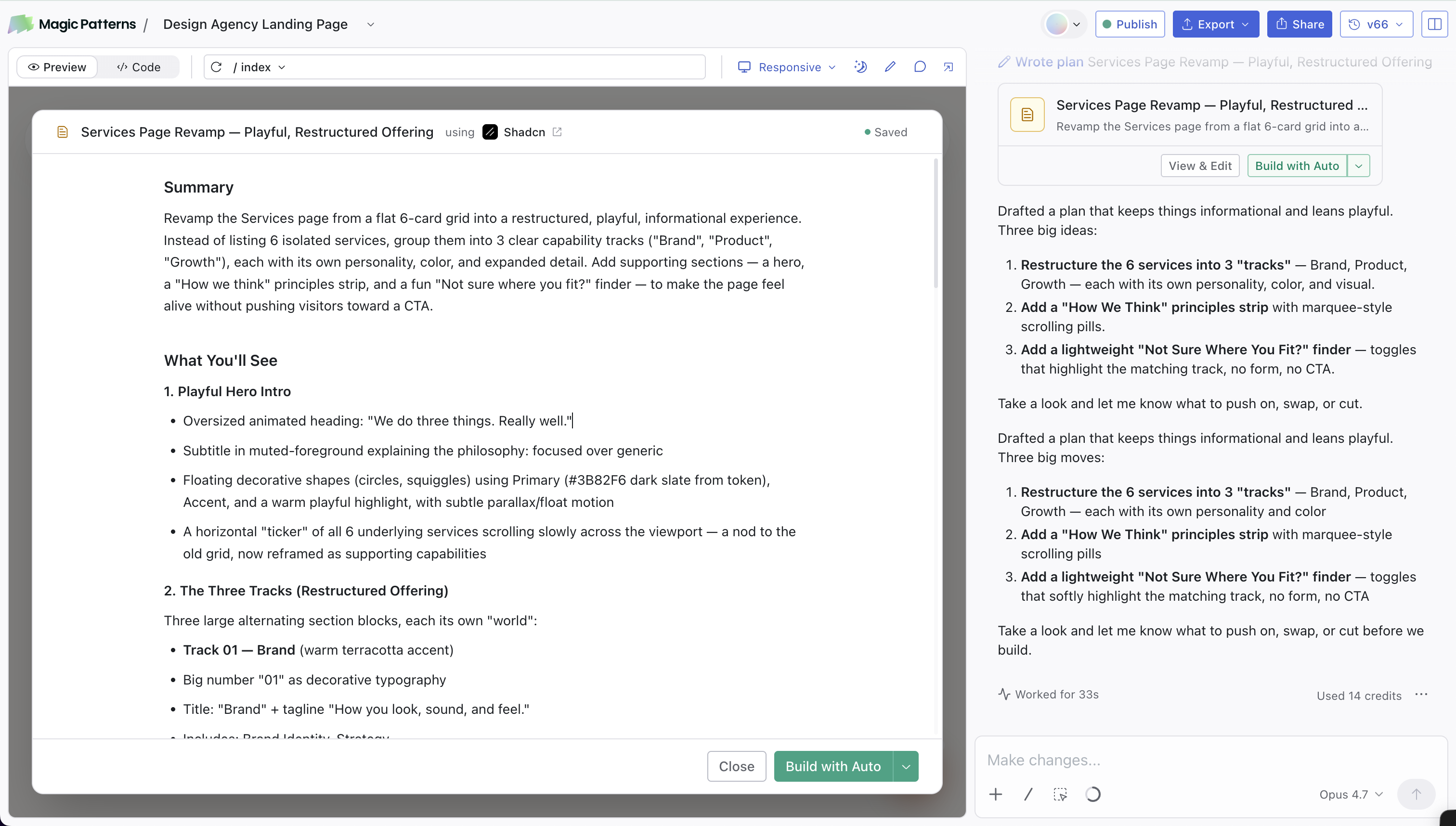
/Plan is a new chat mode for when you want to align on the approach before any code is written.- The agent asks a few clarifying questions, then drafts a structured plan you can edit directly in the preview.
- When you’re happy with it, click Build to hand the plan to the agent.
Live Multiplayer
Live Multiplayer
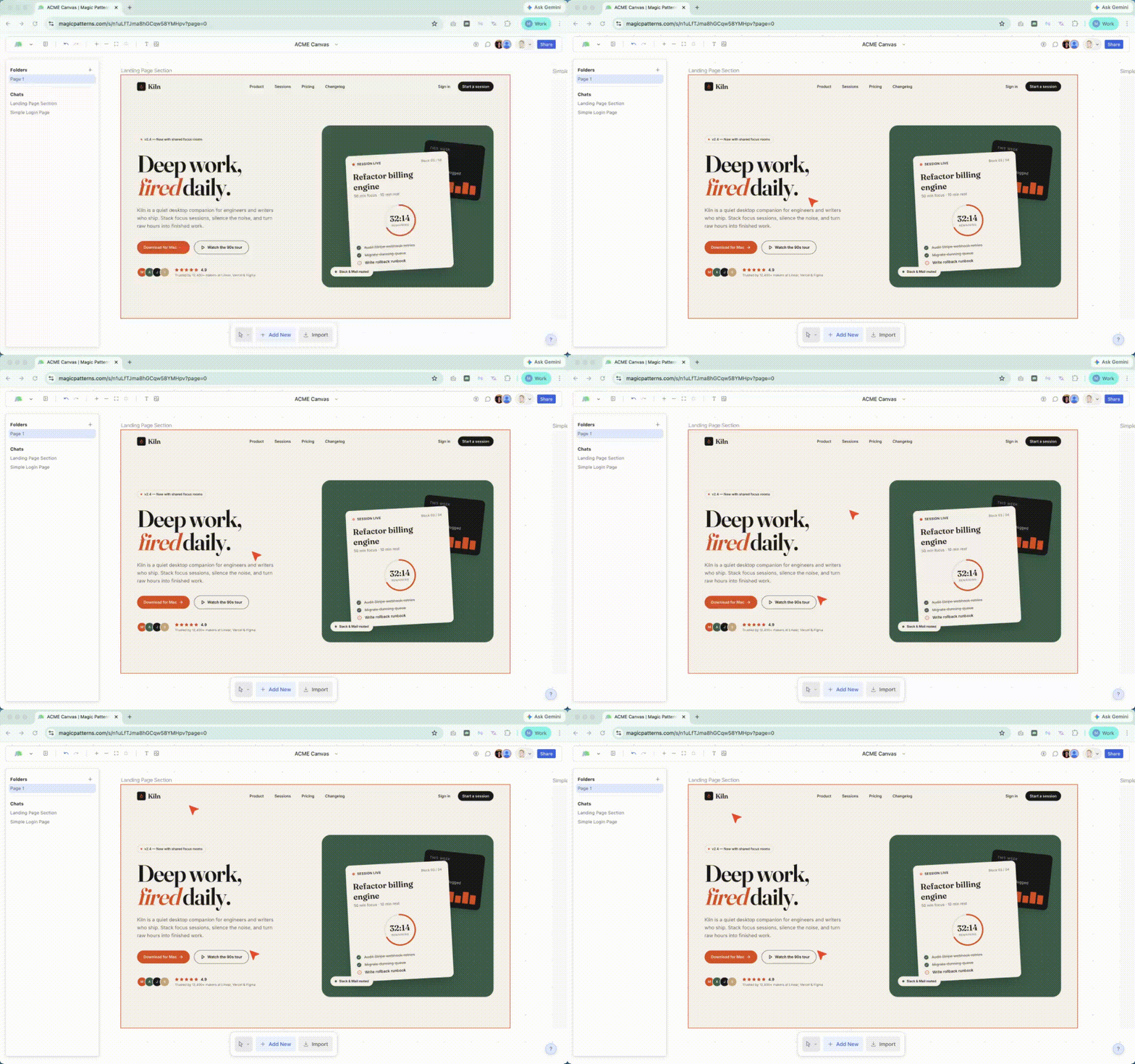
- Live cursors and selection outlines on the canvas.
- Read-only viewers can follow along via share link and leave inline comments.
Chat Modes and Skills
Chat Modes and Skills
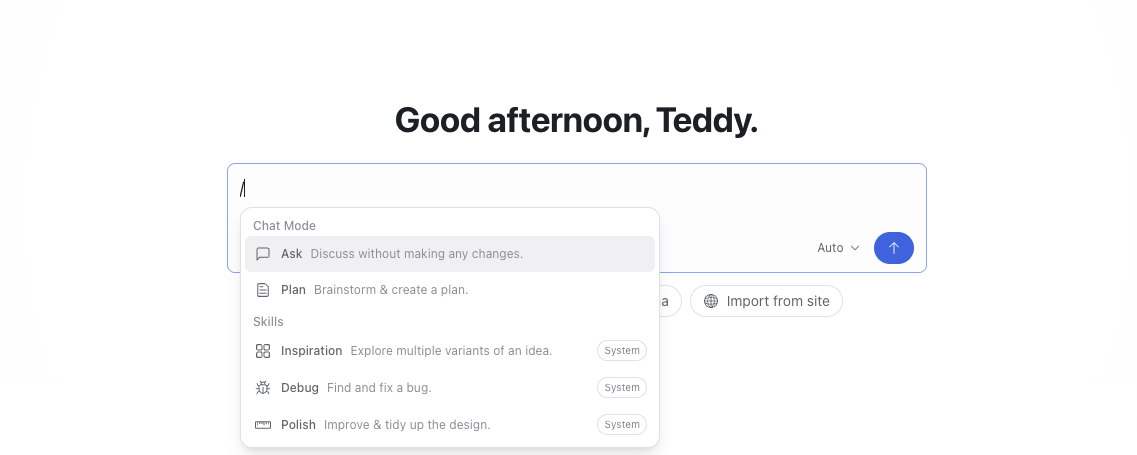
/Inspiration, or kick off in /Plan mode before any code is written.In the editor, the / menu now organizes everything in one place:- Chat Modes:
/Ask(formerly/Discuss) and/Plan. - Skills:
/Inspiration,/Debug, and/Polish(previously called “Commands”).
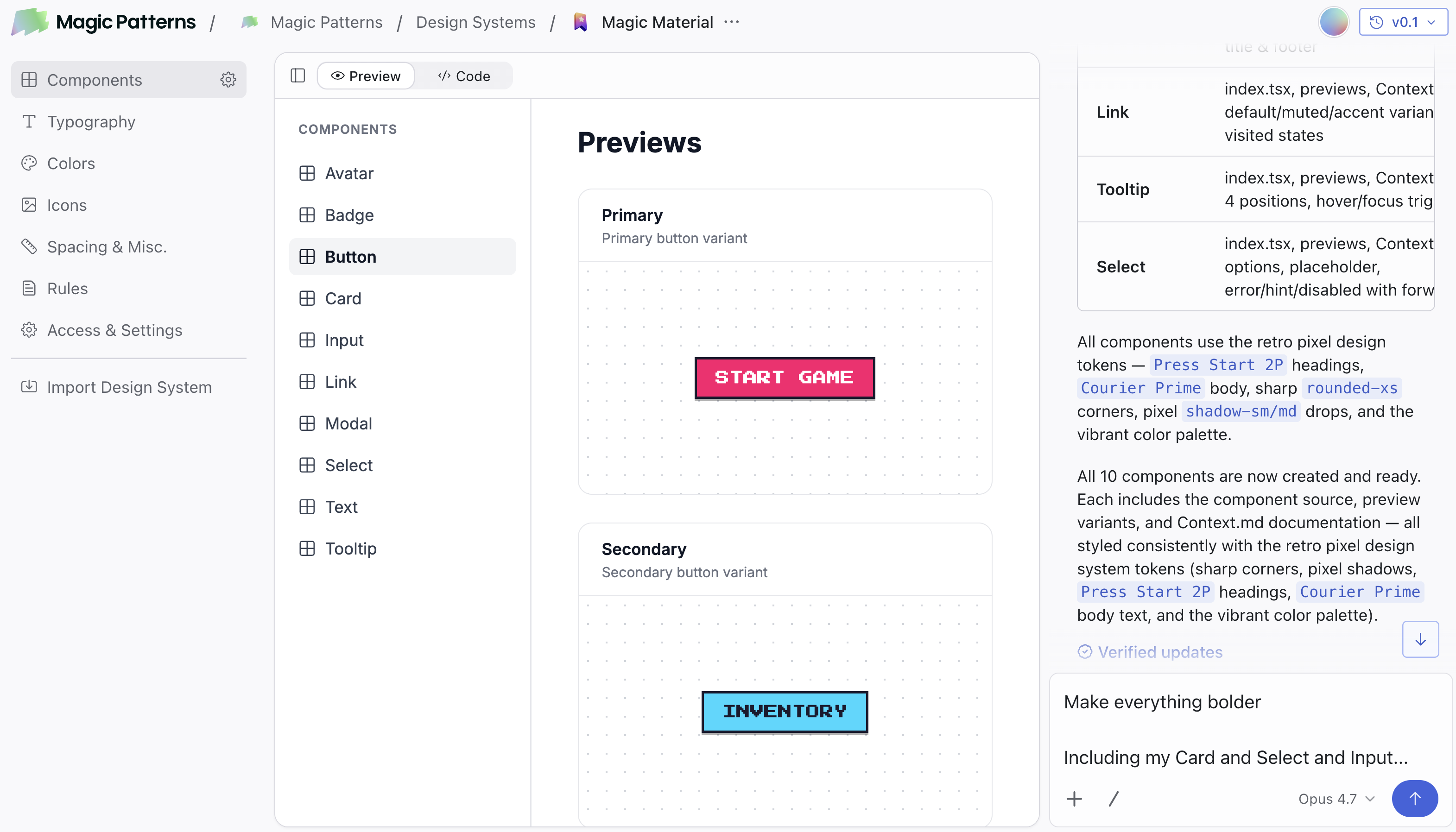
New Component UI
Components are now unified in a single editor
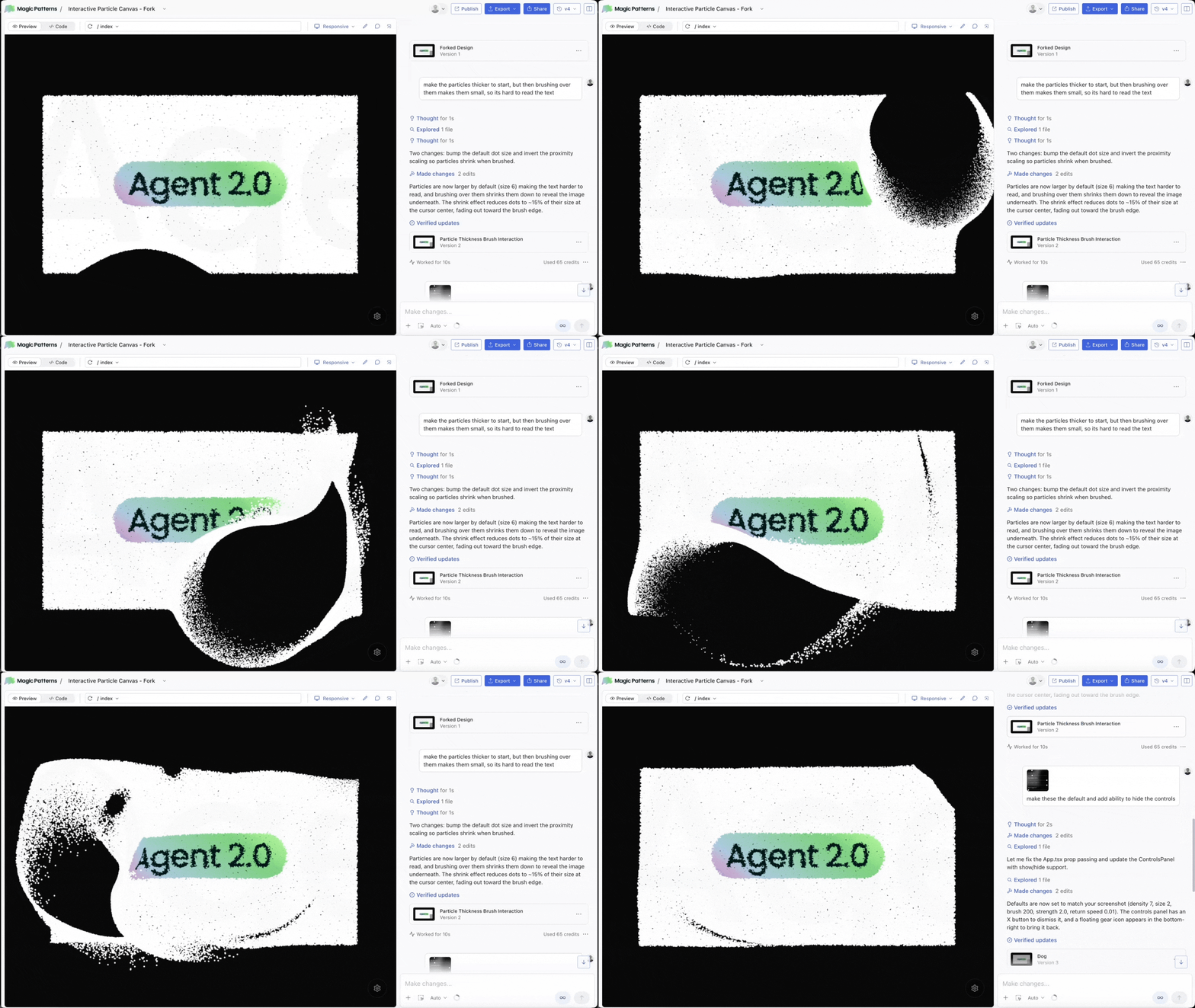
Agent 2.0
Announcing Agent 2.0 and a new editor UI
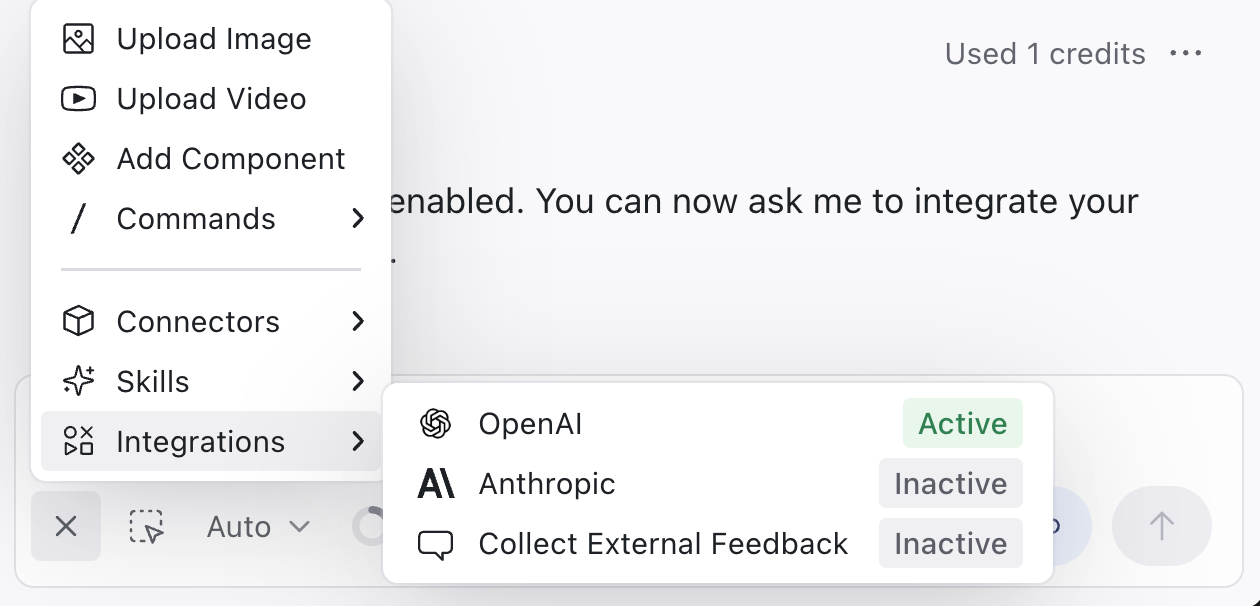
Integrations moved to editor chatbar
Integrations Moved to the Chat Bar
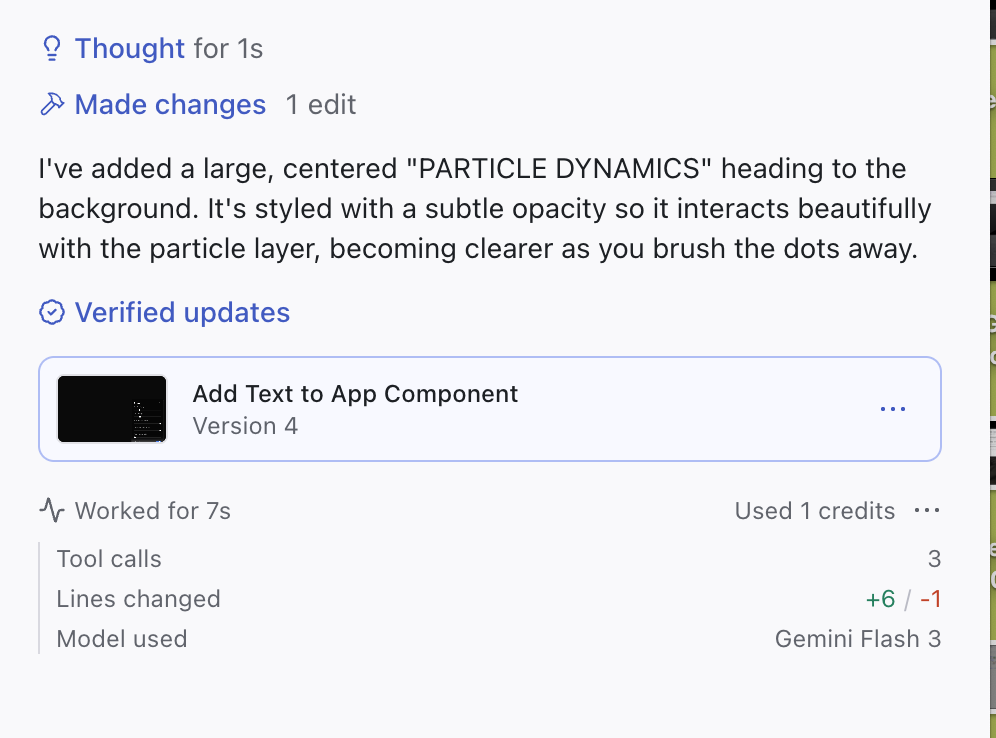
View model credit usage
View Model Usage and Credit Spend Per Prompt
Code Editor Shortcuts in Editor
New Code Editor Shortcuts
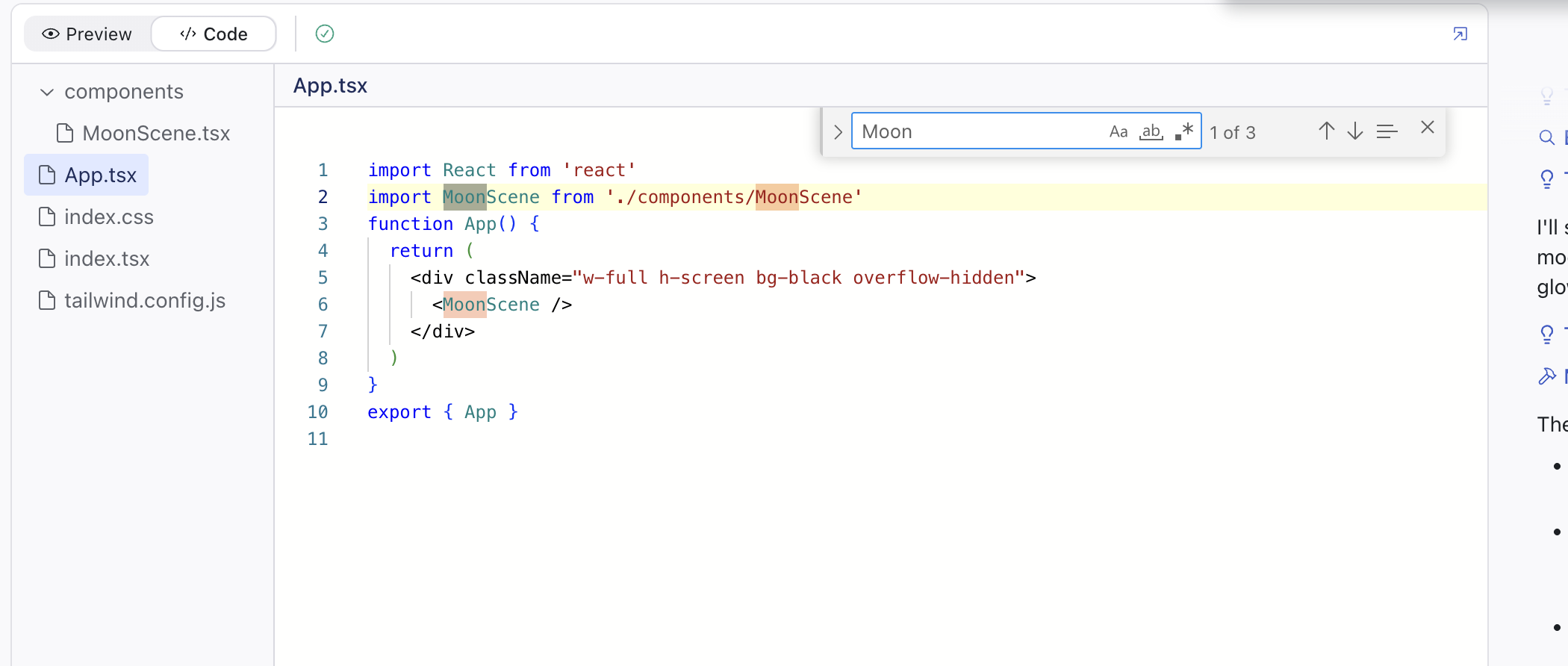
- Cmd+Shift+F (Search in Project) — Quickly search across all files in your design.
- Cmd+P (Quick Open) — Jump to any file instantly by name.
Copy Paste Directly to Figma
Copy Paste Directly to Figma
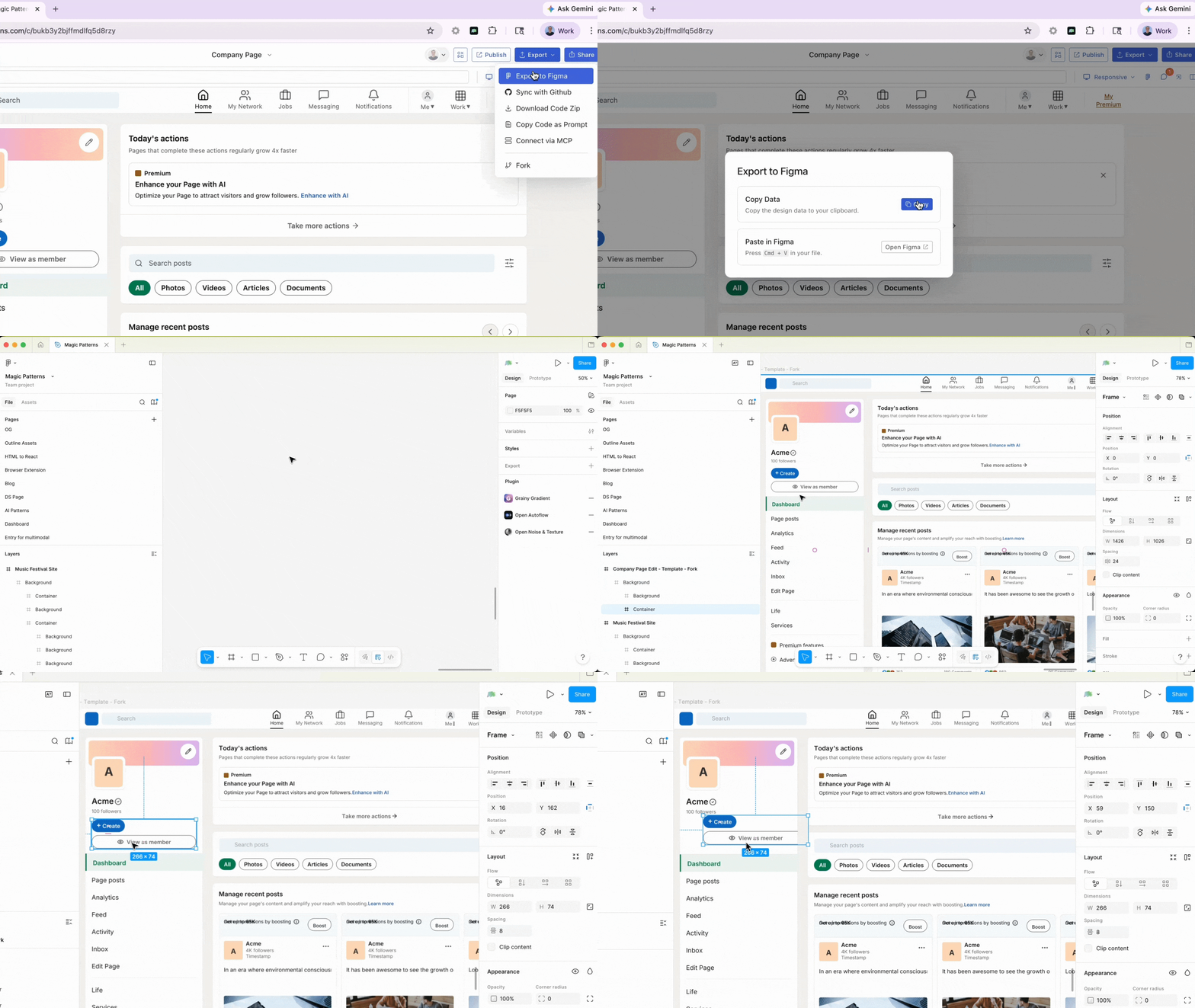
- No plugin required — The Figma plugin is no longer needed. Export works natively without any installation.
- Direct copy-paste — Copy your design from Magic Patterns and paste it directly into Figma.
- Higher-fidelity output — Exports now render with improved accuracy, preserving more detail from your original design.
Opus 4.7
Opus 4.7
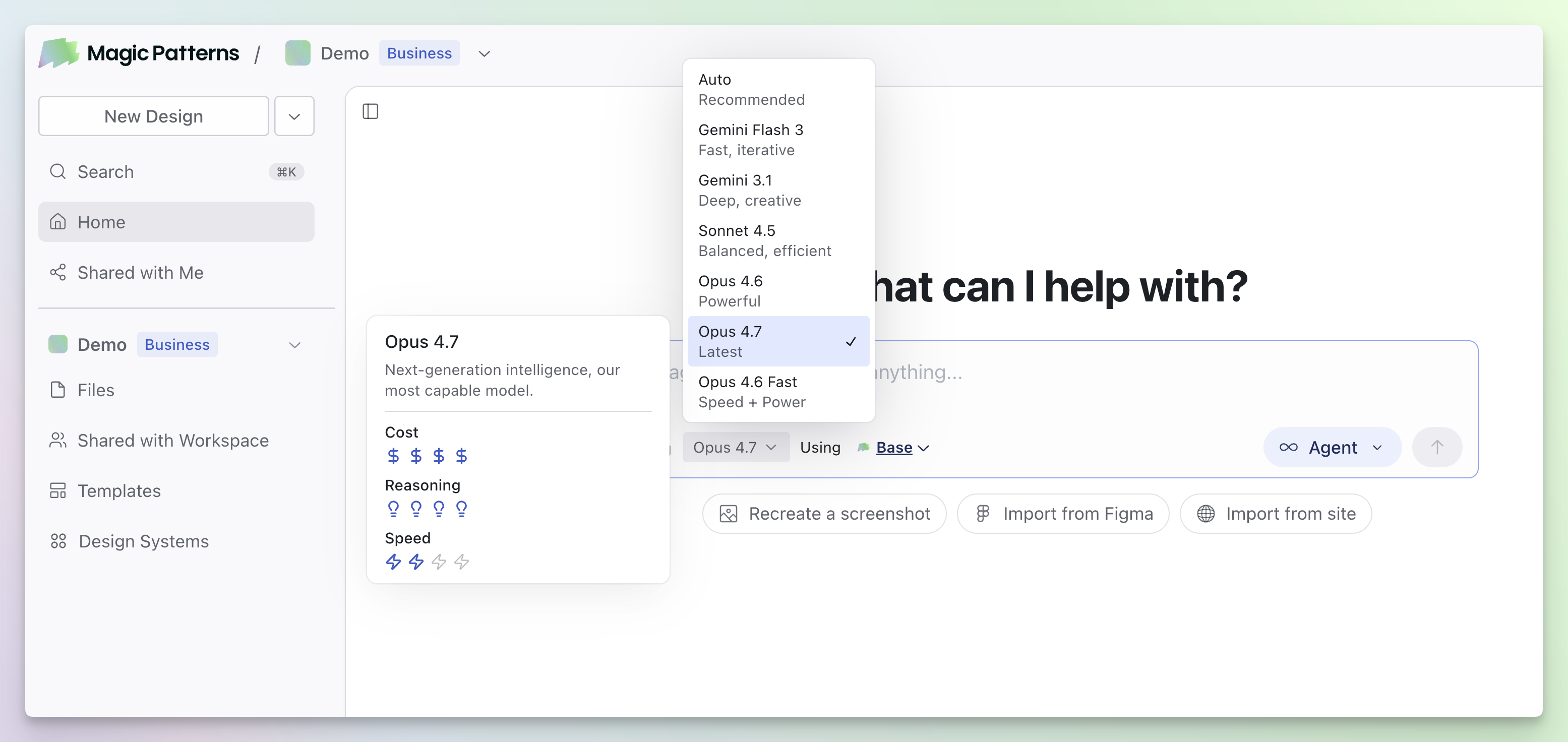
- Better vision — Upload a screenshot to Magic Patterns and Opus 4.7 performs better relative to other models.
- Fewer errors — Opus 4.7 tends to verify its output before finishing, resulting in more reliable generations.
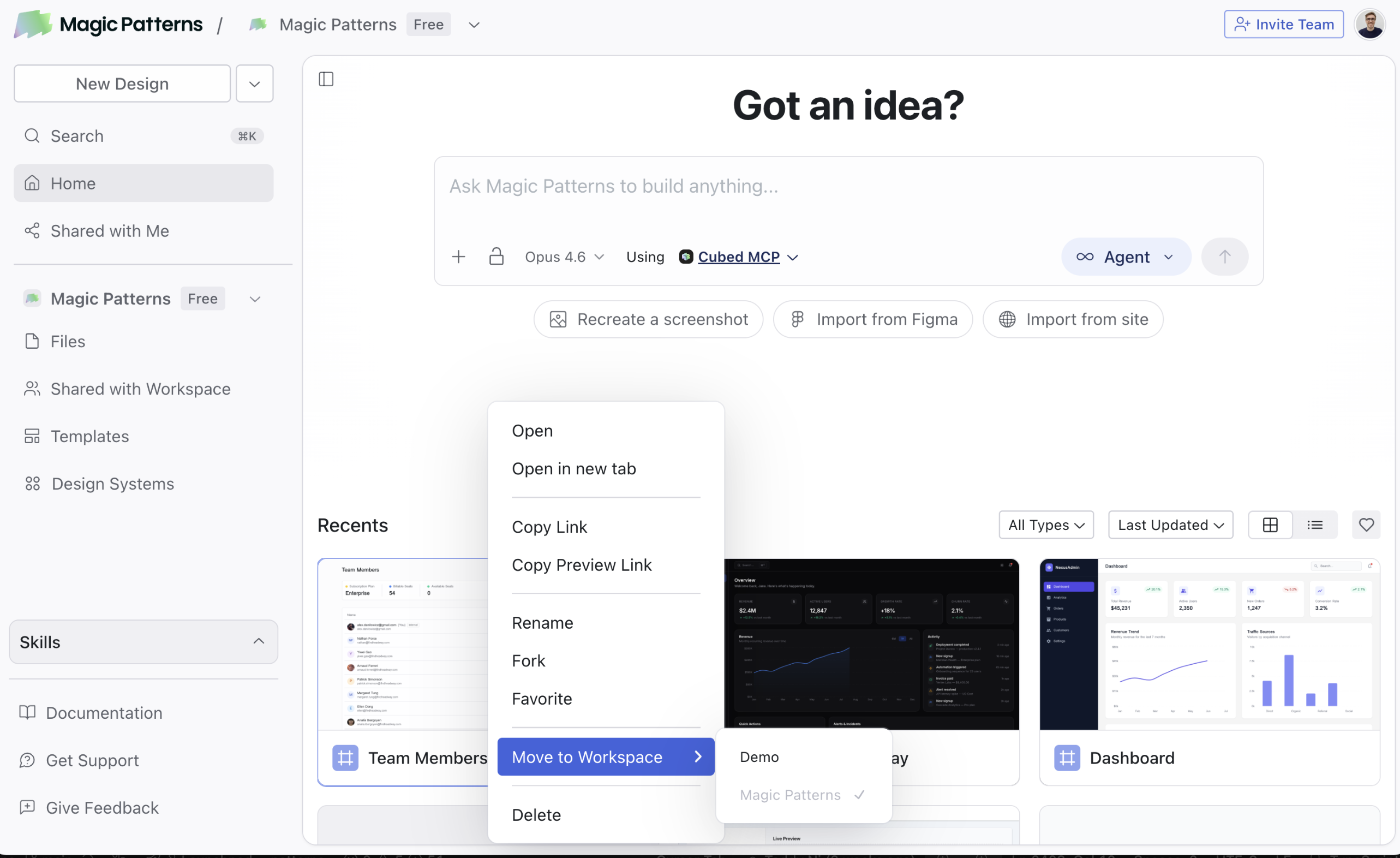
Move Files Between Workspaces
Move Files Between Workspaces
Usage Reports
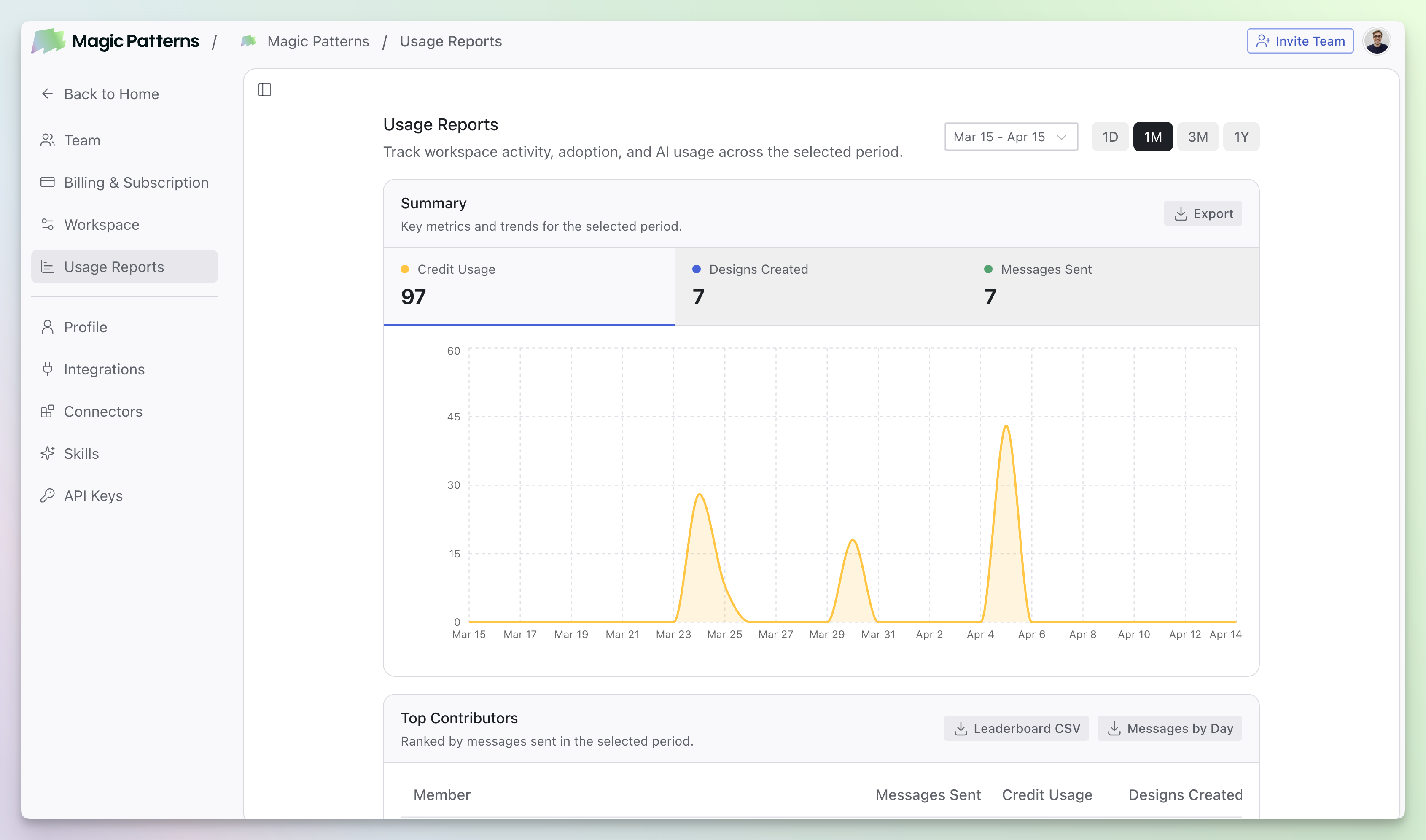
Usage Reports
Skills
Skills
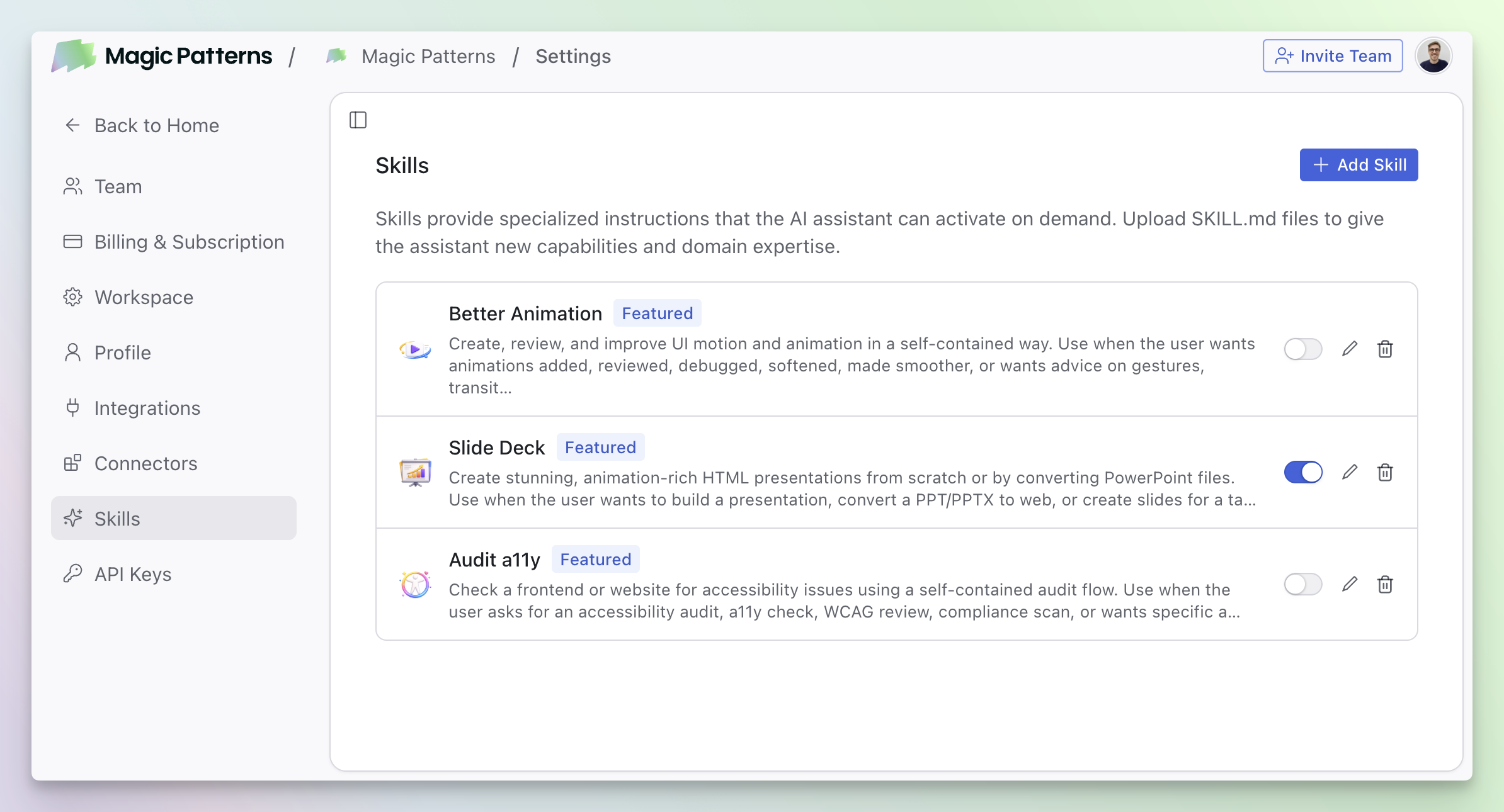
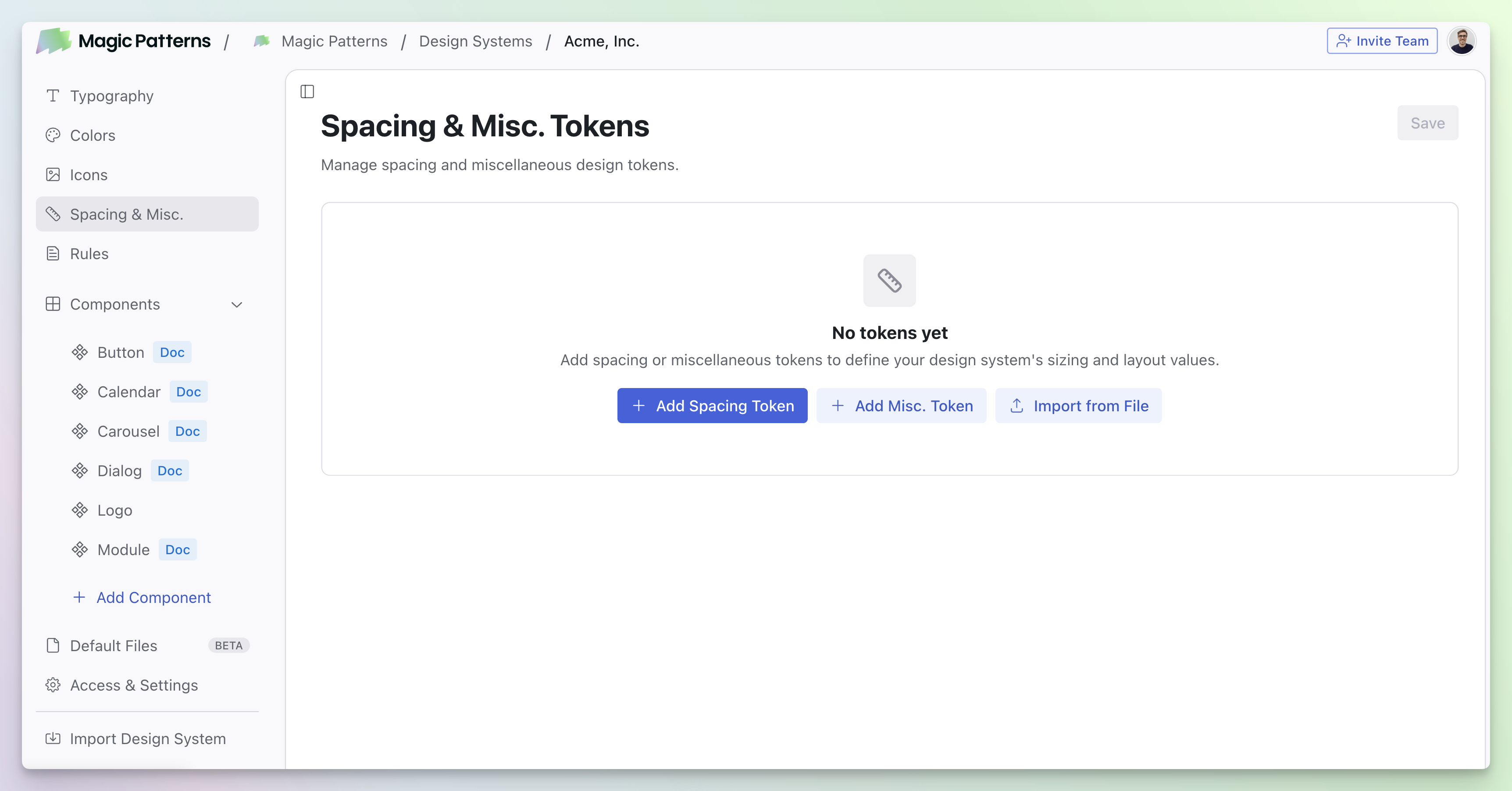
Spacing and Misc Tokens added to Design Systems
Spacing and Misc Tokens added to Design Systems
Improved Agent
Improved Agent
Our agent just got a significant upgrade across the board:- 18% less credits — More efficient generations mean your credits go further.
- 10% faster — Reduced latency for quicker iterations.
- 12% more intelligent — Better understanding of your prompts and more accurate designs.
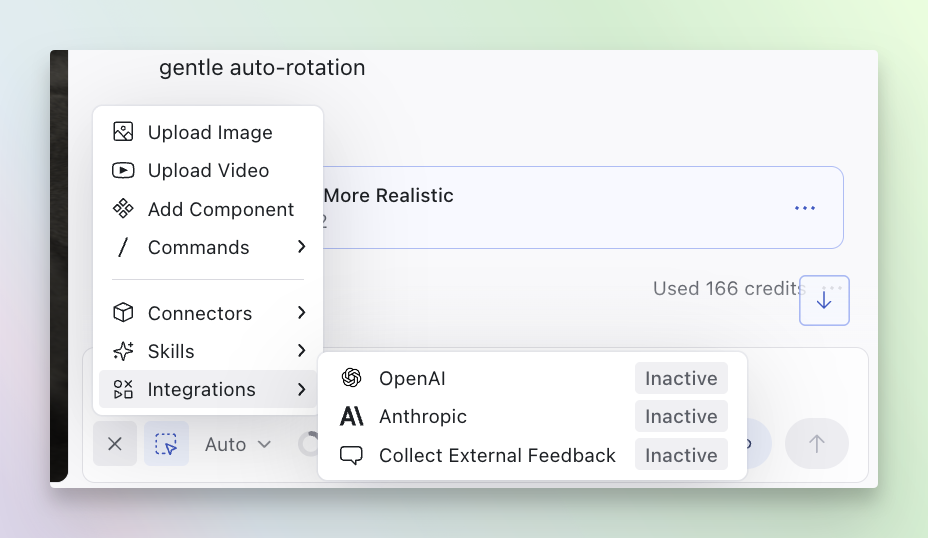
Anthropic Integration
Anthropic Integration
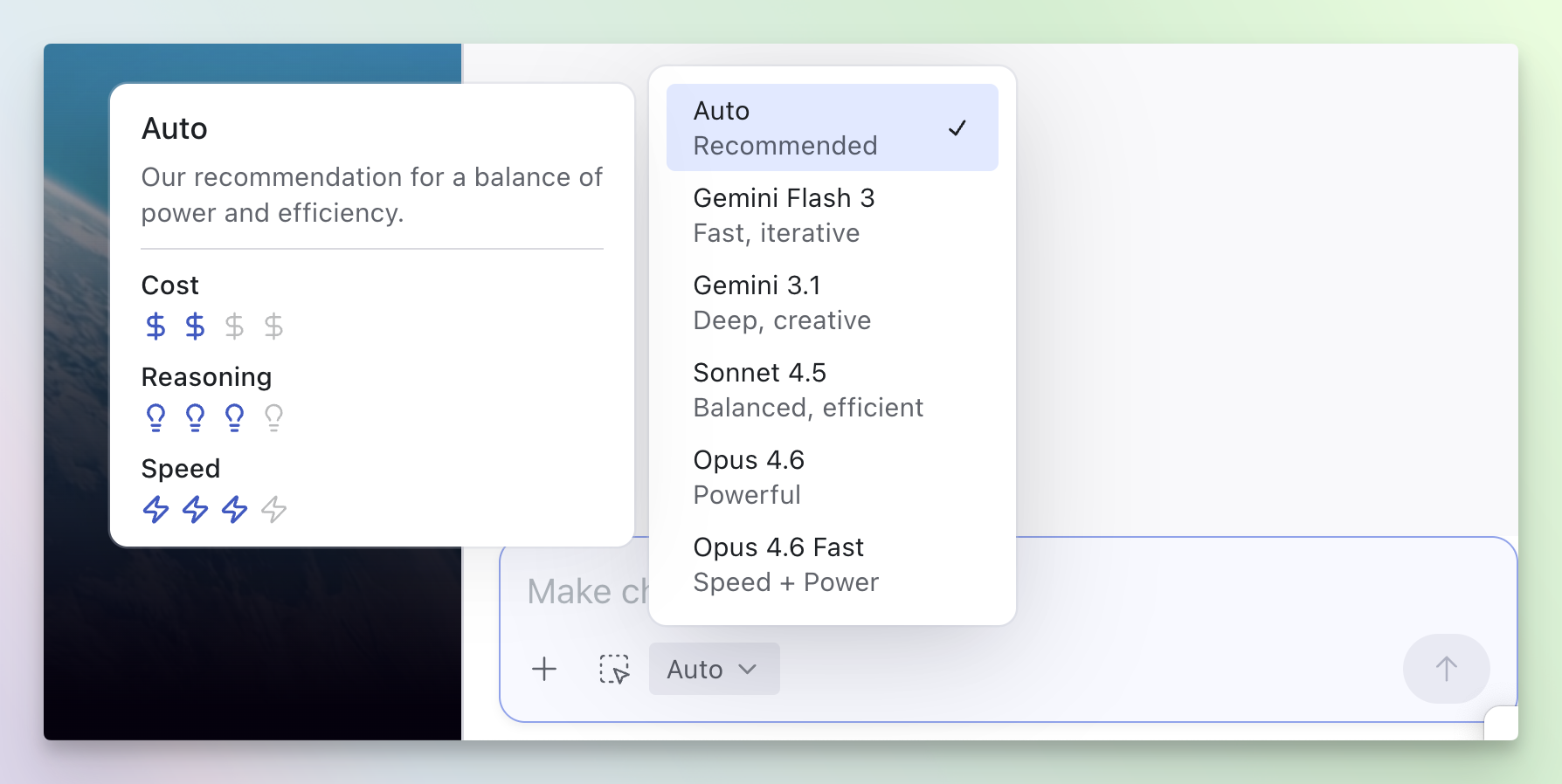
Model Picker
Model Picker
Cross-Project Referencing via MCP
Cross-Project Referencing via Magic Patterns MCP
You can now reference and merge designs across projects.This works out of the box by using the Magic Patterns MCP as a Connector within Magic Patterns.Simply connect the Magic Patterns MCP as a Connector, then share any Magic Patterns link in your prompts.Example prompt: “Use the Magic Patterns Connector/MCP to get the navigation bar from https://www.magicpatterns.com/c/456 and the settings panel from https://www.magicpatterns.com/c/design-b, then combine them into a single layout component”Learn more about Merging Designs.New Plans, Credits, and On-Demand Usage
New Plans, Credits, and On-Demand Usage
Today we’re introducing a new credit system, on-demand usage with pay-as-you-go billing, and restructured pricing plans.Read the full details here.
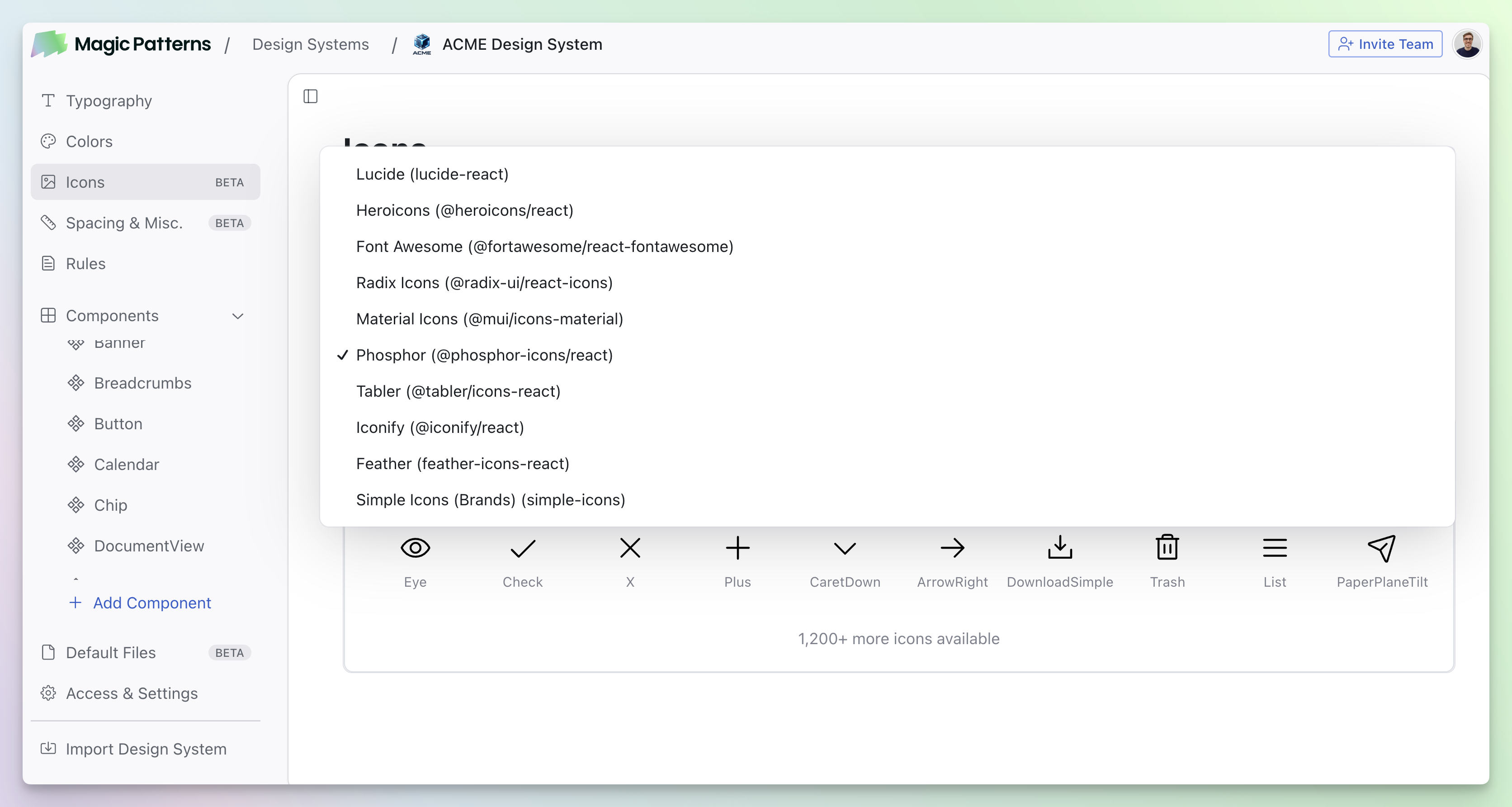
Icons in Design Systems
Icons in Design Systems
New Credit System
Reminder: New Credit System and Pricing Updates
As shared earlier this month, we’re introducing a new credit system, on-demand usage with pay-as-you-go billing, and restructured pricing plans. These changes take effect on Friday, March 20, 2026. Emails have been sent to all existing customers.For existing customers, you’ll be automatically upgraded to a new equivalent plan at no additional cost. Your current pricing will be honored through June 30, 2026 or until your next renewal if you’re on an annual plan.Read the exciting new updates here. If you have any questions, we’re here to help. Feel free to reach out to our support team at support@magicpatterns.com or use our in-app chat. We believe this will unlock a lot for our power users.Image Nodes in the Canvas
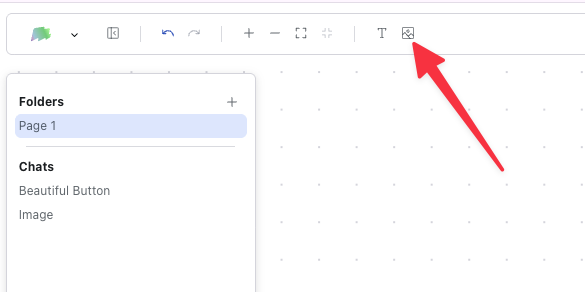
Image Nodes in the Canvas
Copy Paste from Figma
Copy Paste from Figma
Copy frames and components directly from Figma into Magic Patterns. Connect your Figma account, select any element in Figma, copy it, and paste it right into your design. No importing or exporting required.Rename Versions
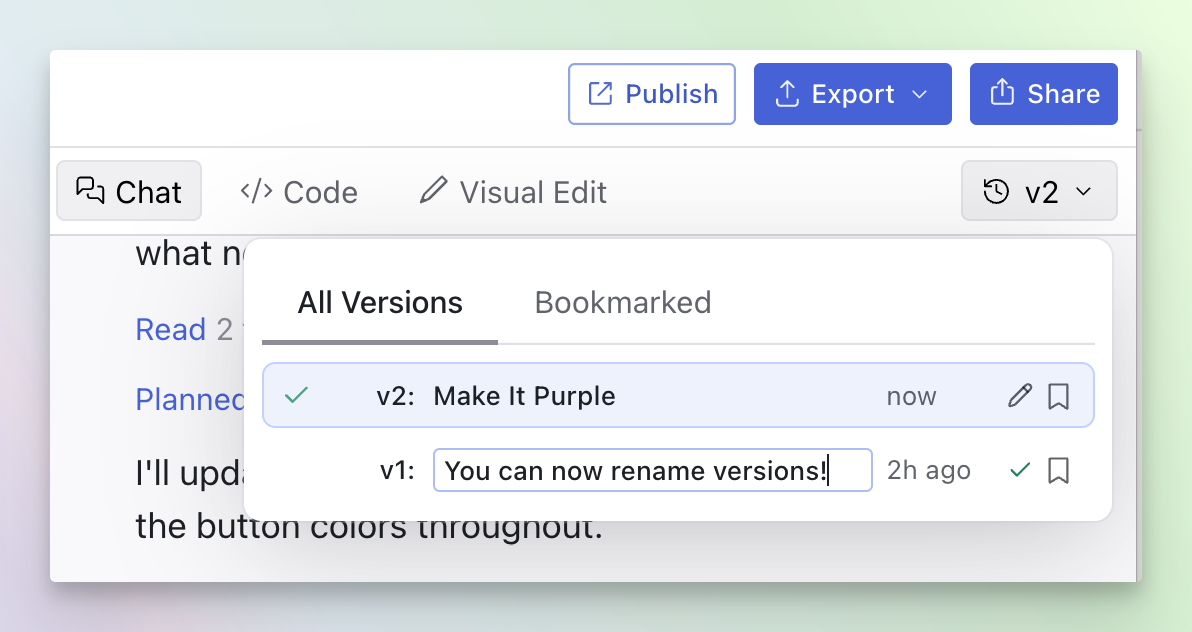
Rename Versions
Fork in Preview Links
Fork in Share Links

New Pricing
New Credit System and Pricing Updates on March 20, 2026
We’re introducing a new credit system, on-demand usage with pay-as-you-go billing, and restructured pricing plans. These changes take effect on Friday, March 20, 2026. Emails have been sent to all existing customers.For existing customers, you’ll be automatically upgraded to a new equivalent plan at no additional cost. Your current pricing will be honored through June 30, 2026 or until your next renewal if you’re on an annual plan.Read the full details here. If you have any questions, we’re here to help. Feel free to reach out to our support team at support@magicpatterns.com or use our in-app chat.New MCP Tools
New MCP Tools
Our MCP server now letting you specify which design system to use when creating designs programmatically.We’ve also added several new tools:list_design_systems— Discover available design systemscreate_blank_design— Create a new blank design with default scaffold filescreate_design— Create a design from a natural language promptcreate_new_artifact— Clone the current artifact for safe editingread_files/write_files/edit_files— Read and modify files in an artifactcompile_artifact_changes— Compile after making file changesupdate_design_from_prompt— Update a design using natural language
Command K
Command K
⌘K (or Ctrl+K on Windows) to quickly access actions, navigate between designs, and search across your workspace. Command K gives you instant access to everything you need without leaving the keyboard.Submit feedback, get featured
Submit Feedback and Get Featured
We use Magic Patterns internally to build Magic Patterns.Submitting feedback here will spin up an internal Magic Patterns prototype for us to review and implement into our codebase. If shipped, we’ll credit you here in the changelog. We’re thankful for your feedback!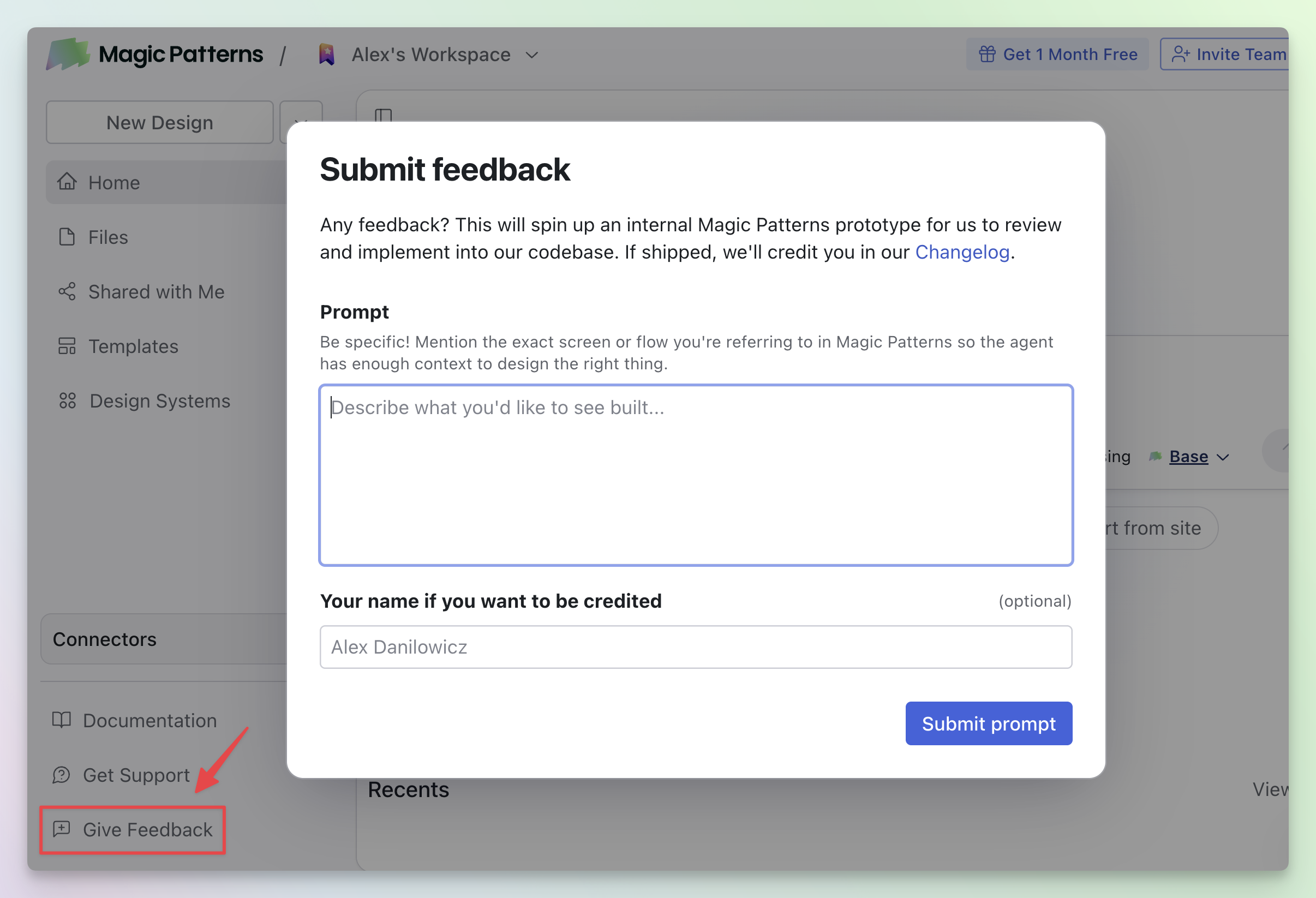
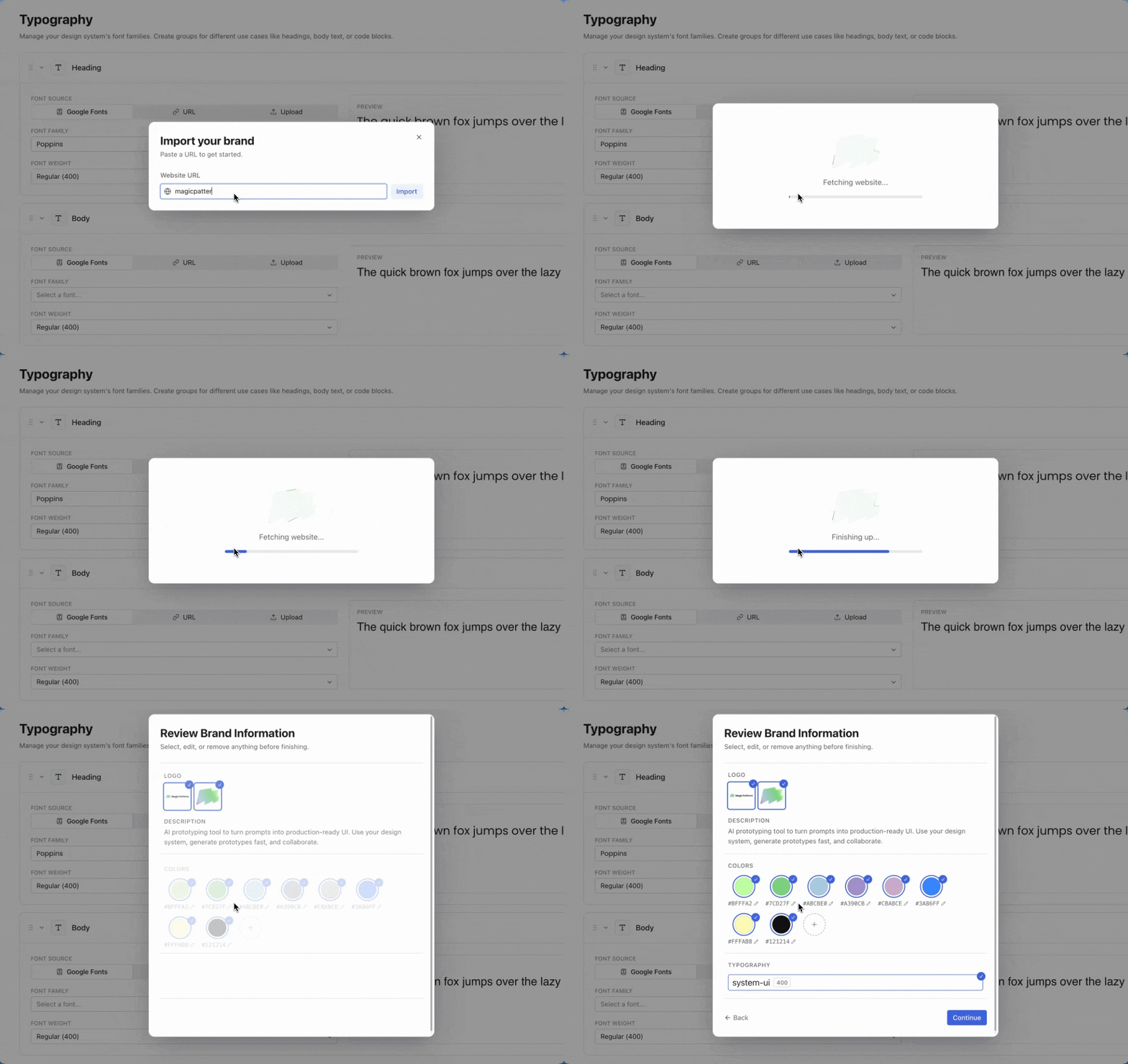
Brand Import for Design Systems
Brand & Color Import for Design Systems
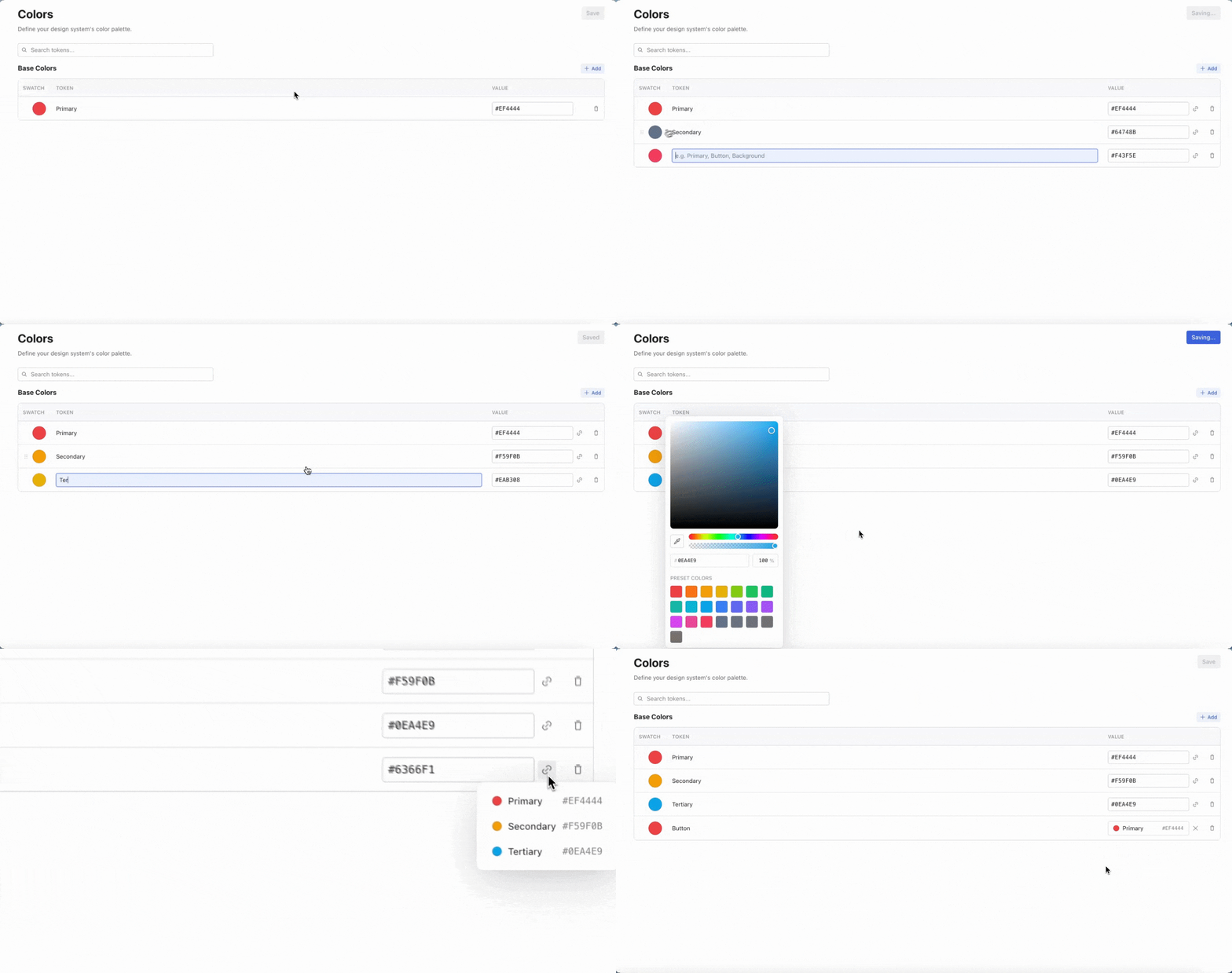
Color Tokens
Color Tokens in Design Systems
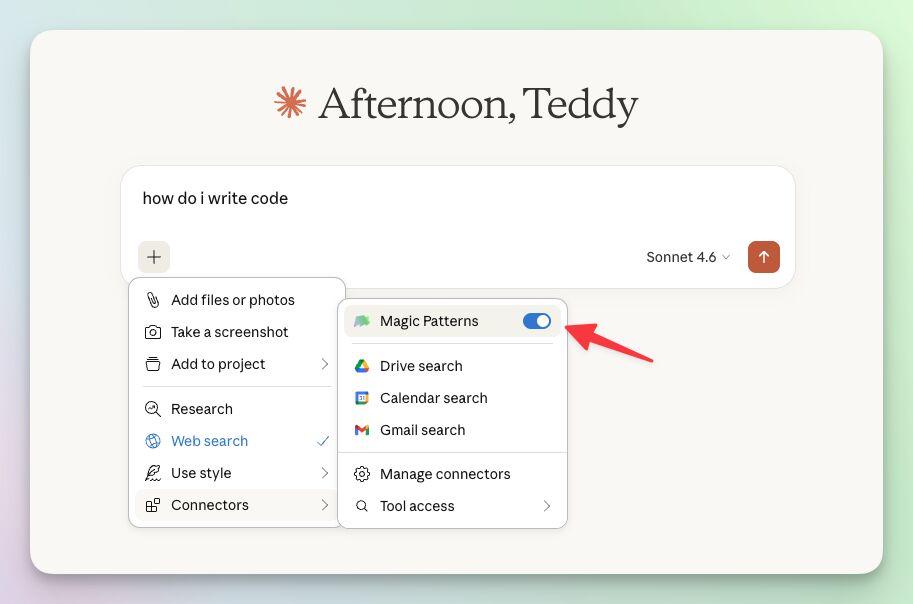
Official Claude Connector
Official Claude Connector
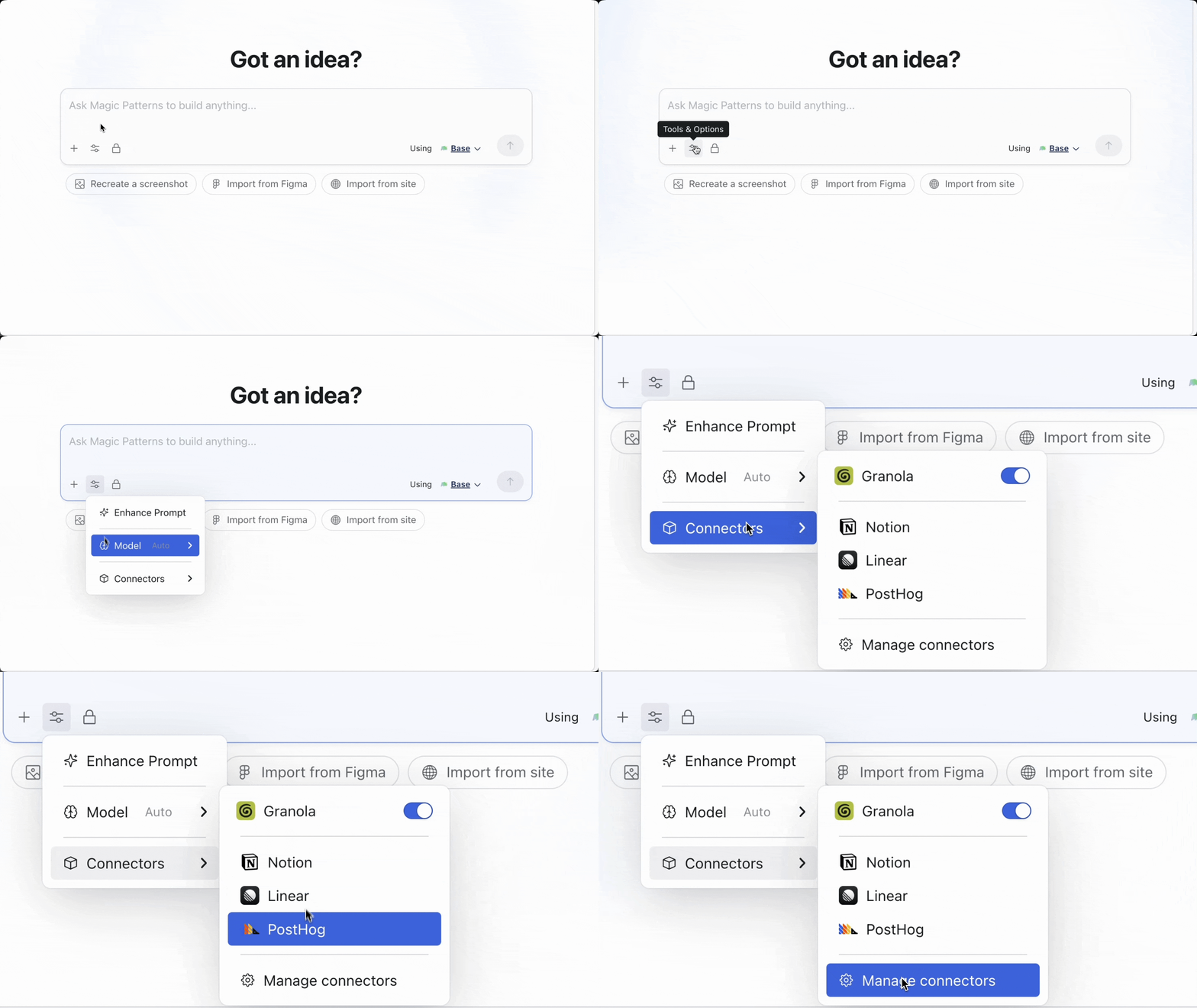
Connectors
Connectors
Typography in Design Systems
Typography in Design Systems
Generate designs that look like your font, automatically!Upload your custom font, choose a popular Google Font, or simply paste your font URL.Typography is a dedicated section in your Design System. Learn more about using custom fonts.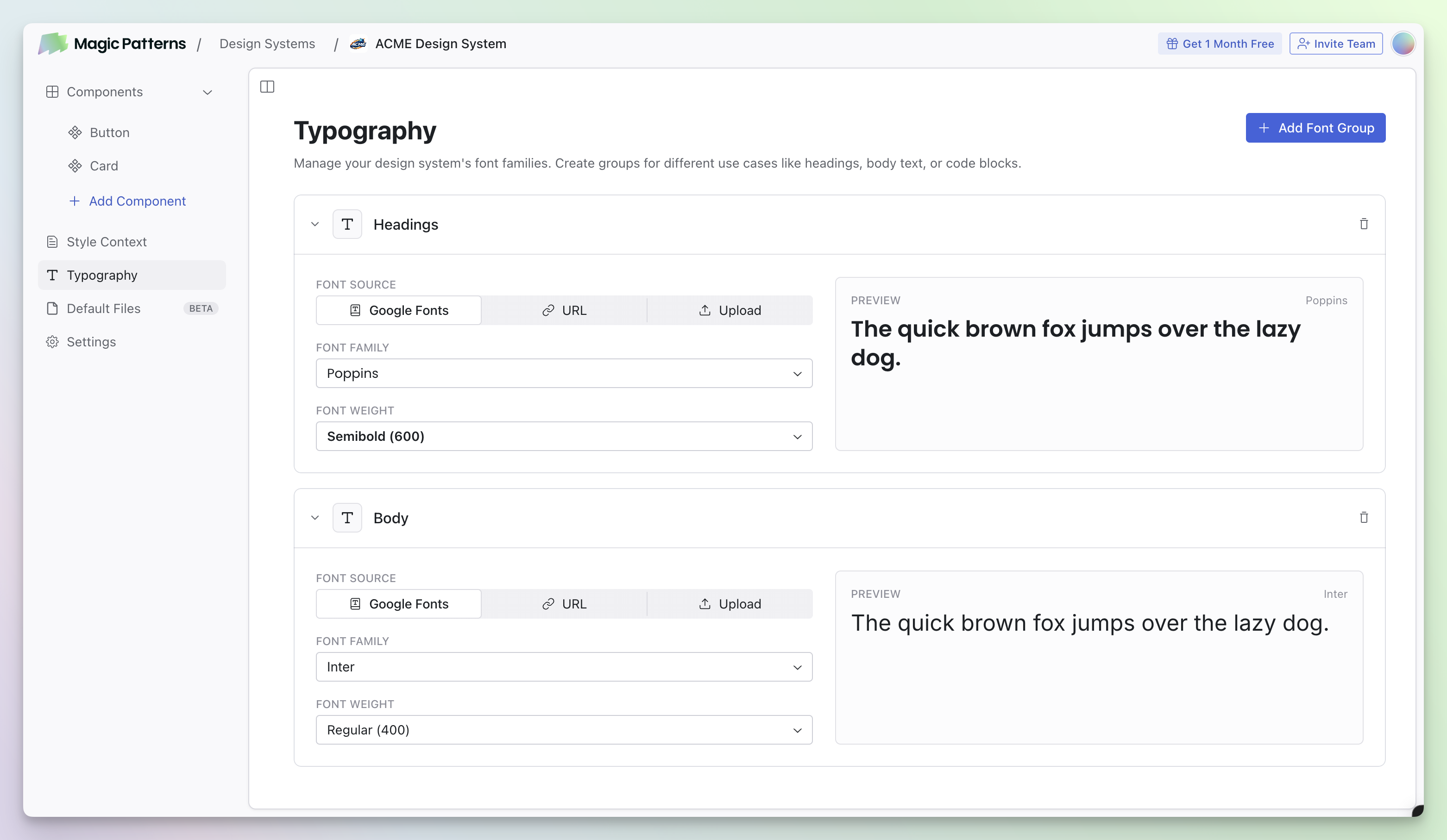
Emails sent when sharing
Emails sent when sharing designs
For a long time, users thought our system would send an email when they invited someone to a design. This is now “fixed.” Emails are now sent when you invite someone. Thanks for your feedback!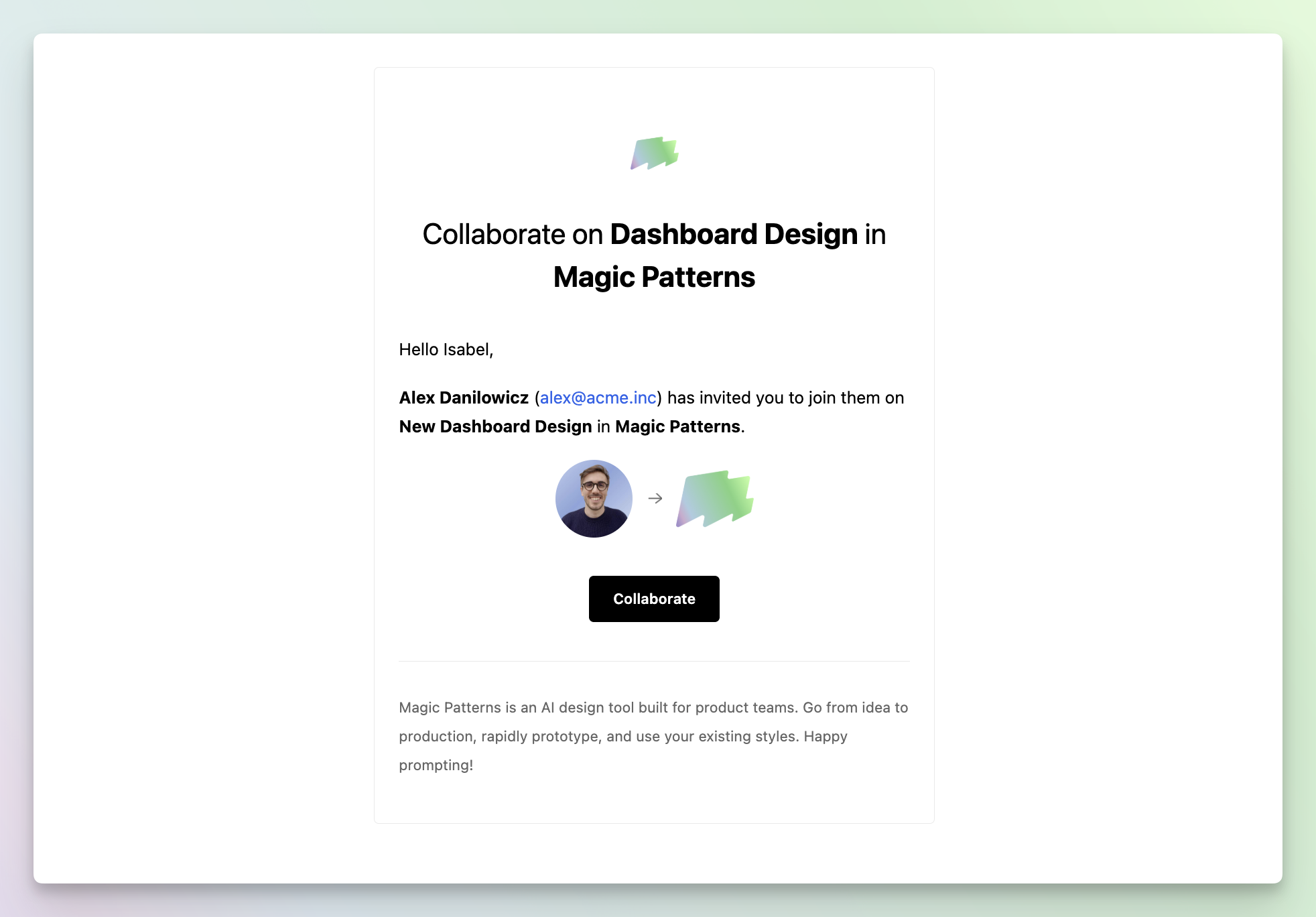
Improved Dashboard Navigation
Improved Dashboard Navigation
We’ve refreshed the navigation on the dashboard for a cleaner, more intuitive experience.Opus 4.6 in Auto Mode
Opus 4.6 Now Default in Auto
“Auto” mode now uses Claude Opus 4.6 by default, unless your organization has disabled it.Design Systems
Design Systems
Design Systems are the new way to keep consistent styles, colors, typography, and components across your team’s designs.Your existing presets and component libraries have been automatically migrated to Design Systems.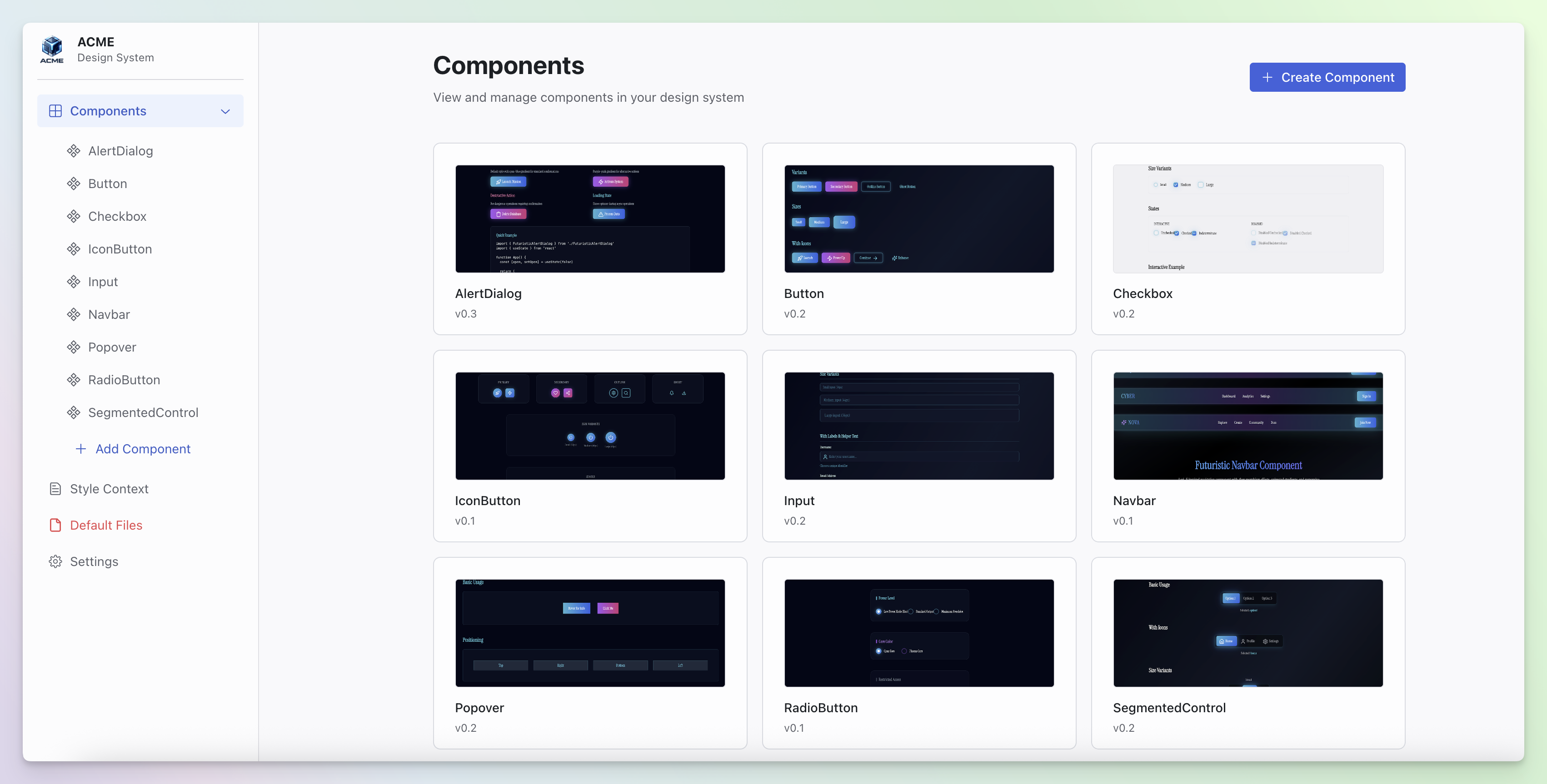
Visual Edit
Visual Edit
Sometimes, you don’t need the AI. You’re now in control: select any element in your design and edit it manually. Change text, colors, spacing, and other properties from the Visual Edit panel.This feature was in beta, but is now available to everyone.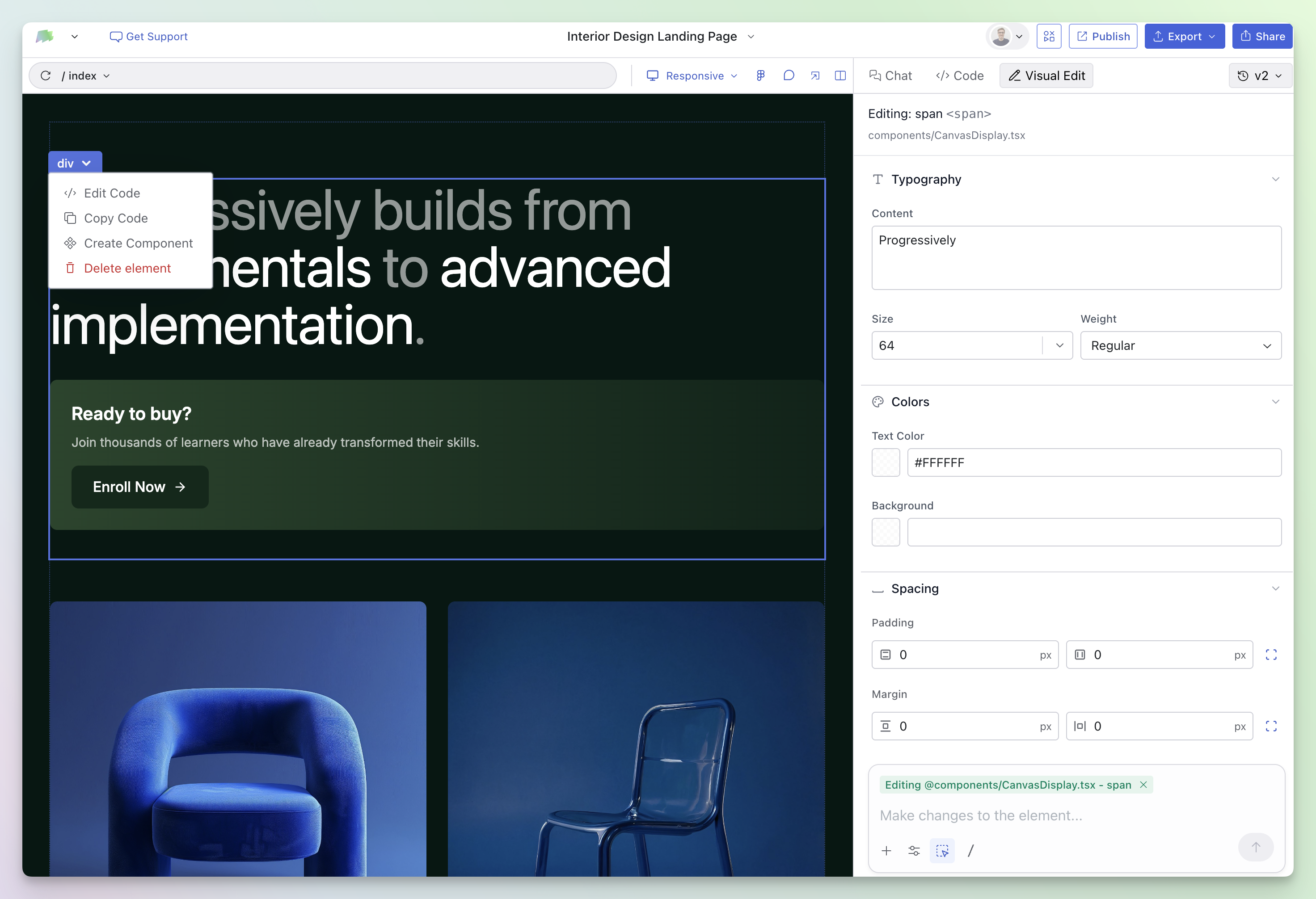
Queue Messages
Queue Messages
You can now queue multiple prompts while a generation is in progress. Each prompt is processed in order.Queued prompts appear below the input field. You can remove any queued prompt before it starts.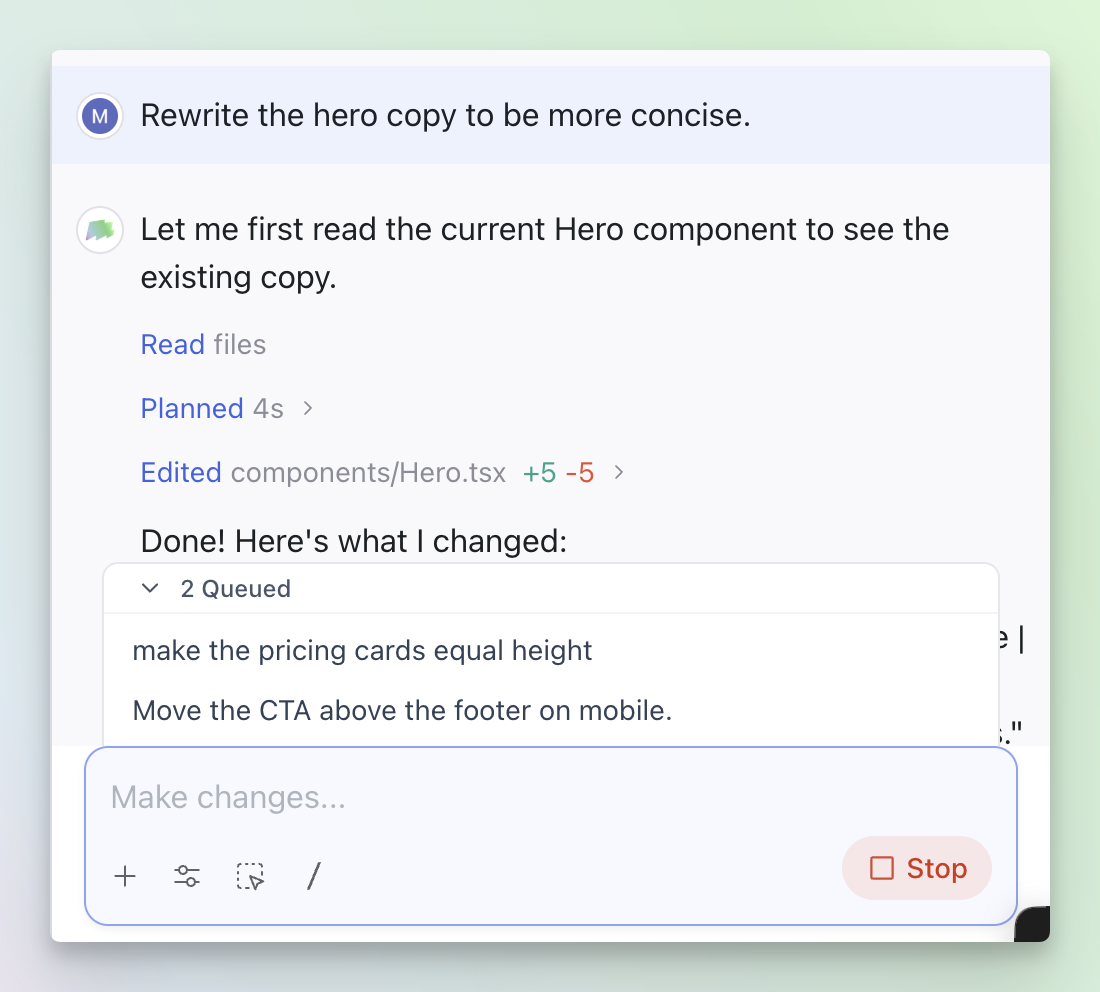
MUI Preset
MUI Default Design System
Generate components using our Material UI (MUI) Design System defaultHow it works:- Tap the Design System Selector from the Dashboard
- Select MUI
Text Nodes in the Canvas
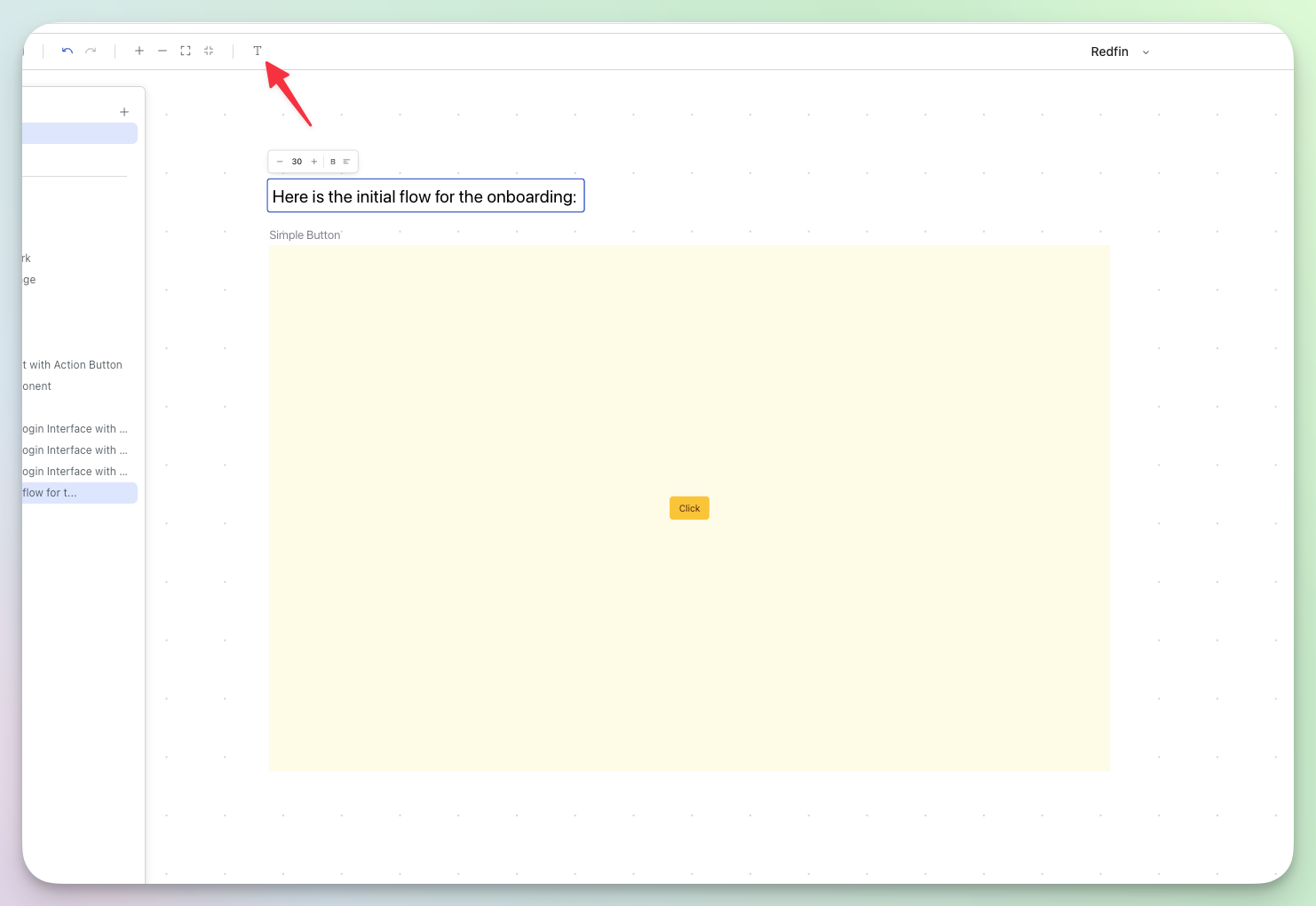
Annotate Your Canvas
Add text nodes directly to your canvas to describe user flows, label prototypes, and keep your workspace organized.How it works:- Click the text tool in the toolbar to add a text node anywhere on your canvas
- Double-click to edit the text inline
- Adjust font size, weight, and alignment using the floating controls
- Drag to reposition or resize the text box to fit your layout
Collecting External Feedback
Collect Feedback in the Chatbar
We’ve moved the “Collect External Feedback” feature to the integrations section of the chatbar.You can enable external feedback collection on your designs from the integrations section in the chatbar.This adds a structured feedback form directly on your publish link. View more details in our Collecting External Feedback documentation.Access it via the integrations section in the chatbar → Collect External Feedback.Inline Preview Comments
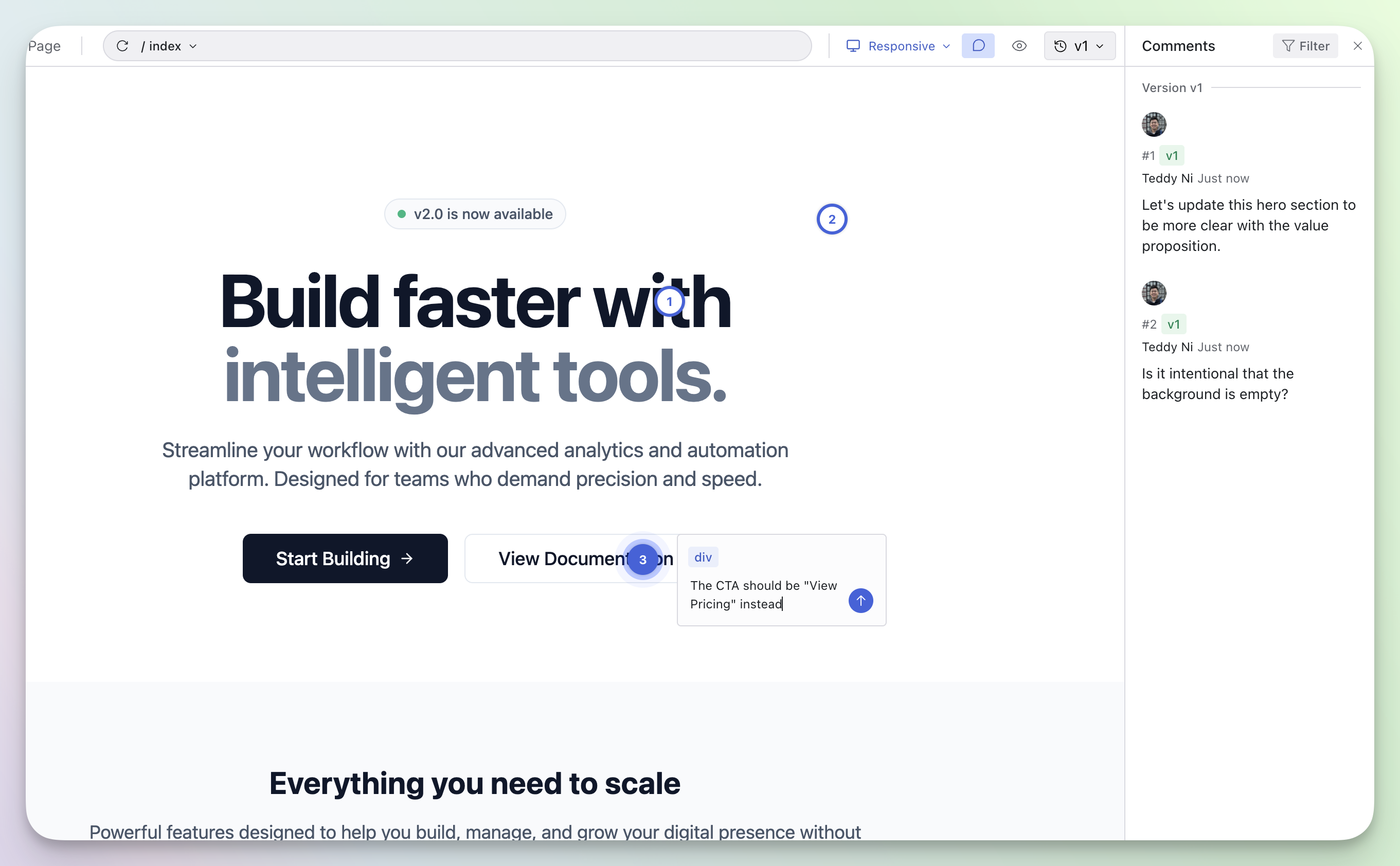
Inline Preview Comments
Leave comments directly on your preview to collaborate with your team. Click anywhere on the design to start a conversation — perfect for gathering feedback without leaving the browser.We also refreshed the preview page with viewport controls, so you can see how your design looks across different screen sizes.Access it via Share → Preview Link.OAuth in MCP Server
OAuth 2.0 Authentication for MCP Server
Our MCP Server now supports OAuth 2.0 authentication. Simply connect and authorize through your browser — no more manually copying API keys into headers.This makes setup faster and keeps your credentials more secure.Updated Share & Publish Panels
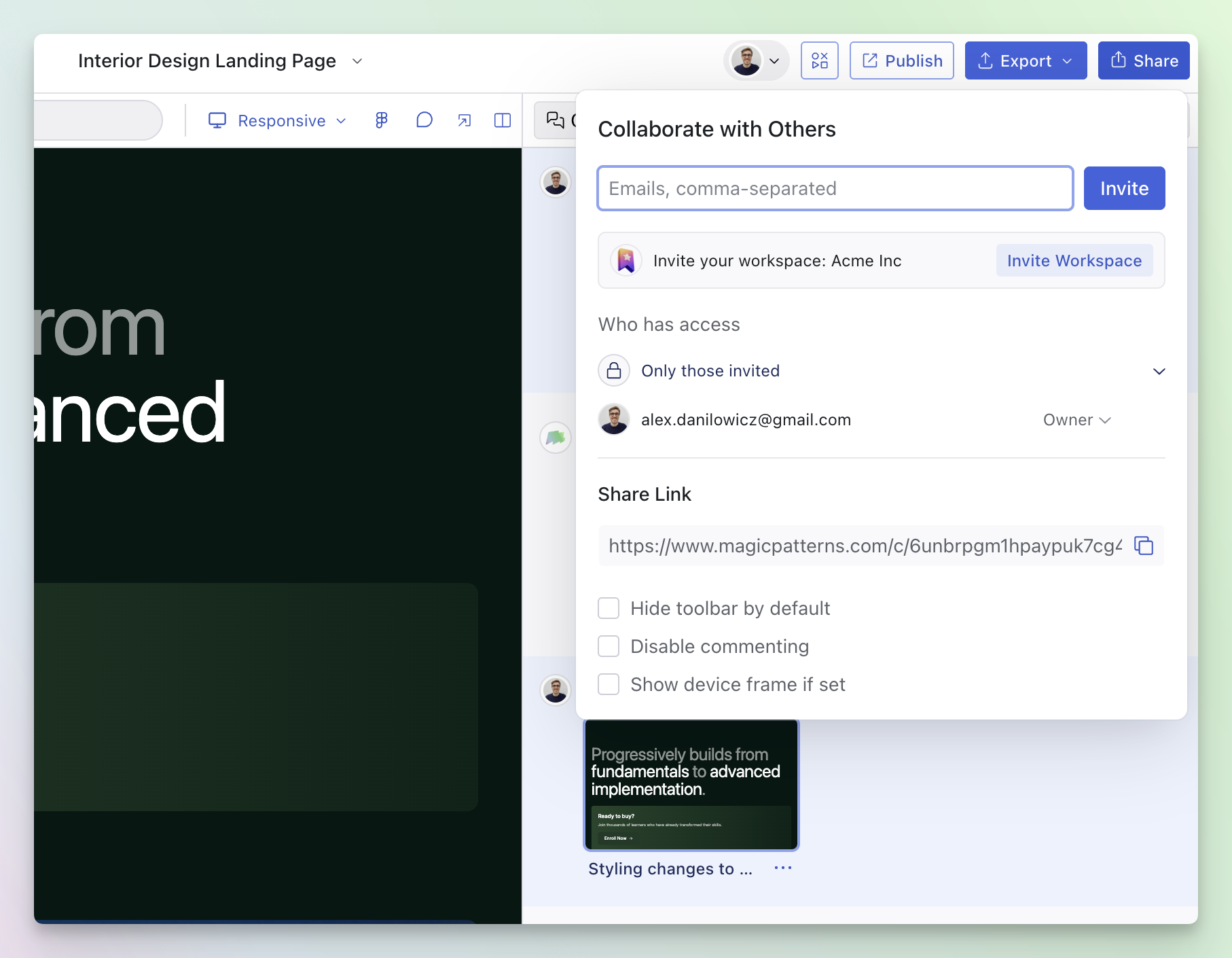
Updated Share & Publish Panels
Sharing designs with teammates and publishing to the web are two of the most popular things you do with your prototypes.We gave both panels a UI & UX upgrade to make these workflows faster and more intuitive.Magic Patterns MCP Server

Magic Patterns MCP Server
Your favorite AI tools & agents can now connect to your Magic Patterns design via our MCP Server.One of our favorite new workflows is adding the Magic Patterns MCP to Cursor. When connected, you can simply tell Cursor the link to your Magic Patterns prototype and Cursor will automatically implement it in your codebase following your codebase’s conventions.Learn how to configure the MCP Server with your favorite tools here.Video → UI
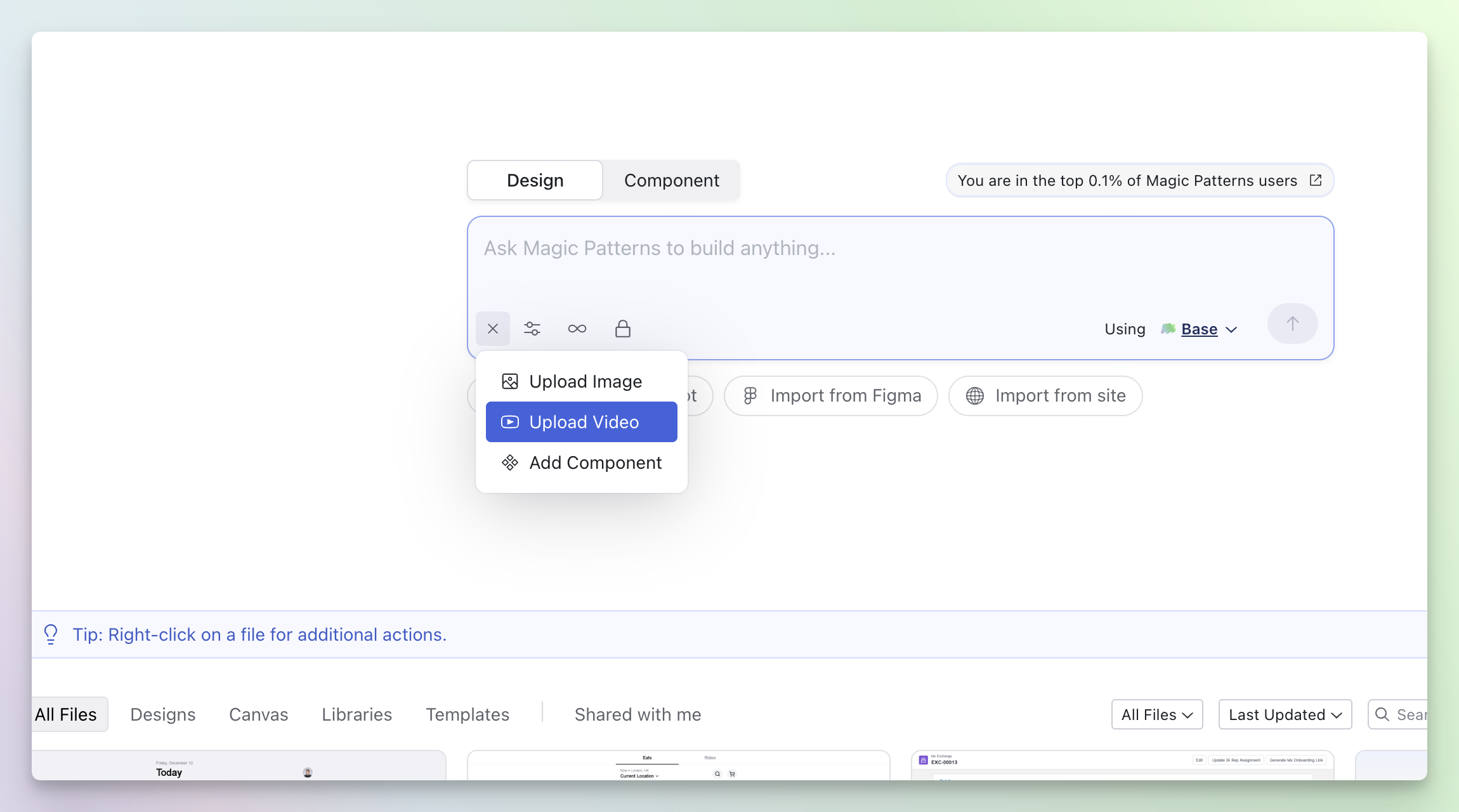
Uploading a Video
Animate interactions, generate full user flows, debug issues, all from just uploading a single file.You can use a video when creating a new design or updating an existing one.Converting Presets
Converting Presets
You can now change the preset of an existing design to a different preset.Key benefits:- Change Presets: Switch between Wireframe, Shadcn, Chakra, Mantine, or your own Custom Presets without starting over.
- Non-destructive: Creates a new version of your design, preserving your original generation.
- Open any design and click the “Convert” button in the top bar.
- Choose a new preset (like switching between two of your custom presets with different design systems).
- Watch as a new design is generated in a separate tab.
Publishing
Publishing to a Custom Website Address
Publish your designs as live websites with a custom website address or your own domain.Key features:- Custom Website Address: Create shareable URLs like
project-alex.magicpatterns.app - Custom Domains: Connect your own domain or subdomain.
- Multiple Domains: Add multiple domains to the same design
Agent Mode

Agent Mode
Agent Mode is our new architecture designed specifically for rapid prototyping, creative inspiration, and building production interfaces.Read more about it’s capabilities in our blog post here.Device Frames

Device Frames
For specific viewports, you can now display a device frame around your design. Currently, these are the supported device frames:- iPhone SE
- iPad Pro
Templates

Templates
Organize your reusable designs with Templates. Convert any design into a template and access them all from a dedicated tab in your dashboard.How it works:- Click the dropdown next to your design name and select “Publish Template”
- All your templates appear in the Templates tab on your dashboard
- Fork from any template to create a new design based on it
- Unpublish templates anytime to remove them from the Templates tab
Enhance Prompt

Enhance Prompt
Get better results with AI-powered prompt enhancement. Magic Patterns now helps you refine your prompts before generating.How it works:- Click the “Enhance this prompt” button in the prompt input field
- AI automatically refines your prompt for clarity and specificity
- Get higher-quality designs with more accurate results
Figma Remote MCP
Figma Remote MCP
Importing from Figma got a massive upgrade. We now enrich frames and components with context from the Figma MCP automatically (you no longer need the Chrome extension + dekstop app).Read more about how we designed this feature in our latest blog post.Upgraded Personal & Workspace Settings
Our settings page was getting really long with all the features we’ve been shipping. We improved this page to help you better manage your team + customize your Magic Patterns experience.Refreshed documentation
We made it easier to find the information you need. If you have any feedback on what documentation you’d like to see, we’re all ears!OpenAI Integration
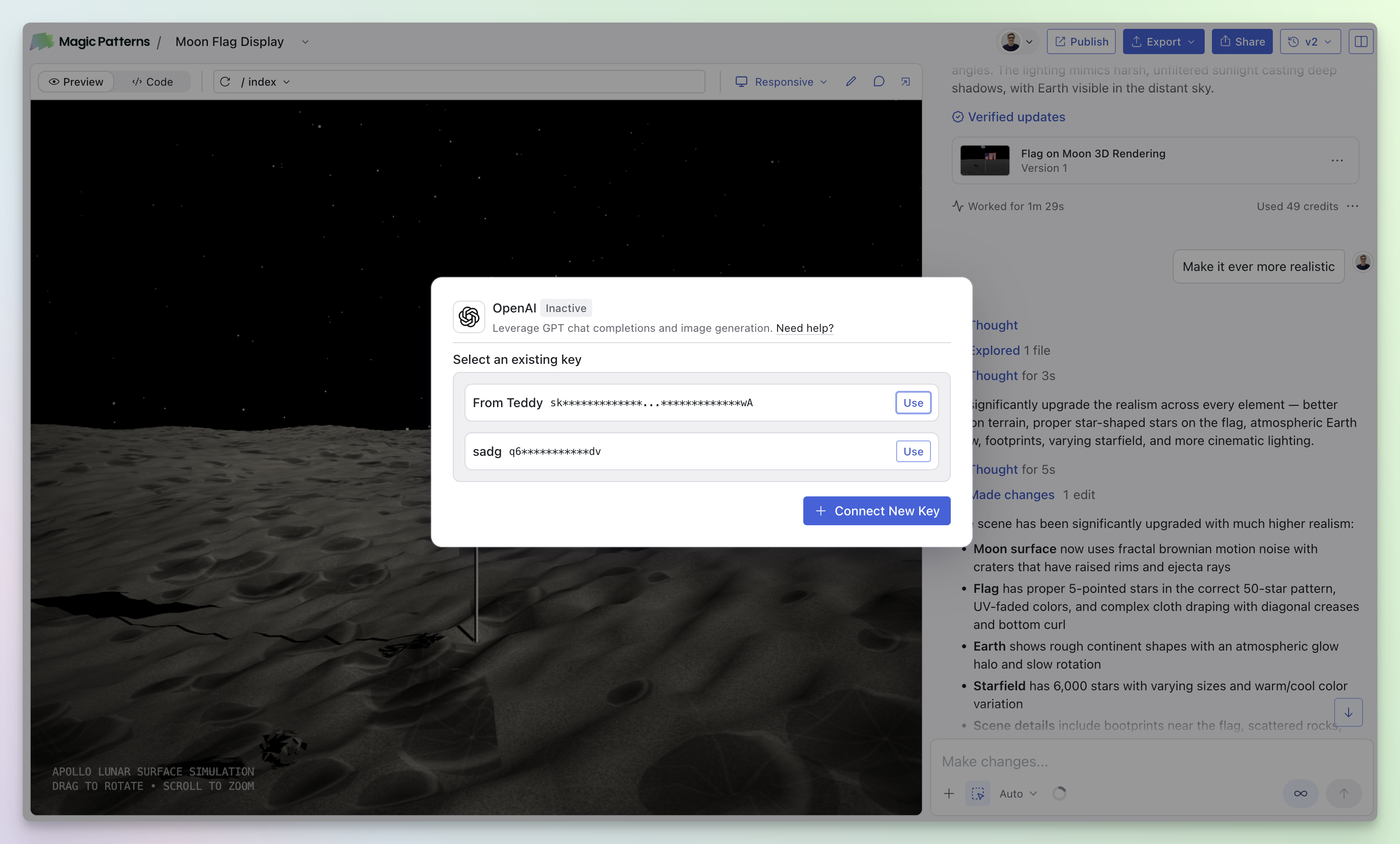
OpenAI Integration
You can now bring your own OpenAI API key to power AI generation in your designs and prototypes.Key features:- Input your OpenAI API key directly in the integrations section of the chatbar
- Use AI-powered features with your own OpenAI account
- API keys are automatically available across all your designs once configured
Upgrade Component Instances

Upgrade Component Instances
When you publish a new version of a component, you can now upgrade all instances across your designs in one place.How it works:- When you publish a new component version, a modal appears showing all designs that use that component
- Select which designs you want to upgrade and click “Upgrade Instances” to update them all at once
Sound Notifications
Sound Notifications
Enabled by default for all users!- Get a gentle chime when your design is ready
- Multitask while Magic Patterns works in the background
- Go to Settings > Preferences > Sound Notifications
- Toggle “Sound Notifications” off
Credit Rollovers
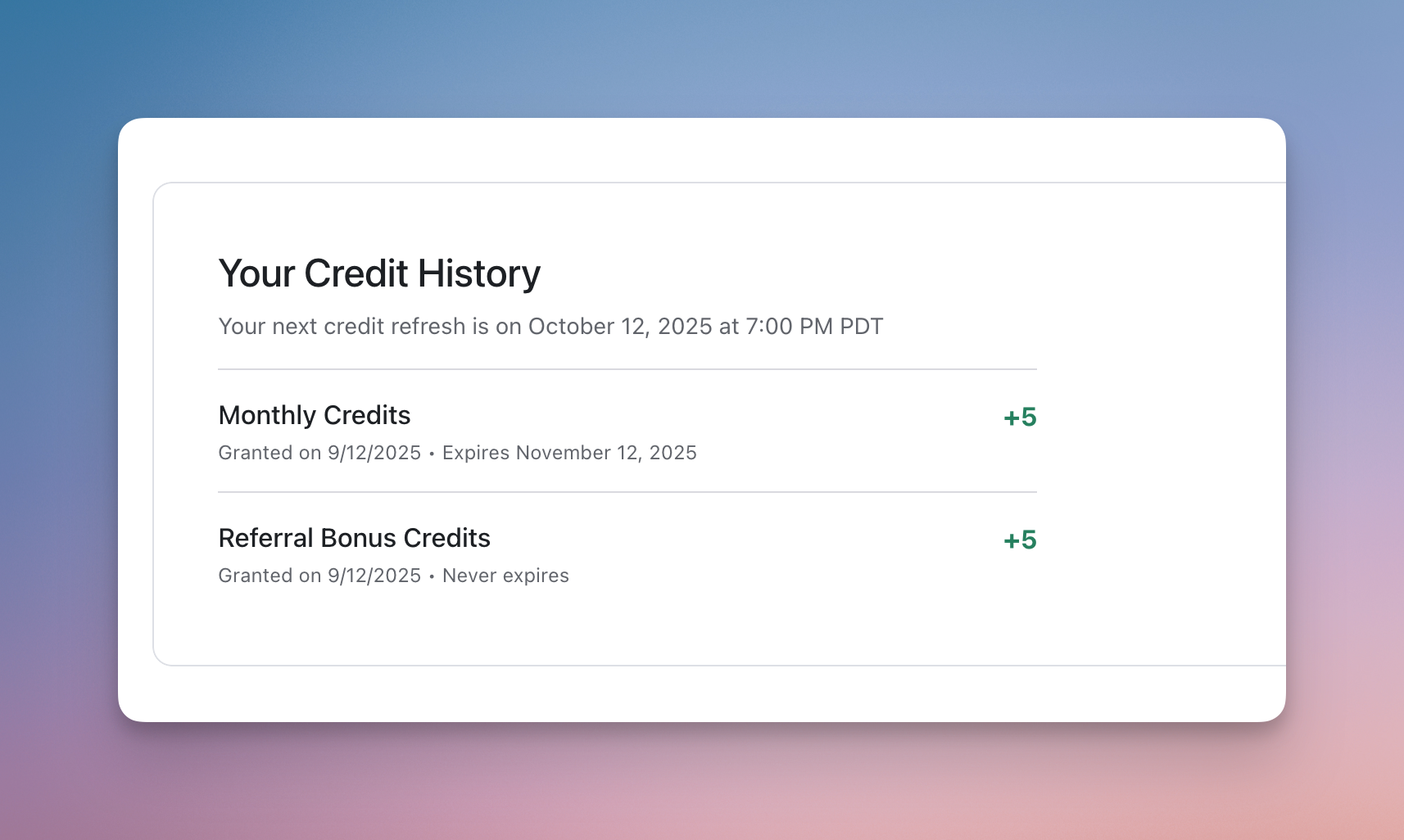
Credit Rollovers
- Credits now rollover month-over-month
- See your credit history in your settings
Closed beta
Two new features are releasing under closed beta.- Agent Mode
- Integration with Figma MCP
Improved Import from Figma
Improved Import from Figma
- We’ve improved the Import from Figma to capture exact color values.
Other Improvements & New Features
- Improved Import from Figma
- Dashboard QoL features (renaming files, performance improvements)
- Editor QoL features (refresh preview, page dropdown, etc)
- Fixed issues with Delete Element
- Improved sync with GitHub reliability
New Fast Model
New Fast Model
- “Fast” mode now runs on Claude Sonnet 4.
- We’ve seen major improvements in debugging issues, listening to instructions, and solving unique challenges
- We’d still recommend using “Best” for large UI changes or more “inspirational” guidance
Improved Site Hosting
- We migrated our site hosting infrastructure to a new system that loads previews 2x faster
- Sites hosted through our custom domain feature will also be faster + more stable
Other Improvements & New Features
- Import from Figma is now in early access. Coming to everyone next week.
- Default page routing
- Convert between presets
- Improved error handling for sync with Github
- Fixed preview on canvas
- Supporting more NPM packages
Referral Program
Referral Program
- Earn credits by inviting your teammates and friends to Magic Patterns
- Find your unique referral link on the Magic Patterns dashboard
Other Improvements & New Features
- Granular permissions on libraries
- Automatic Detach Components preference
- Support for Meta Pixels and Google Tags
- General stability and error improvements
- Improved login experience
- Lots of bug fixes
Shared with me
Shared with me tab
- We’ve added a new “Shared with me” section to the dashboard.
- You can now see all the designs that have been shared with you.
Other Improvements & New Features
- Granular permissions on canvases
- SAML SSO Authentication
- Improved support chat interface
- Better troubleshooting documentation
- Automatic error detection + fixing
- Improved dashboard loading performance
- Better support for mock data via xlsx and csv files
- Support for many more NPM packages
- Ability to deprecate components
- Ability to add additional context when creating a component
Bug Fixes
- Support for latest lucide icons
- Easier site navigation in canvas
- Fixed bug with versioning dropdown
- Fixed issues of infinitely hanging generations
- Fixed performance issues
- Improved platform stability and handling for outages out of our control
Granular Permissions
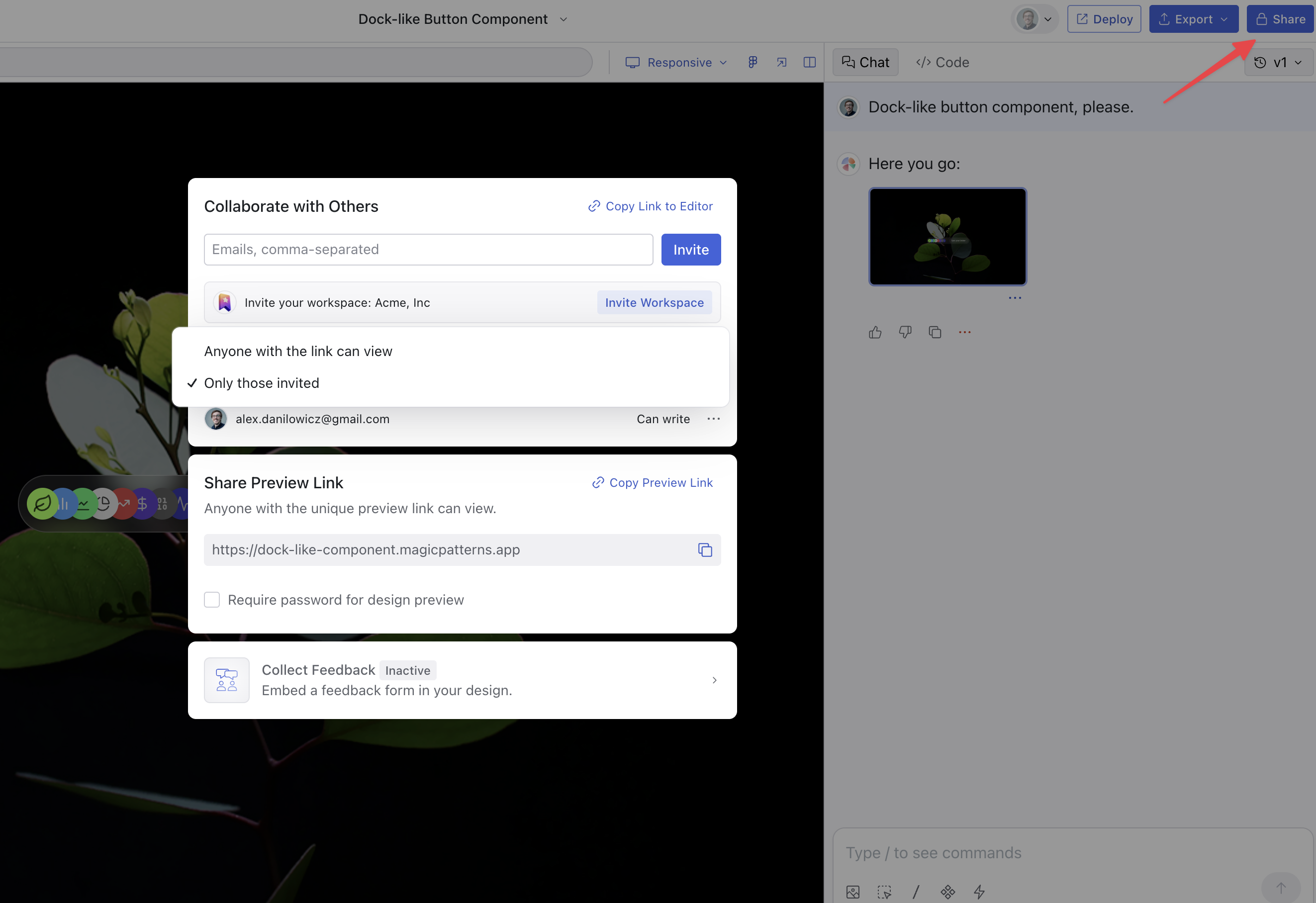
Invite your team, set permissions, and control read/write access
- If you click the share button in the top-right corner of any design, you can now invite your team to collaborate on the design.
- You can also control who has access to the design.
- Better error handling
- Component source code included when possible in code export
- Improved AI context handling
- Ability to rename components
- New /Debug and /Discuss commands
New Dashboard and Custom Components
”Chats” renamed to “Designs” and “Projects” renamed to “Canvas”
- We revamped our dashboard: magicpatterns.com/dashboard
- We renamed “Projects” to “Canvas”
Custom components in public beta
We’re excited to announce components in public beta, read more here: Custom Components- Custom components in public beta
- Thinking is exposed
- Improved preview image generation
Feedback Collection and Password Protection
We’re excited to announce two major features:
- Structured feedback collection
- Password protection for shared designs
Custom Domains and Improved Preview Links
We’re excited to several new features:
- Custom domains
- Image upload improvements
- Preview links — more human-readable and shareable
- Lots and lots of bug fixes
Editor UI Refresh and Performance Improvements
We’re excited to several new features and improvements:
- Refresh of our core editor UI
- Previews now load 5x faster
- Page routing
- Model Mode: Fast or Quality (Sonnet 3.5 vs 3.7)
- Moved our API product to our new infrastructure
- “Copy Prompt” feature/integration on 21st.dev
Workspaces
We’re excited to announce Workspaces and other improvements:
- Workspaces
- Added diff-ing
- Ability to undo