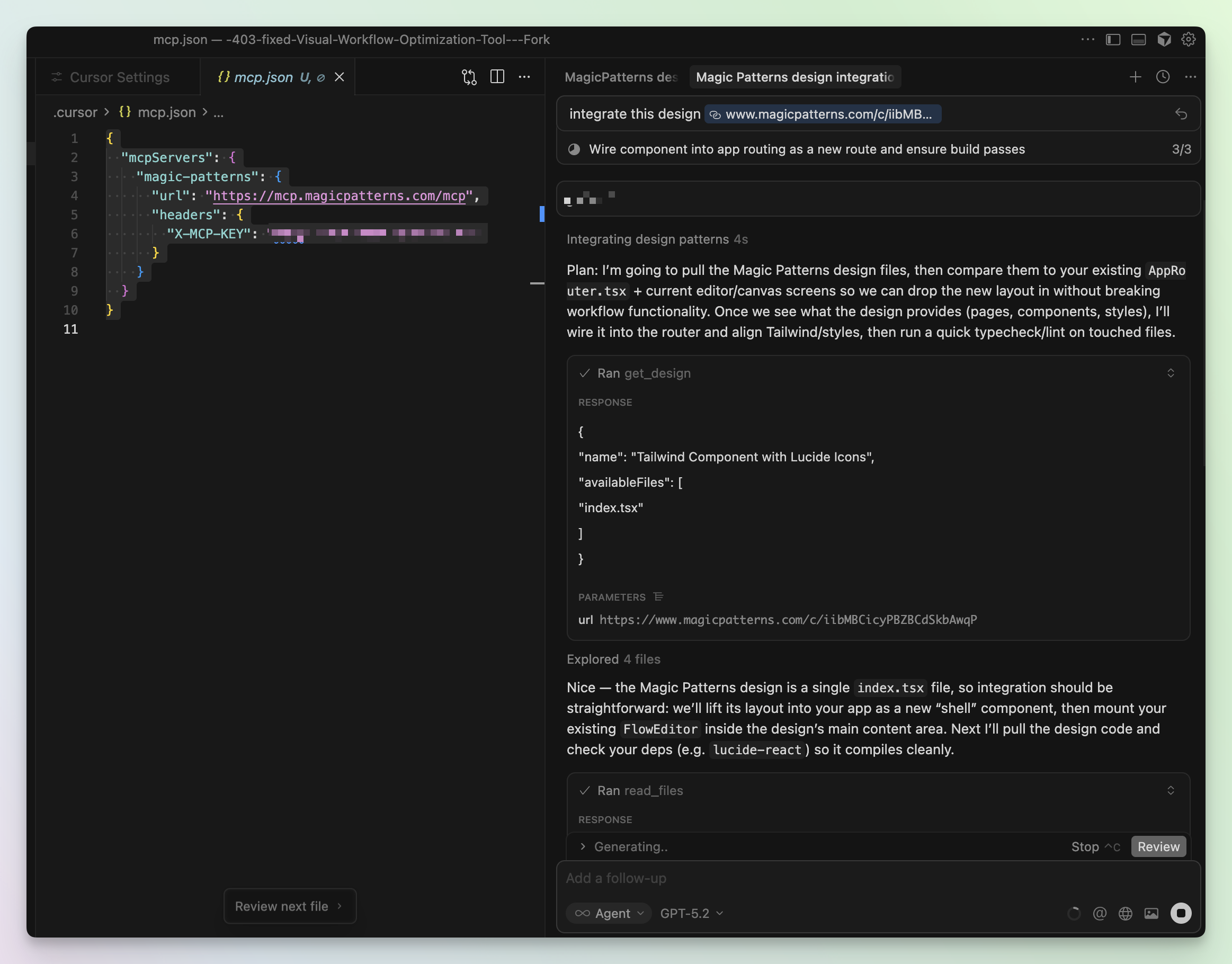
Connection Options
Official Claude Connector
One-click setup directly in Claude.ai
Custom MCP Setup
Configure in Cursor, Claude Code, or other MCP clients
Official Claude Connector
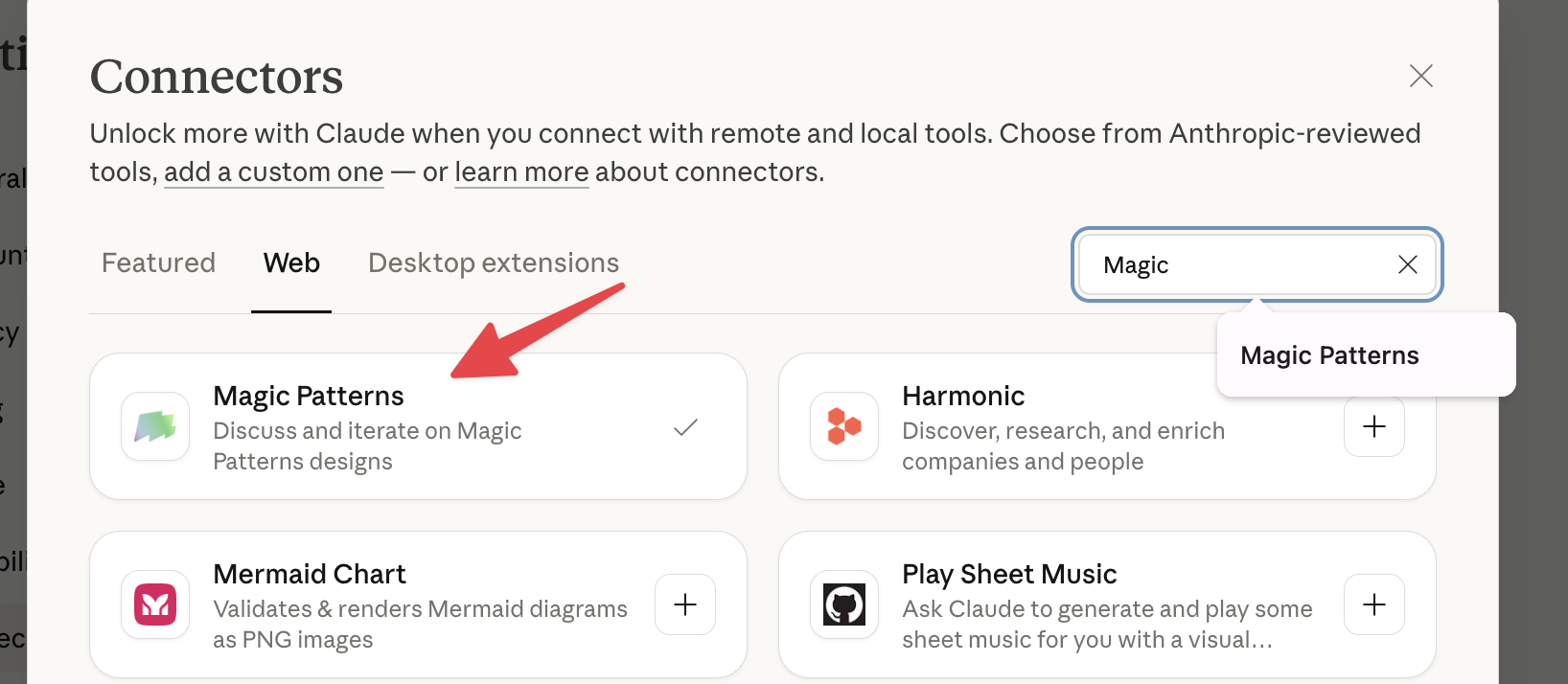
Magic Patterns is available as an official Connector directly in Claude.ai. This is the easiest way to get started - no configuration required.Open Claude.ai and navigate to Connectors
In Claude.ai, click on the Connectors icon or navigate to your integrations settings.
Custom MCP Setup
For tools like Cursor or Claude Code, you can configure the Magic Patterns MCP server manually.- Cursor
- Claude Code
Add to your MCP config
Create a
.cursor/mcp.json in your project for project-specific tools. Cursor instructions here.Verify MCP is enabled
IMPORTANT: If Cursor browses the web instead of using the MCP tools, it means it’s not working!Ensure the MCP is actually turned on and not globally ignored. You can check this in Cursor’s settings. Check “magic-patterns” to on!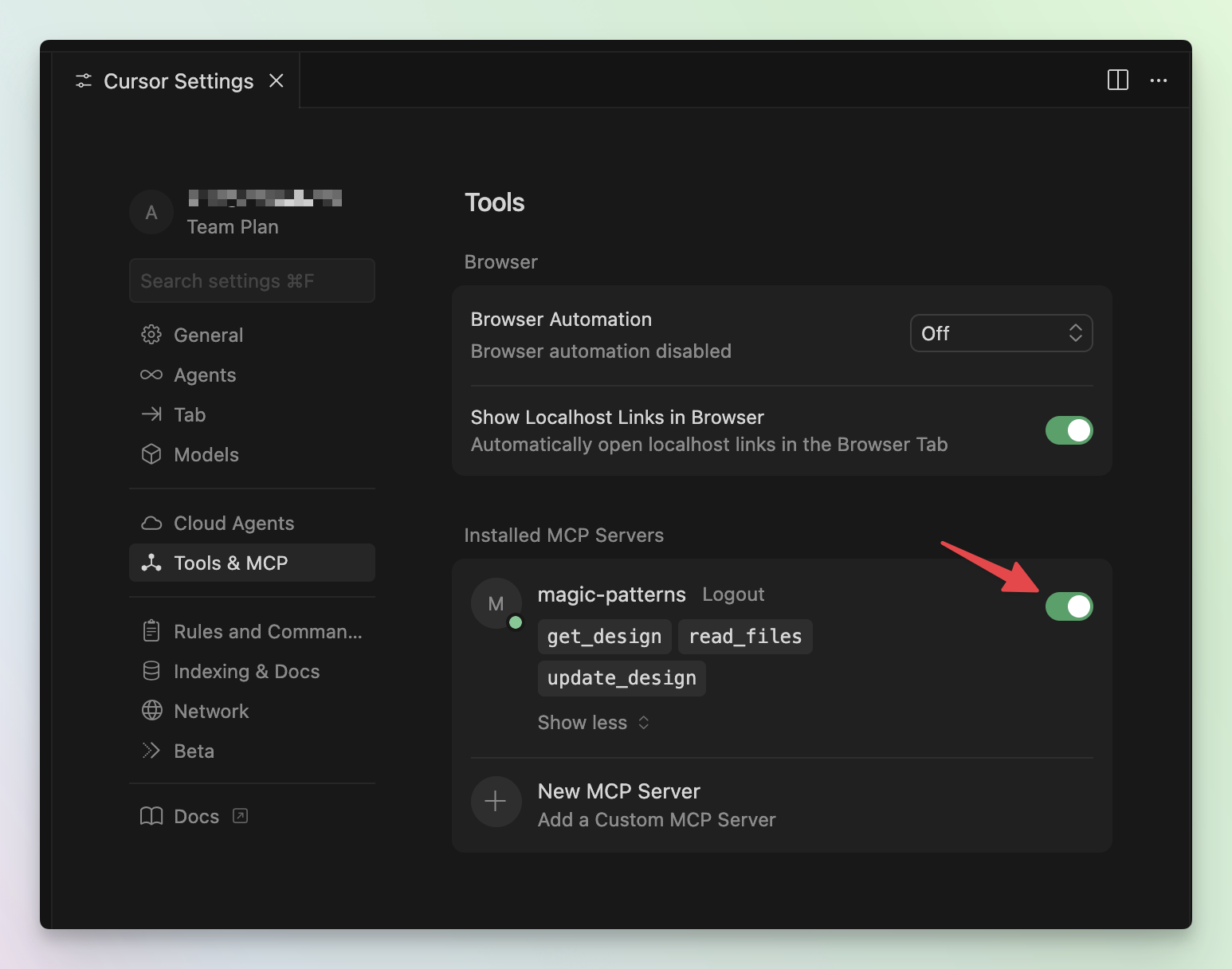
Example Usage in Cursor