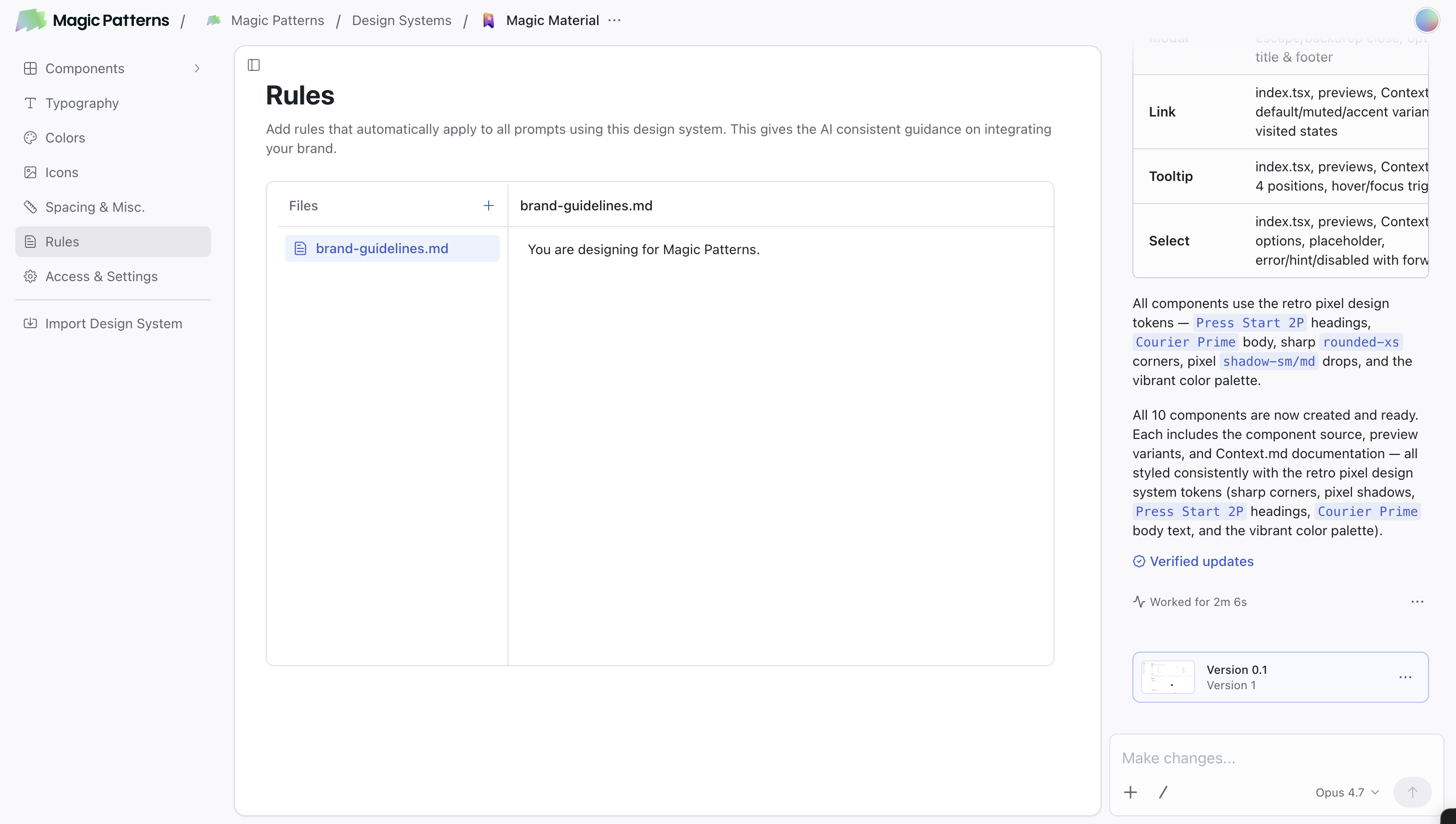
Define default styling rules for consistent designs
Rules is where you define the general design rules and prompts that the AI uses when generating components and pages. If you are familiar with other AI tools, you can think of this as “default prompts” or “skills.” Define it once, and every design follows your brand rules.
Upload your brand guidelines to ChatGPT and ask it to create Rules for Magic
Patterns!
Here’s a well-structured Rules page:
You are designing for the Acme Inc company.Acme Inc makes B2B SaaS and has users that do XYZ.## BrandVoice: Professional but approachable## Visual Rules- Border radius: 8px- Shadows: subtle (0 1px 3px rgba(0,0,0,0.1))- Spacing: 16px between sections- Style: Clean, minimal, lots of whitespace