

Design Tools
Import from Figma
Bring your Figma designs into Magic Patterns as editable code.
Export to Figma
Export your designs to Figma for handoff or further design work.
Developer Tools
Sync with GitHub
Two-way sync between Magic Patterns and your GitHub repository.
MCP Server
Connect your IDE or AI assistant to Magic Patterns via the Model Context
Protocol.
Connectors
Connectors let the AI assistant pull real context from external services into your designs. Connect via OAuth and the assistant handles the rest.Granola
Pull meeting notes and context into your designs.
Notion
Pull pages, databases, and content from your Notion workspace.
Linear
Pull issues, projects, and roadmaps from Linear.
PostHog
Pull analytics, feature flags, and experiment data from PostHog.
In-Design Services
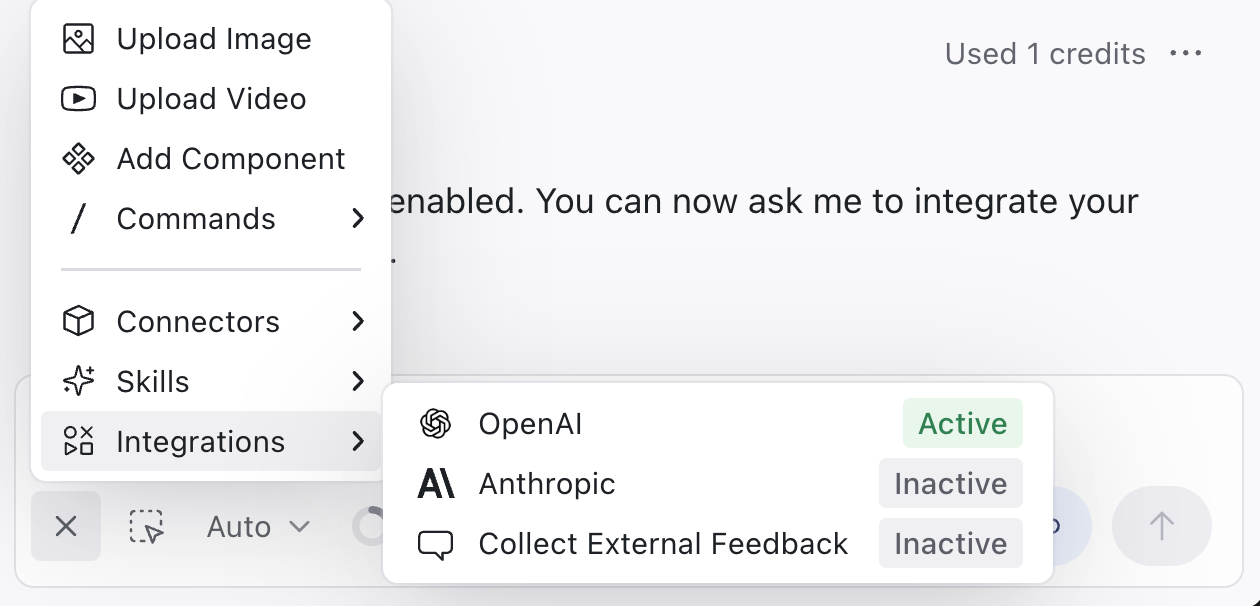
These integrations work inside your published designs. Add API calls, analytics tracking, email forms, and more directly in your code.OpenAI
Build AI-powered features using the OpenAI API.
Anthropic
Build AI-powered features using the Anthropic Claude API.
Google Sheets
Read and write data from Google Sheets.
EmailJS
Send emails directly from your design without a backend.
Collecting Feedback
Gather structured feedback from external users on your prototypes.
E-commerce
Shopify
Create a landing page that links directly to your Shopify store and cart.
Connected Accounts
Connect to LinkedIn
Highlight your experience with Magic Patterns on your LinkedIn profile.
Analytics
Google Analytics
Track page views and user behavior with Google Analytics.
PostHog
Track events and user behavior with PostHog.
Meta Pixel
Track conversions and optimize ad campaigns with Meta Pixel.