Sharing Links
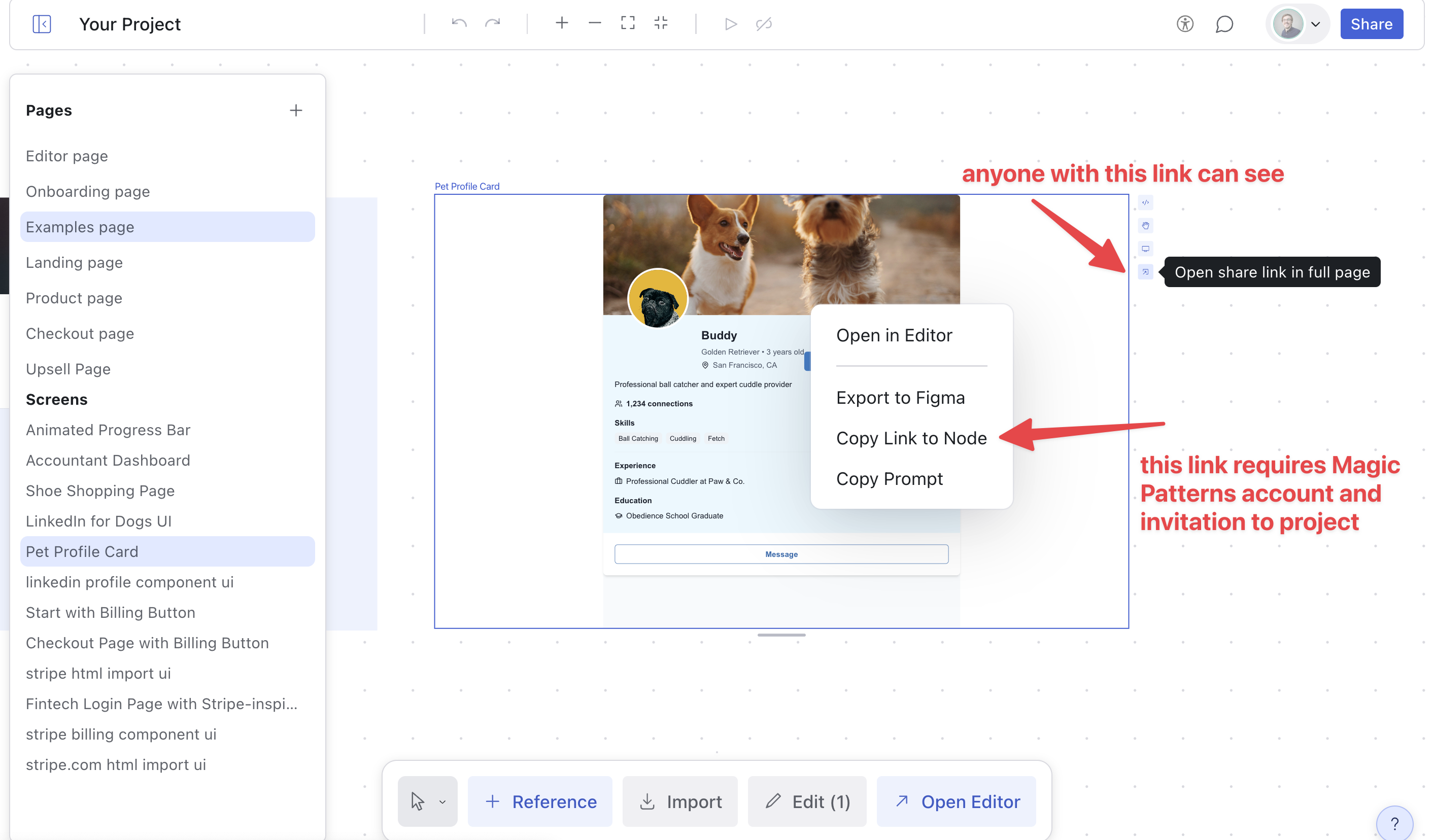
When you are in a canvas, you can share the design in two ways:- Right click on a screen, and click “Copy Link to Node” (your teammates will need to have access to the canvas to see the link).
- Or, simply click on a screen, and click “Open share link in full page” (anyone with this link can view it.)
Invite Team
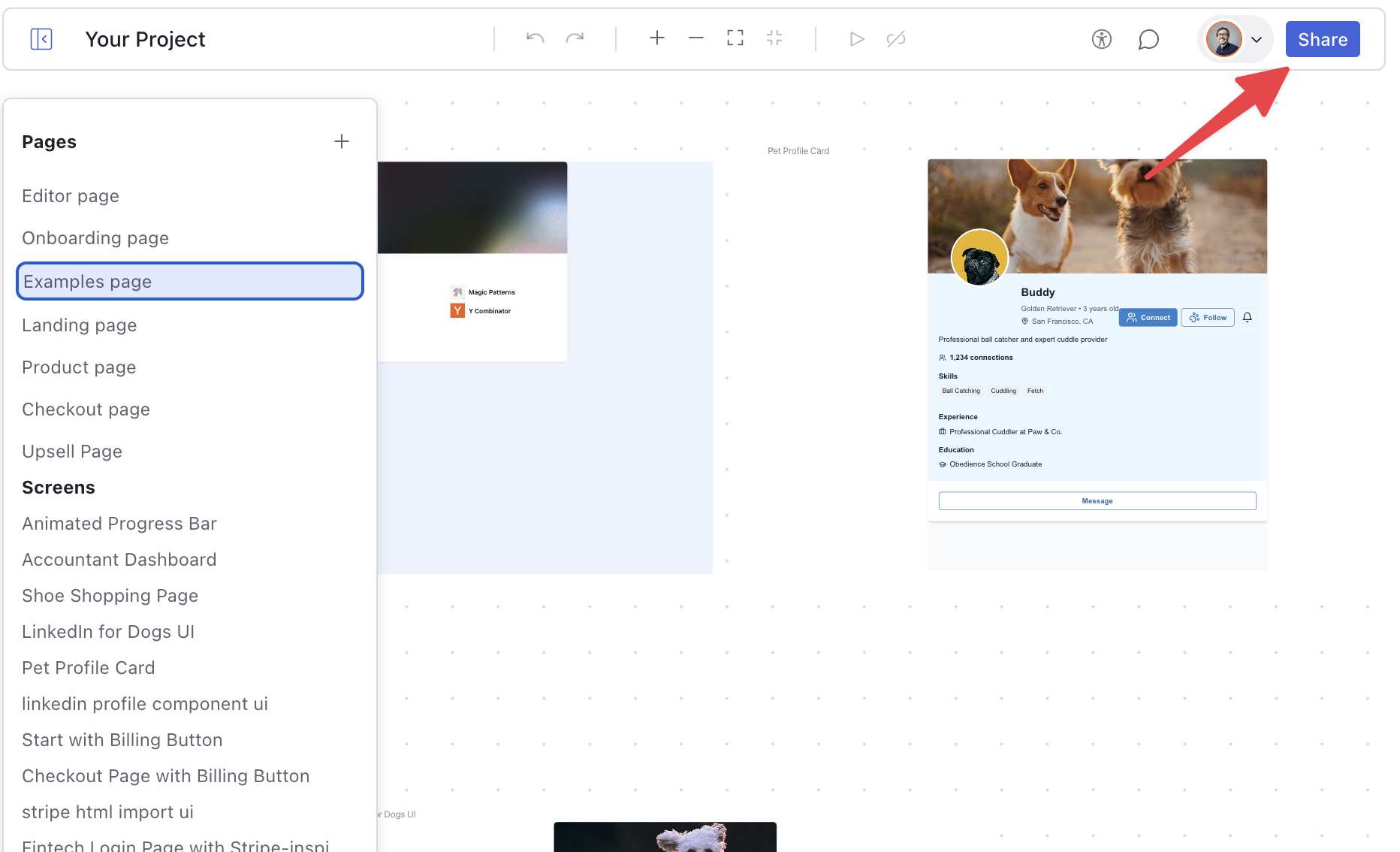
You can invite your teammates by clicking on the Share button in the top right corner of the screen.